This is best Fabric, Power BI, SQL and AI community event. How do we know? The last event sold out! Save €200 with code FABCMTY200.
Register nowA new Data Days event is coming soon! This time we’re going bigger than ever. Fabric, Power BI, SQL, AI and more. Don't miss out.
Hello Everyone,
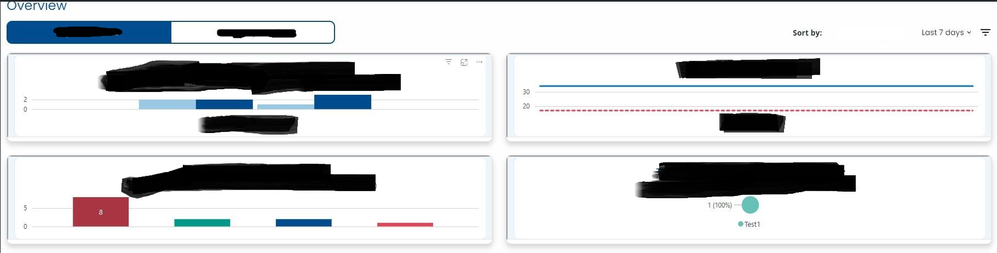
This is my first time here and working with Power BI. We are trying to render power bi visulas within a React App. We can render it, but the size of the visual is too small. How can we style it and increase the height or width of it?
Under the hood, we are using a library called powerbi-client-react. It renders within an IFrame. Each visual/chart is rendered individually.
Thanks in advanced!
Solved! Go to Solution.
Update. We were able to figure it out. Within the powerbi-client-react component, there is a cssClassName property that we were able to use. We created a cssClass, applied it in the cssClassName property, and set the height / width.
Check out the May 2026 Power BI update to learn about new features.
Sign up to receive a private message when registration opens and key events begin.
If you have recently started exploring Fabric, we'd love to hear how it's going. Your feedback can help with product improvements.
| User | Count |
|---|---|
| 2 | |
| 1 | |
| 1 | |
| 1 | |
| 1 |