cancel
Showing results for 
Search instead for 
Did you mean: 

Data Days is here! Join us now for 60+ days of learning, challenges, and connection. Learn more

Reply
Anonymous
Not applicable

Custom Visualization: capabilities.json & table definition with multiple columns

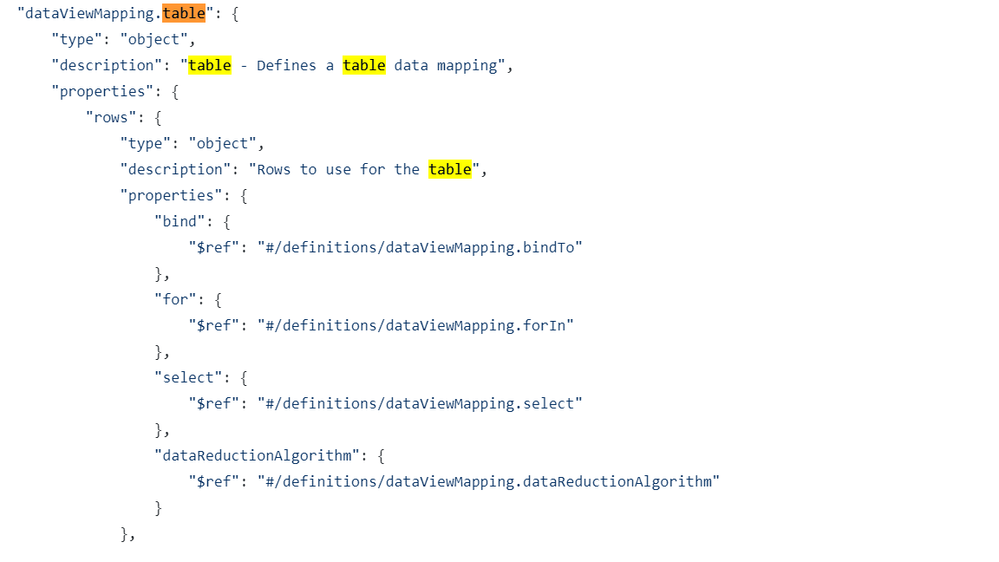
We have multiple columns defined in our data roles definition and need to be able to define them in our corresponding table.  All of the examples are showing only 1 column within the table:


"dataViewMappings": [
    {
        "table": {
            "rows": {
                "for": {
                    "in": "values"
                }
            }
        }
    }
]

We've tried to have multiple 'for' objects, multiple 'in' objects but PBI won't compile the definitions.  Is there a way we can define multiple columns within this table definition?  In v1.9, we got our table for free and now we're attempting to recreate the definition in v2.3 but cannot with our custom visualization.  


our data roles:


"dataRoles": [
{
"displayNameKey": "Visual_Source",
"name": "Source",
"kind": "GroupingOrMeasure",
"displayName": "Source"
},
{
"displayNameKey": "Visual_Target",
"name": "Target",
"kind": "GroupingOrMeasure",
"displayName": "Target"
},
{
"displayNameKey": "Visual_Weight",
"name": "Weight",
"kind": "GroupingOrMeasure",
"displayName": "Weight"
}, ...


@v-viig 

2 REPLIES 2
Anonymous
Not applicable

Hello,


Please try the following example.

    "dataRoles": [{
        "name": "Fields",
        "kind": "Grouping",
        "displayName": "Fields"
    }, {
        "name": "Values",
        "kind": "Measure",
        "displayName": "Values"
    }],
    "dataViewMappings": [{
        "table": {
            "rows": {
                "select": [{
                        "for": {
                            "in": "Fields"
                        }
                    },
                    {
                        "for": {
                            "in": "Values"
                        }
                    }
                ]
            }
        }
    }],


We will add examples with serveral columns to our documentation.


Thanks!


Evgenii Elkin,
Software Engineer
Microsoft Power BI Custom Visuals
pbicvsupport@microsoft.com

Helpful resources

Announcements
Fabric Data Days is here Carousel

Fabric Data Days 2026

Don't miss out on Data Days, June 15 through August 7. Learn Fabric, Power BI, SQL, AI and more.

May Power BI Update Carousel

Power BI Monthly Update - May 2026

Check out the May 2026 Power BI update to learn about new features.

Power BI DataViz World Championships carousel

Power BI DataViz World Championships - June 2026

A new Power BI DataViz World Championship is coming this June! Don't miss out on submitting your entry.

Top Kudoed Authors