Join us at FabCon Atlanta from March 16 - 20, 2026, for the ultimate Fabric, Power BI, AI and SQL community-led event. Save $200 with code FABCOMM.
Register now!Get Fabric Certified for FREE during Fabric Data Days. Don't miss your chance! Request now
Hi there why is my line in the (line and clustered chart) showing straight line??? my data from my connected excel has all decimals. Please help. below you can see an image of the issue im having.
@Anonymous ,
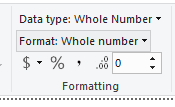
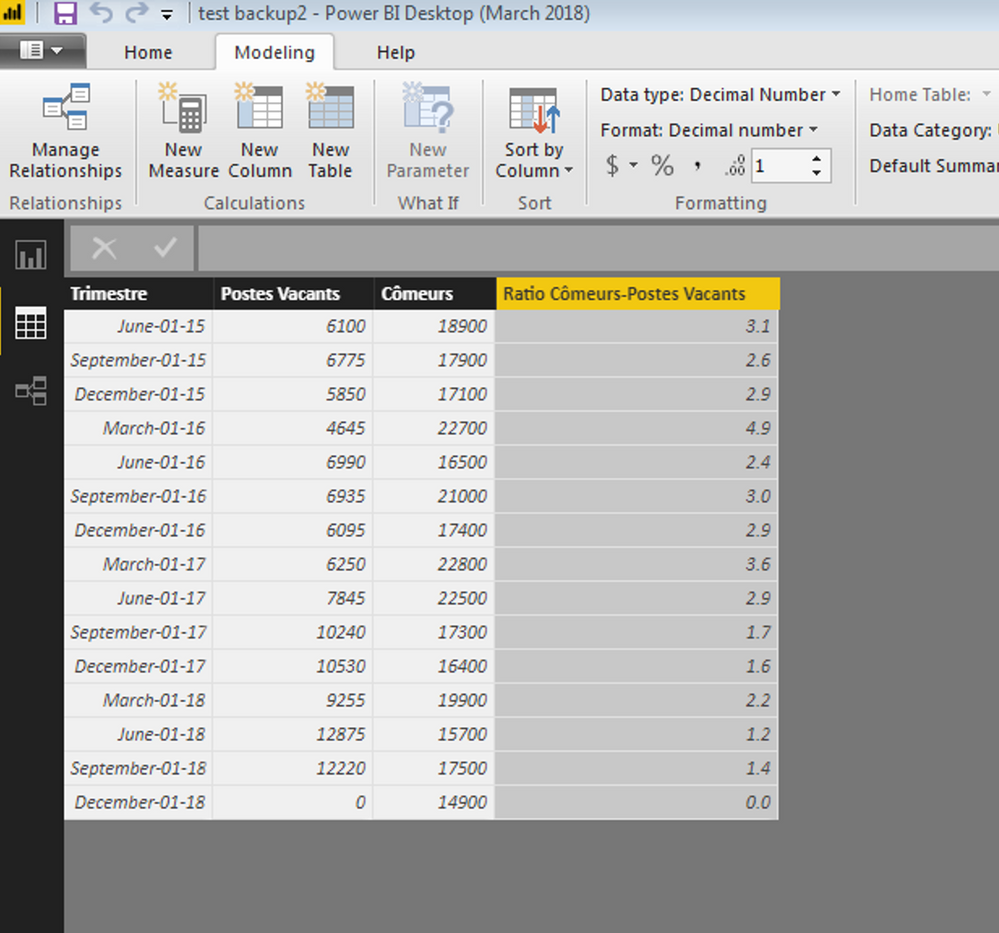
You can click the value column and then click Modeling, you can change the decimal place like below:
Community Support Team _ Jimmy Tao
If this post helps, then please consider Accept it as the solution to help the other members find it more quickly.
no, my question was why am i getting all "1" and not the value as the decimal places like in my excel sheet? my line and clustered graph is showing a stright line, i dont want that, i want the values exactly from my excel to represent the line in the line and clustered chart. hope you understand 🙂
@Anonymous ,
Have you solved your issue by now? If you have, could you please help mark the correct answer to finish the thread? Your contribution will be much appreciated.
Regards,
Jimmy Tao
@Anonymous ,
The image you have post is broken. In addtion, maybe in line chart the aggregation is "count" rather than "sum" or "Not summarize". You can change the aggregation type from "count" to "sum" or "Not summarize" and check if this issue persists.
Community Support Team _ Jimmy Tao
If this post helps, then please consider Accept it as the solution to help the other members find it more quickly.
Check out the November 2025 Power BI update to learn about new features.
Advance your Data & AI career with 50 days of live learning, contests, hands-on challenges, study groups & certifications and more!