Get certified for free when you join Fabric Data Days 2026 and dive into Fabric, Power BI, SQL, AI, and other essential data skills.
Join nowJuly 7 - July 17 | Round 2 of the Power BI Dataviz World Championships. Don't miss your chance! Learn more
hello
I have converted a shape map file, representing my organization's districts area of activity, to topojson format .
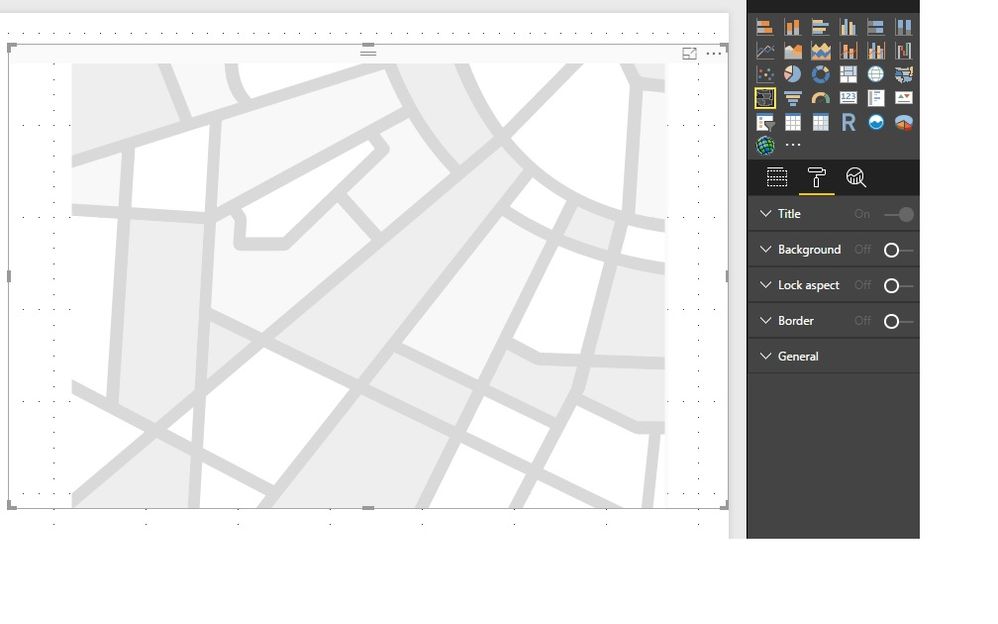
However when I want to use it I see no option of "add map"(see the attached snapshot) like I saw in the documantation I read.
Another question concerens the analytic data I want to reflect on the map.
Am I supposed to create a new table that has both analytic data of each district + the geographic data from the json file ?
Do they have to share a fields i.e the district code?
Thanks
Erez
You need to put a data field into Location first. Then you can edit the map under Shape.
Regards,
Thanks Simon_Hou-MSFT .
I did succeed to manage the visual.
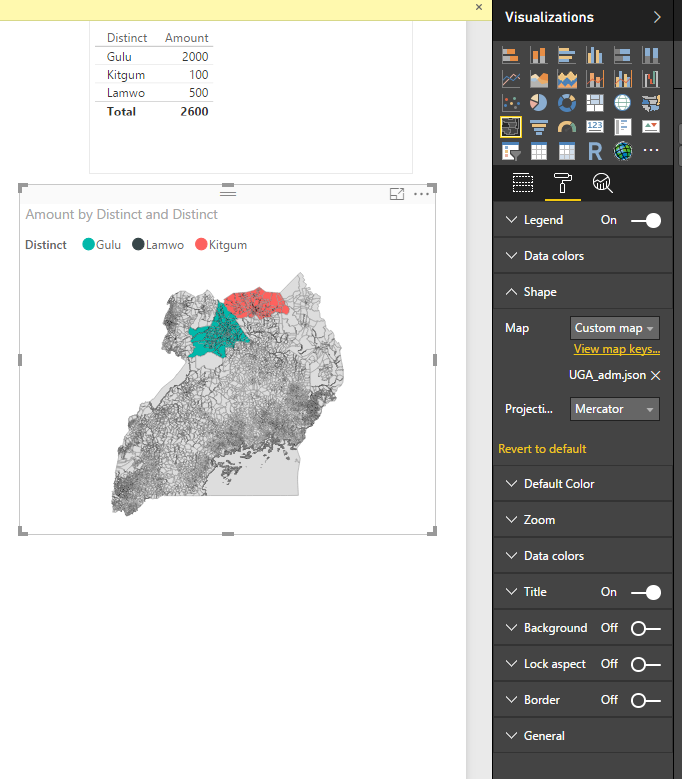
However when I import a personal topojson file I don't see the map correctly.
I've used this link http://mapshaper.org/ for the conversion of my personal shape file to topojson format.
But this resulted a bad converstion.
Someone had a similar problem but he used to arc map which I don't have.
http://community.powerbi.com/t5/Desktop/Problem-using-custom-shape-map/td-p/55795
He configued the conversion with a "WGS 84 / EPSG 4326 " option . But I don't know if this can we implied in mapshaper.
Do you have an idea how can I convert the shape file correctly to topojson ?
Thanks
Erez
Bump / Interested also...
Forrest
Proud to give back to the community!
Thank You!
Join us in Barcelona for FabCon and SQLCon, the Fabric, Power BI, SQL, and AI community event. Save €200 with code FABCMTY200.
Join Fabric Data Days 2026: 60 days of free live/on-demand sessions, challenges, study groups, and certification opportunities.
| User | Count |
|---|---|
| 22 | |
| 22 | |
| 18 | |
| 17 | |
| 13 |
| User | Count |
|---|---|
| 63 | |
| 50 | |
| 46 | |
| 41 | |
| 39 |