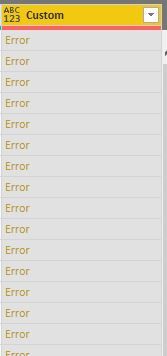
Hey,
there are two possibilities.
Assuming your data looks like this:

In Power Query just, create a new custom column:
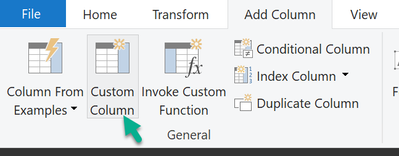
Enter this formula, please be aware that the column names might not match:
List.Dates([Start], Number.From([End]) - Number.From([Start]) + 1, #duration(1 , 0 , 0 , 0))
Then the final move expand the list to new rows:

And voila:
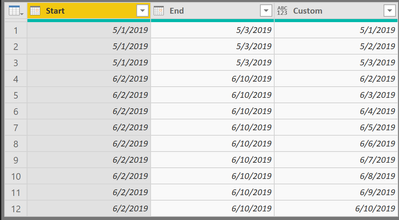
The DAX solution looks like this, create a new table :
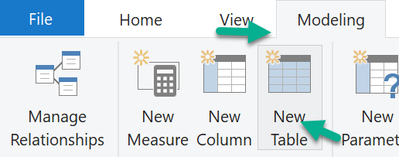
Before you can create your new table it's necessary to create a dedicated Calendar table like so (using DAX):
Calendar =
CALENDAR("2019-01-01", "2019-12-31")
Then you create this DAX statement to create your new table, please be aware, that the name of the table that contains the Start and End column is called 'Table2':
the new table =
GENERATE(
    'Table2'
    , DATESBETWEEN('Calendar'[Date] , [Start] , [End])
)
The result fo course is the same 🙂
My recommendation, use the Power Query approach.
Regards,
Tom
Did I answer your question? Mark my post as a solution, this will help others!
Proud to be a Super User!
I accept Kudos 😉
Hamburg, Germany