Don't miss your chance to take the Fabric Data Engineer (DP-700) exam on us!
Learn moreThe FabCon + SQLCon recap series starts April 14th at 8am Pacific. If you’re tracking where AI is going inside Fabric, this first session is a can't miss. Register now
Hi everyone,
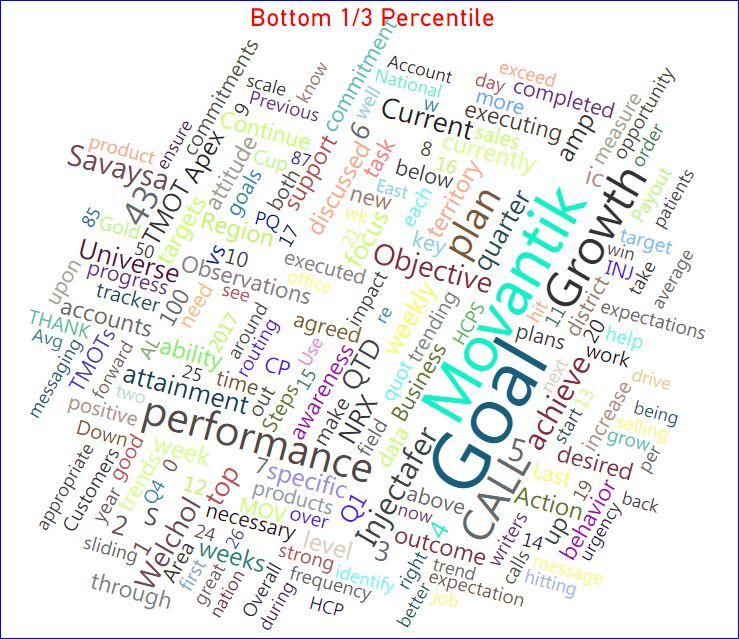
i am using wordcloud visualization for my text analysis. how to display conditional formatting for certian words/sentences or selected words/sentence i would like to show in different color coding . Any one have an idea to display the conditional formatting/different color code in chart.
Solved! Go to Solution.
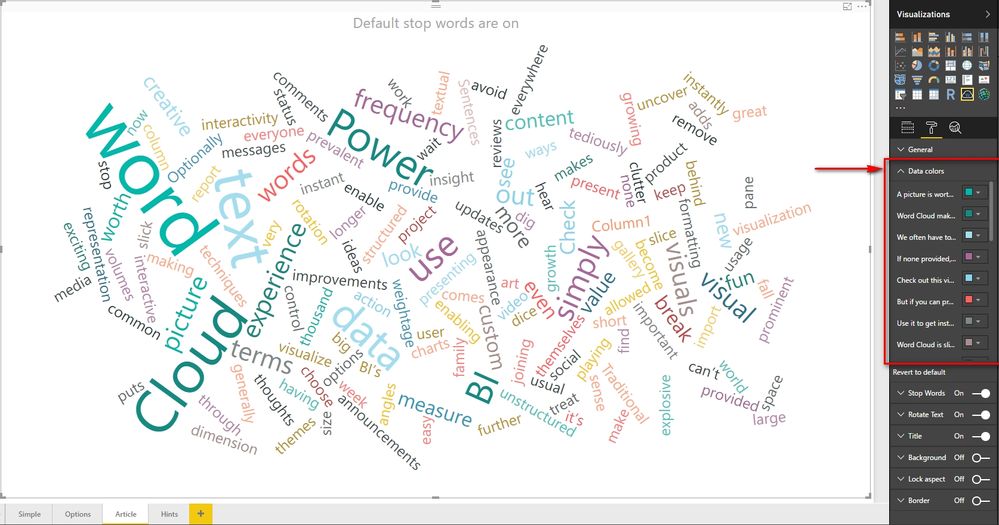
In WordCloud, the only color setting is to set specific color for every word or sentence as below.
If you desire more functions about this custom visual, please create an idea in https://ideas.powerbi.com/forums/265200-power-bi-ideas?query=WordCloud.
Best Regards,
Herbert
For sentiment analysis, you can take a look at this great article which takes advantage of Azure Text Analytics API. There is a good and simple sample there. For % Cases appear, you can use Calculate Measure to do the calculation using proper DAX formulas.
BTW, if you question/problem has been solved, you can accept the right reply as solution, so that other people who have the same question/problem can find the solution quickly.
Best Regards,
Herbert
Thank you quick response.
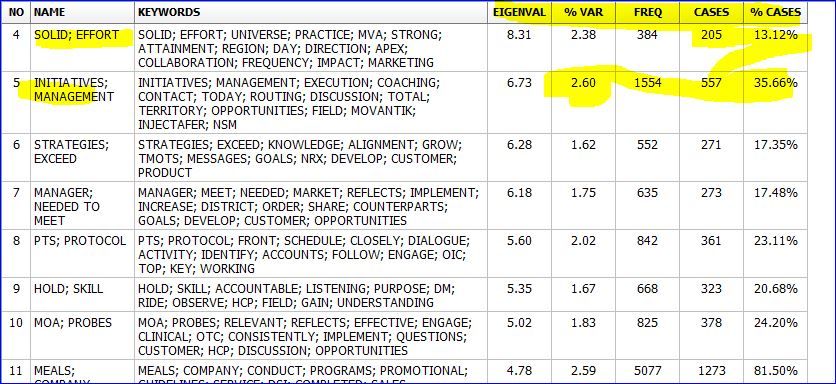
we are looking for text minig/analysis statics like frequency of words now avaible in Power BI great feature.
other statics like sentiment analysis , % Cases appear .
For sentiment analysis, you can take a look at this great article which takes advantage of Azure Text Analytics API. There is a good and simple sample there. For % Cases appear, you can use Calculate Measure to do the calculation using proper DAX formulas.
BTW, if you question/problem has been solved, you can accept the right reply as solution, so that other people who have the same question/problem can find the solution quickly.
Best Regards,
Herbert
In WordCloud, the only color setting is to set specific color for every word or sentence as below.
If you desire more functions about this custom visual, please create an idea in https://ideas.powerbi.com/forums/265200-power-bi-ideas?query=WordCloud.
Best Regards,
Herbert
If you have recently started exploring Fabric, we'd love to hear how it's going. Your feedback can help with product improvements.
A new Power BI DataViz World Championship is coming this June! Don't miss out on submitting your entry.
Share feedback directly with Fabric product managers, participate in targeted research studies and influence the Fabric roadmap.
| User | Count |
|---|---|
| 48 | |
| 44 | |
| 44 | |
| 19 | |
| 19 |
| User | Count |
|---|---|
| 72 | |
| 70 | |
| 34 | |
| 33 | |
| 31 |