Get certified for free when you join Fabric Data Days 2026 and dive into Fabric, Power BI, SQL, AI, and other essential data skills.
Join nowJuly 7 - July 17 | Round 2 of the Power BI Dataviz World Championships. Don't miss your chance! Learn more
How can I create a visualization having 3 fields and one value to count. In my case, i have month, analyst, interval, and the value to be calculated is count
I was able to do it in excel using pivot table and chart. However, I'm not getting the same chart on Power BI. I don't want to use a slicer to filter out each field individually, I need to see all fields at once.
Solved! Go to Solution.
@imuharram not quite sure i understand what you asking
at the drill down in your chart ie. top left of your power bi chart, there is a down arrow, two down arrows, and then a expanded double arrow, click the expanded double arrow, is that what you asking for?
Proud to be a Super User!
@imuharram not quite sure i understand what you asking
at the drill down in your chart ie. top left of your power bi chart, there is a down arrow, two down arrows, and then a expanded double arrow, click the expanded double arrow, is that what you asking for?
Proud to be a Super User!
Yes, this is what I was looking for. Thank you
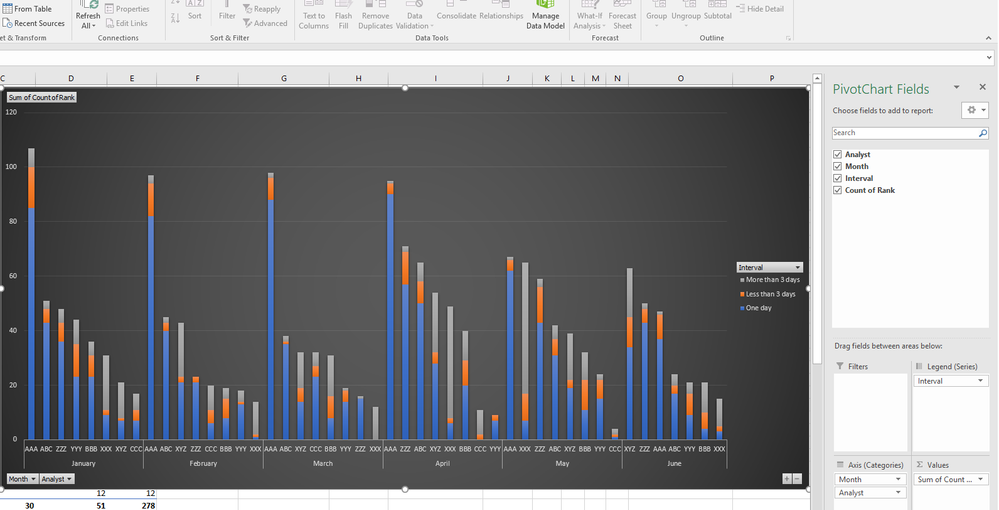
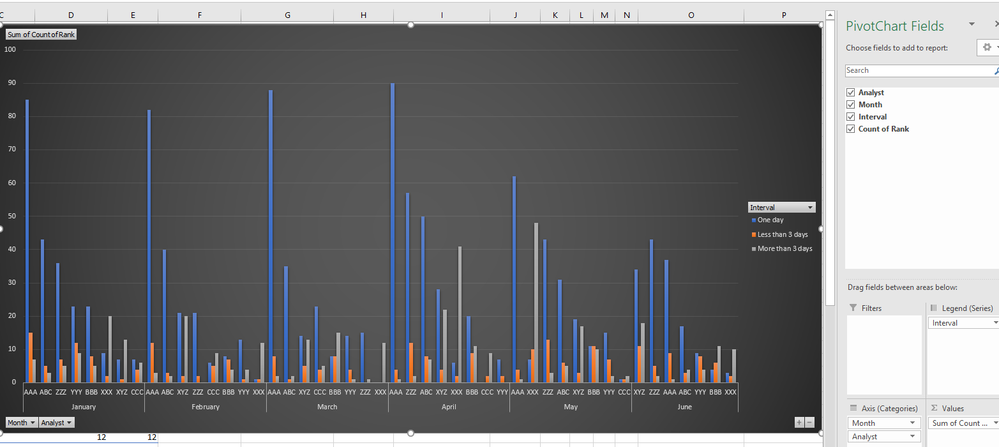
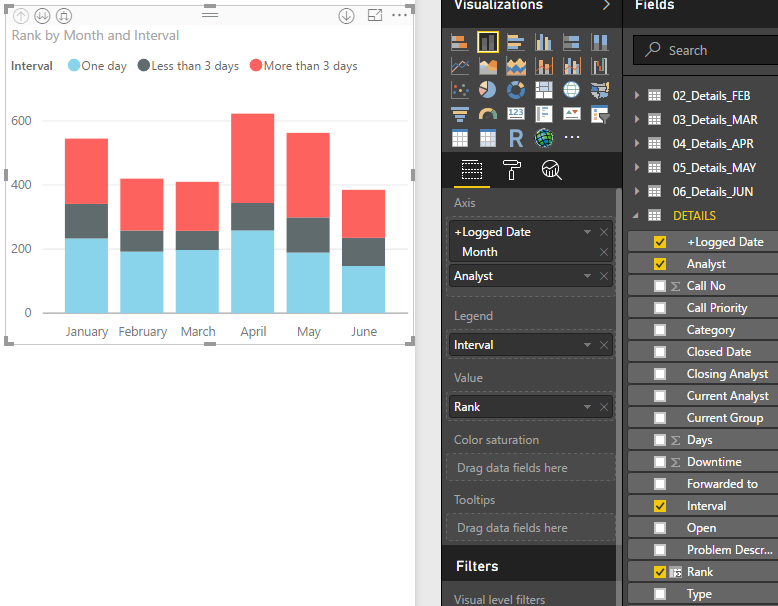
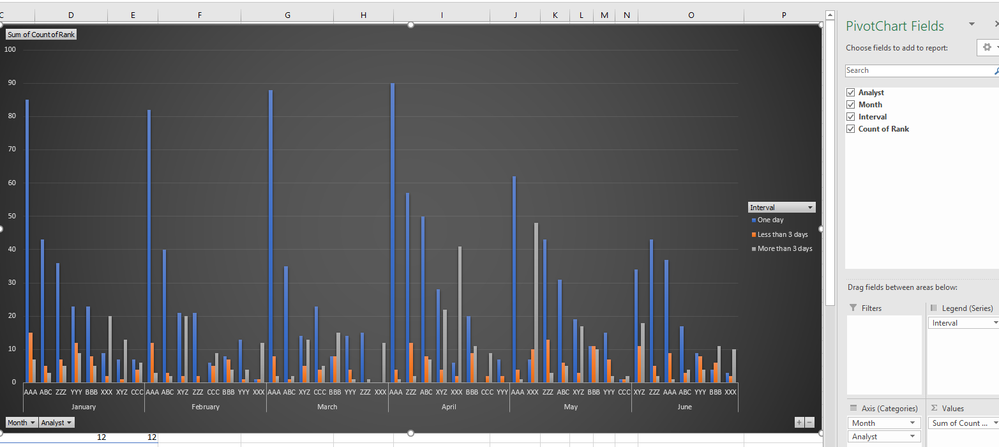
However, it still looks better on excel chart, whereit has the month as a seperate block with its own label, then drills down to the second level seperatly. In power bi, it combines the two labels together where it becomes too long and have them all in one row
Power bi
Excel
Join us in Barcelona for FabCon and SQLCon, the Fabric, Power BI, SQL, and AI community event. Save €200 with code FABCMTY200.
Join Fabric Data Days 2026: 60 days of free live/on-demand sessions, challenges, study groups, and certification opportunities.
| User | Count |
|---|---|
| 22 | |
| 22 | |
| 18 | |
| 16 | |
| 13 |
| User | Count |
|---|---|
| 63 | |
| 42 | |
| 40 | |
| 40 | |
| 40 |