Get certified for free when you join Fabric Data Days 2026 and dive into Fabric, Power BI, SQL, AI, and other essential data skills.
Join nowJuly 7 - July 17 | Round 2 of the Power BI Dataviz World Championships. Don't miss your chance! Learn more
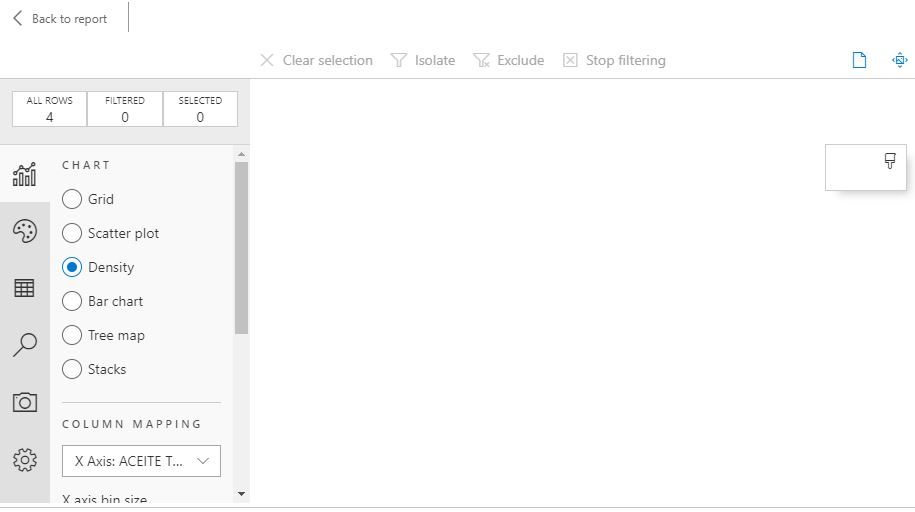
Hello Im having a problem when using SandDance, It doesn´t work, is only showing the Grid graphic but Scatter Plot, Density, Bar Chart, Tree map and Stacks notm it´s empty. Can you help me?
Solved! Go to Solution.
HI @OscarSuarez10 ,
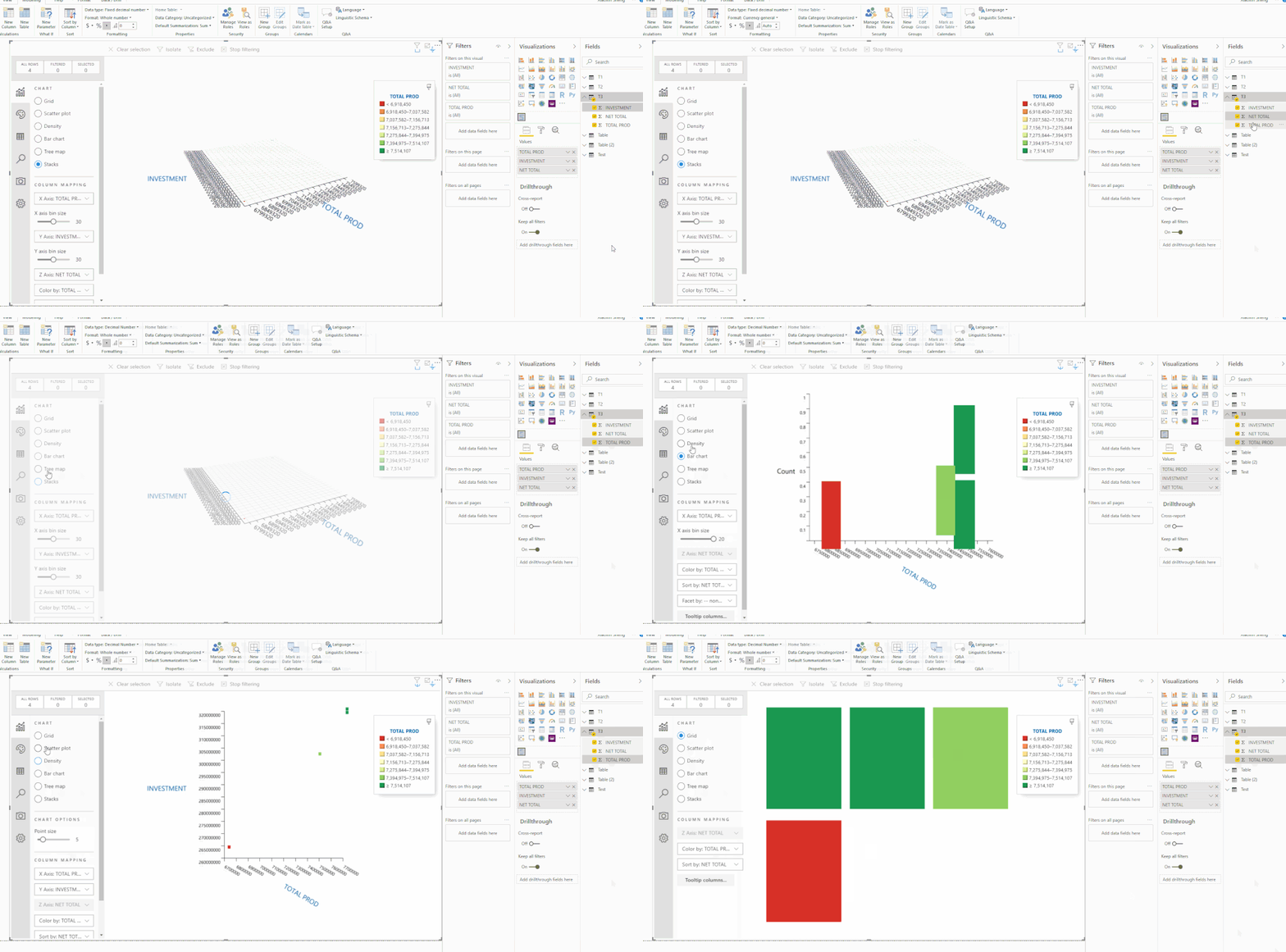
Actually, I test on your sample data and sanddance visual works well to switch between different modes.
I'd like to suggest you check your data column types to confirm they are correctly recognized as numeric type.
Regards,
Xiaoxin Sheng
HI @OscarSuarez10 ,
I think this should more be related to your table fields which used in visual, I can use each mode of SandDance visual. Can you please share some sample data for test?
Regards,
Xiaoxin Sheng
| NET TOTAL | INVESTMENT | TOTAL PROD |
| -$ 257.806.628,00 | $ 319.441.984,00 | 7.633.238,00 |
| -$ 257.841.722,00 | $ 319.419.008,00 | 7.629.940,00 |
| -$ 204.028.118,00 | $ 263.628.000,00 | 6.799.319,00 |
| -$ 239.049.072,00 | $ 301.806.016,00 | 7.440.551,00 |
x Axis = total prod
y Axis= investment
z Axis= Net Total
HI @OscarSuarez10 ,
Actually, I test on your sample data and sanddance visual works well to switch between different modes.
I'd like to suggest you check your data column types to confirm they are correctly recognized as numeric type.
Regards,
Xiaoxin Sheng
Join us in Barcelona for FabCon and SQLCon, the Fabric, Power BI, SQL, and AI community event. Save €200 with code FABCMTY200.
If you love stickers, then you will definitely want to check out our community sticker challenge, Barcelona edition!
Check out the July 2026 Power BI update to learn about new features.
| User | Count |
|---|---|
| 30 | |
| 23 | |
| 23 | |
| 23 | |
| 14 |
| User | Count |
|---|---|
| 48 | |
| 33 | |
| 20 | |
| 18 | |
| 16 |