Join us at FabCon Atlanta from March 16 - 20, 2026, for the ultimate Fabric, Power BI, AI and SQL community-led event. Save $200 with code FABCOMM.
Register now!Learn from the best! Meet the four finalists headed to the FINALS of the Power BI Dataviz World Championships! Register now
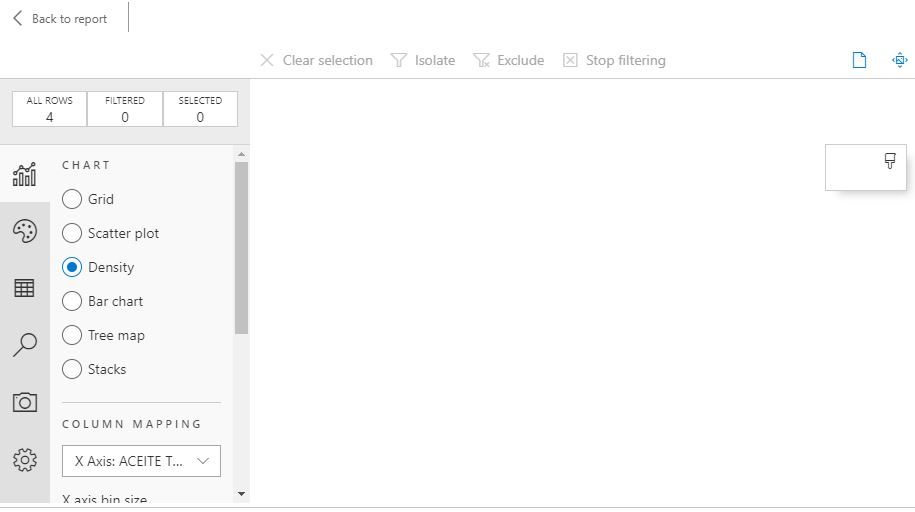
Hello Im having a problem when using SandDance, It doesn´t work, is only showing the Grid graphic but Scatter Plot, Density, Bar Chart, Tree map and Stacks notm it´s empty. Can you help me?
Solved! Go to Solution.
HI @OscarSuarez10 ,
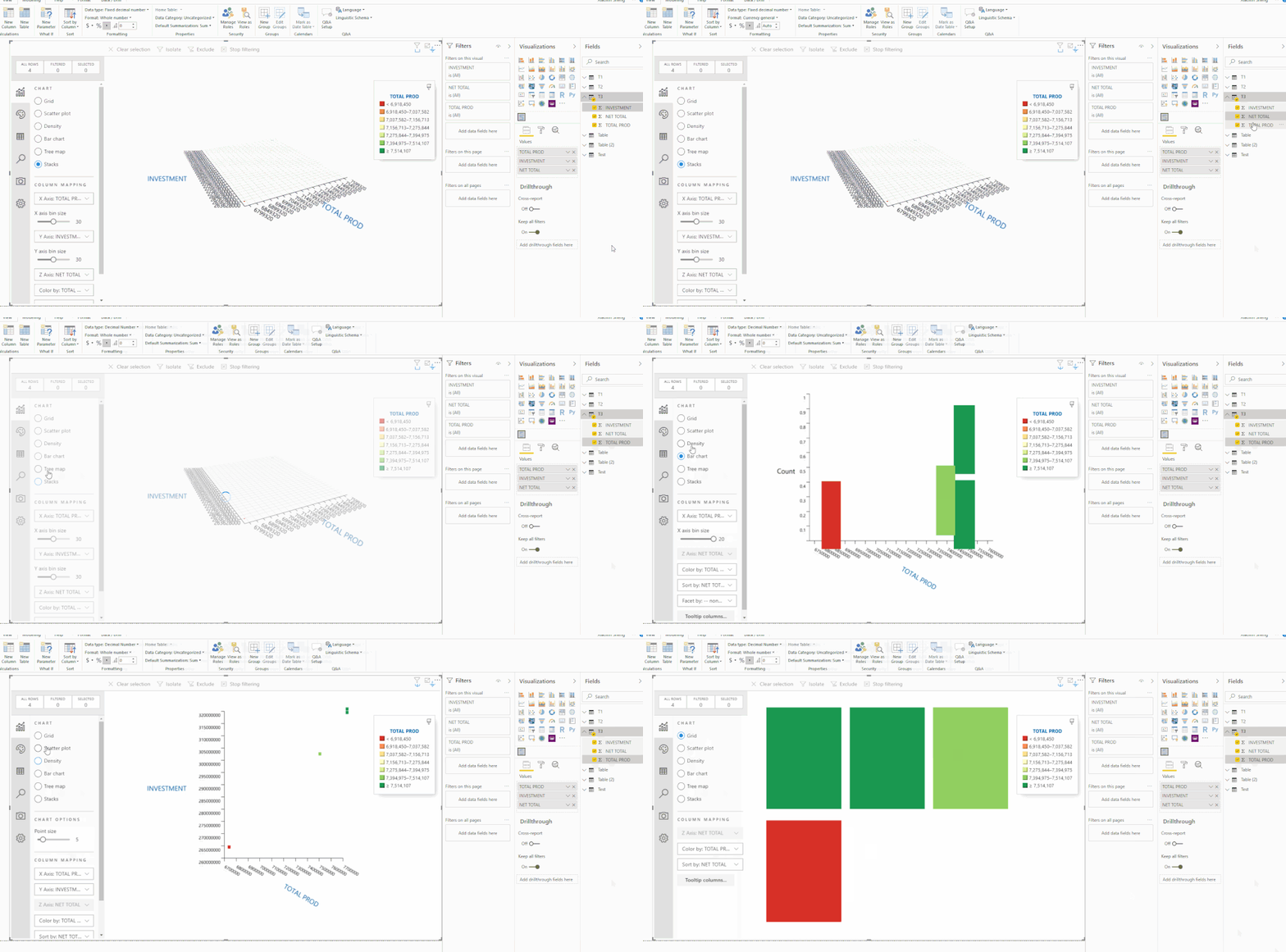
Actually, I test on your sample data and sanddance visual works well to switch between different modes.
I'd like to suggest you check your data column types to confirm they are correctly recognized as numeric type.
Regards,
Xiaoxin Sheng
HI @OscarSuarez10 ,
I think this should more be related to your table fields which used in visual, I can use each mode of SandDance visual. Can you please share some sample data for test?
Regards,
Xiaoxin Sheng
| NET TOTAL | INVESTMENT | TOTAL PROD |
| -$ 257.806.628,00 | $ 319.441.984,00 | 7.633.238,00 |
| -$ 257.841.722,00 | $ 319.419.008,00 | 7.629.940,00 |
| -$ 204.028.118,00 | $ 263.628.000,00 | 6.799.319,00 |
| -$ 239.049.072,00 | $ 301.806.016,00 | 7.440.551,00 |
x Axis = total prod
y Axis= investment
z Axis= Net Total
HI @OscarSuarez10 ,
Actually, I test on your sample data and sanddance visual works well to switch between different modes.
I'd like to suggest you check your data column types to confirm they are correctly recognized as numeric type.
Regards,
Xiaoxin Sheng
Share feedback directly with Fabric product managers, participate in targeted research studies and influence the Fabric roadmap.
Check out the February 2026 Power BI update to learn about new features.
| User | Count |
|---|---|
| 50 | |
| 49 | |
| 35 | |
| 15 | |
| 14 |
| User | Count |
|---|---|
| 91 | |
| 75 | |
| 41 | |
| 26 | |
| 25 |