This is best Fabric, Power BI, SQL and AI community event. How do we know? The last event sold out! Save €200 with code FABCMTY200.
Register nowA new Data Days event is coming soon! This time we’re going bigger than ever. Fabric, Power BI, SQL, AI and more. Don't miss out.
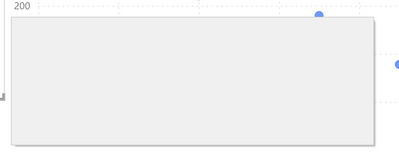
I am seeing entirely blank dialogs - just a grey box, which should be e.g. the confirmation-dialog when I delete a column or table.
I have seen this multiple times lately on at least 2 entirely different computers (work & private, 1x intel integrated gpu and 1x high-end-nvidia in the other, so graphics drivers should not be the cause).
Mouse-interaction works, the cursor changes on hot areas.
Nothing helps then but close and reopen.
Version: 2.103.881.0 64-bit (March 2022) on Win10
Solved! Go to Solution.
It seems this has vanished after some update.
its quite irritating, try clicking on the dialog box, the buttons are still there and if you click on it , it should work, its just guess work locating where it is. Not sure if would help at all but maybe clear your cache? but no idea if that works or not.
Proud to be a Super User!
Sign up to receive a private message when registration opens and key events begin.
If you have recently started exploring Fabric, we'd love to hear how it's going. Your feedback can help with product improvements.
| User | Count |
|---|---|
| 32 | |
| 26 | |
| 21 | |
| 20 | |
| 15 |
| User | Count |
|---|---|
| 63 | |
| 44 | |
| 28 | |
| 24 | |
| 22 |