Hi, I am fairly new to Power BI and would greatly appreciate it if someone can help me with this business case.
Problem statement seems simple. I need to calculate total employee cost at any given point in time
- I have a date table from which I created a date slider
- I have a table with employee, their salary, their monthly run rate (which is salary/12). The the date table is linked to the employee table
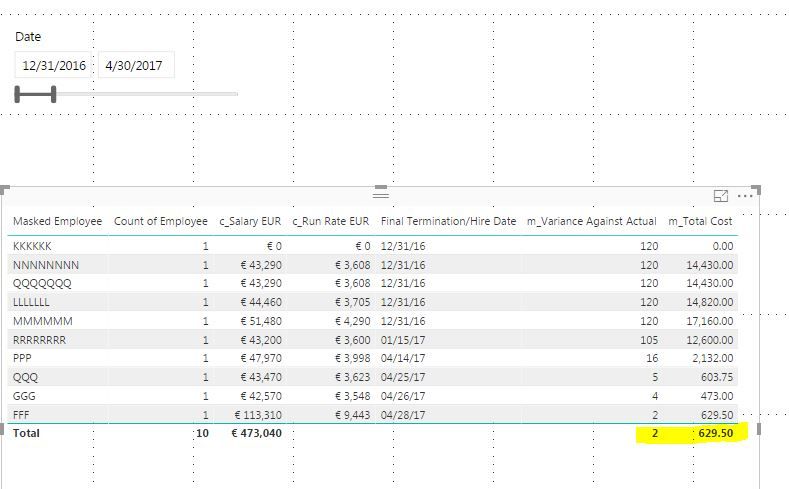
- I need to calculate the Total Cost = (Date Variance * Monthly Run Rate) /30 days
- Date Variance = Date Selection – Termination Date
I created a new measure for the Date Variance and new measure For the Total Cost that allows the calculation to done at the row level, which is what I want.
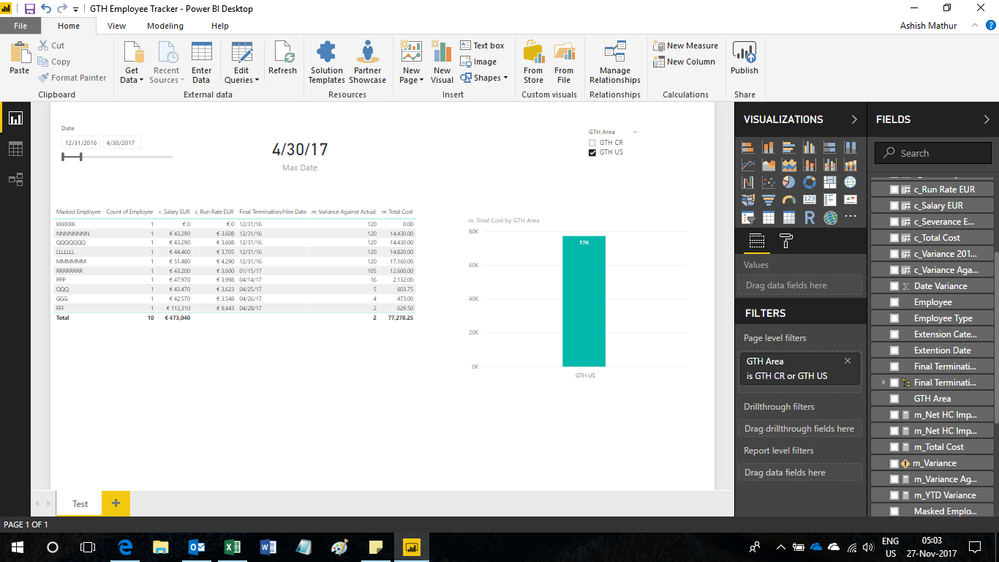
However, somehow I am not able to aggreggate the Total Cost.
I tried the same calculation for new column, but that's not working either.
What did I do wrong?