Join us at FabCon Atlanta from March 16 - 20, 2026, for the ultimate Fabric, Power BI, AI and SQL community-led event. Save $200 with code FABCOMM.
Register now!The Power BI Data Visualization World Championships is back! Get ahead of the game and start preparing now! Learn more
how to create Custom column based on same column values using between operator ??
example:i have a column with values range from 0 to 10..i wanted to create custom column based on the condition.(ie).0-5 as custom column and 5 -10 as other custom column..
Solved! Go to Solution.
If I understand this right you may be overthinking this.
Just a simple if statement would do.
You may have to change this a bit but here it is depending on where you want the 5 included
Custom Column = IF ( Table[Column] < 6, "0-5", "6-10" )
Good Luck! ![]()
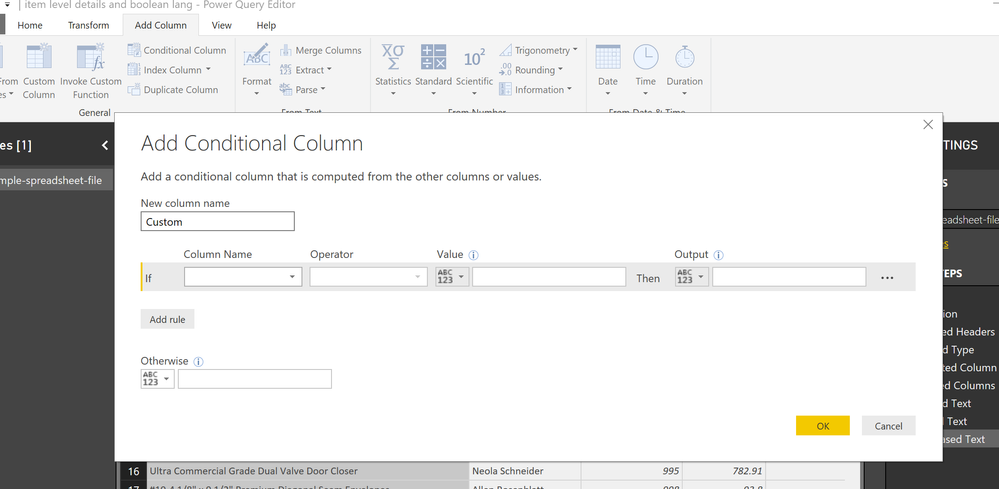
I would do a conditional column in query editor based on the logic above. If less than or equal to 6 then... etc.
Yes that works too! In fact that’s what I would do too! ![]()
If I understand this right you may be overthinking this.
Just a simple if statement would do.
You may have to change this a bit but here it is depending on where you want the 5 included
Custom Column = IF ( Table[Column] < 6, "0-5", "6-10" )
Good Luck! ![]()
Check out the November 2025 Power BI update to learn about new features.
Advance your Data & AI career with 50 days of live learning, contests, hands-on challenges, study groups & certifications and more!