Get certified for free when you join Fabric Data Days 2026 and dive into Fabric, Power BI, SQL, AI, and other essential data skills.
Join nowJuly 7 - July 17 | Round 2 of the Power BI Dataviz World Championships. Don't miss your chance! Learn more
Hi all, I'd been tasked to modernize my organisations map of the different branches/ factions.
I can extract all the data from our sharepoint but I'm curious on how to utilize it best.
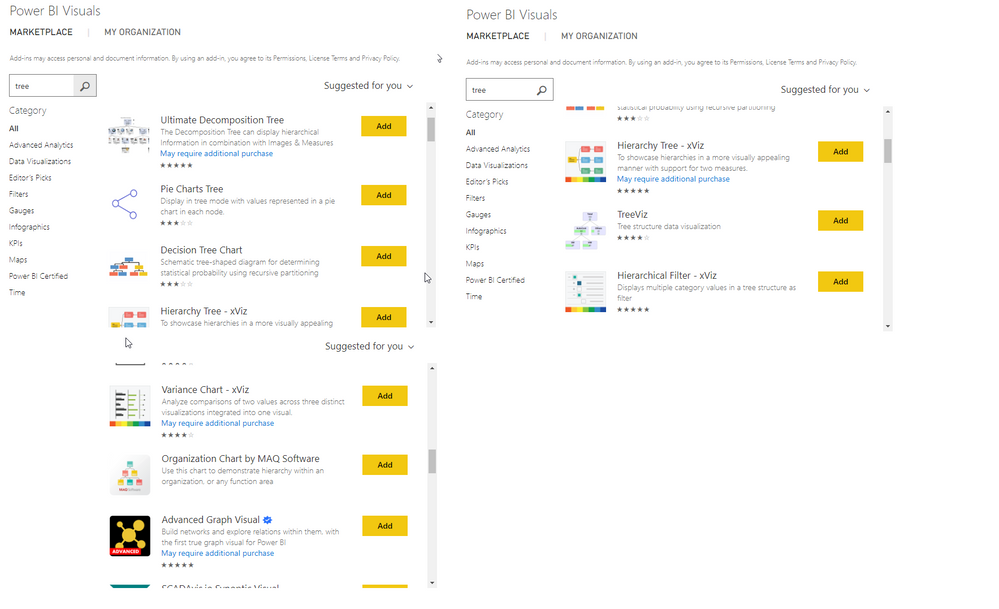
I'd like to have like a tree laid out in a hierarchy form with each image being interactive and linked to a sub-site with more information of that branch/faction.
Is this something PowerBI can make or do I need some other office365 software?
Regards
We created an org chart using the standard Power BI Matrix visual. Data resides in a standard RDBMS single table in a parent-child (supervisor-subordinate) style. Write a recursive SQL query to query all the hierarchy levels and put it into a matrix like this:
https://www.udot.utah.gov/connect/about-us/department-organizational-chart/
email [email protected] for a more detailed explanation.
- Stanley Chiang
Utah Department of Transportation
State of Utah
Hi, thank you very much for the reply.
However, I have an org of more than 700 ppl. How could that be displayed properly on the visual? I found the canvas is just tooooooooooo small for displaying even level 2 mgrs. There are about 8 levels in total. Also anyway I could search for an emplyee?
If anyone could help, that would be deeply appreciated!
| User | Count |
|---|---|
| 23 | |
| 22 | |
| 20 | |
| 20 | |
| 12 |
| User | Count |
|---|---|
| 62 | |
| 55 | |
| 47 | |
| 44 | |
| 37 |