Join us at FabCon Atlanta from March 16 - 20, 2026, for the ultimate Fabric, Power BI, AI and SQL community-led event. Save $200 with code FABCOMM.
Register now!The Power BI Data Visualization World Championships is back! Get ahead of the game and start preparing now! Learn more
Hi all, I'd been tasked to modernize my organisations map of the different branches/ factions.
I can extract all the data from our sharepoint but I'm curious on how to utilize it best.
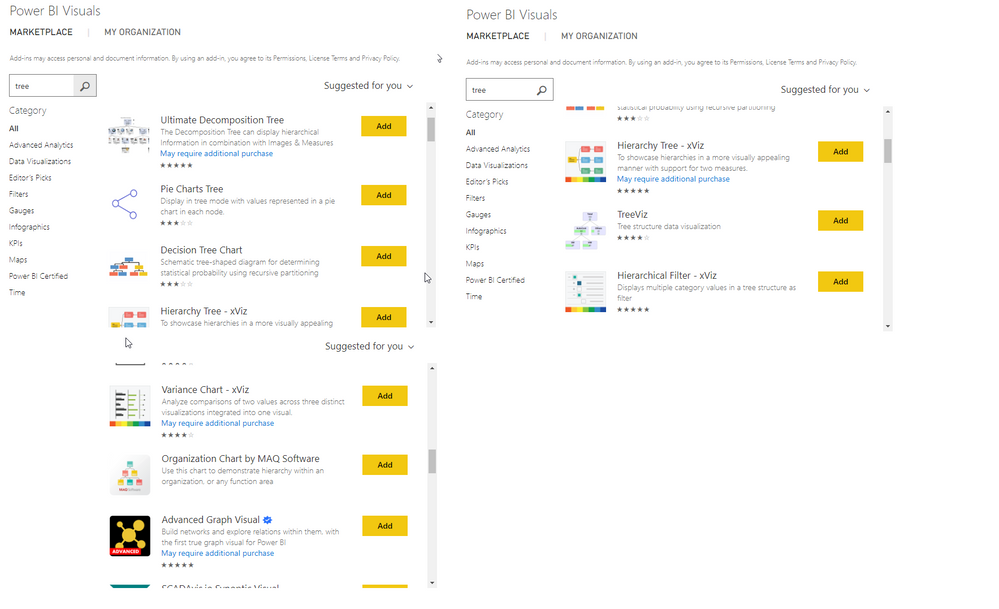
I'd like to have like a tree laid out in a hierarchy form with each image being interactive and linked to a sub-site with more information of that branch/faction.
Is this something PowerBI can make or do I need some other office365 software?
Regards
We created an org chart using the standard Power BI Matrix visual. Data resides in a standard RDBMS single table in a parent-child (supervisor-subordinate) style. Write a recursive SQL query to query all the hierarchy levels and put it into a matrix like this:
https://www.udot.utah.gov/connect/about-us/department-organizational-chart/
email schiang@utah.gov for a more detailed explanation.
- Stanley Chiang
Utah Department of Transportation
State of Utah
Hi, thank you very much for the reply.
However, I have an org of more than 700 ppl. How could that be displayed properly on the visual? I found the canvas is just tooooooooooo small for displaying even level 2 mgrs. There are about 8 levels in total. Also anyway I could search for an emplyee?
If anyone could help, that would be deeply appreciated!
The Power BI Data Visualization World Championships is back! Get ahead of the game and start preparing now!
| User | Count |
|---|---|
| 41 | |
| 38 | |
| 36 | |
| 31 | |
| 28 |
| User | Count |
|---|---|
| 129 | |
| 88 | |
| 79 | |
| 68 | |
| 63 |