Don't miss your chance to take the Fabric Data Engineer (DP-600) exam for FREE! Find out how by attending the DP-600 session on April 23rd (pacific time), live or on-demand.
Learn moreNext up in the FabCon + SQLCon recap series: The roadmap for Microsoft SQL and Maximizing Developer experiences in Fabric. All sessions are available on-demand after the live show. Register now
Hello,
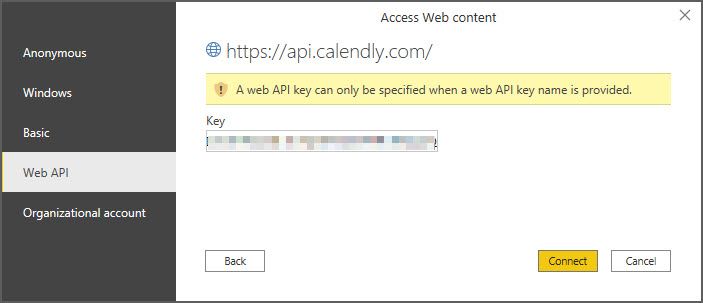
I am trying to figure out how to connect to our company's Calendly account to view appointments, etc. Calendly's support told me that I just need my API from them to connect in Power BI. I have tried many combinations using the "From Web" connector with no luck. Has anyone made this connection?
Jim
I tried using a Client ID, Webhook Signing Key, Secret that Calendly sent me. No luck.
@Anonymous I tried using a Client ID, Webhook Signing Key, Secret that Calendly sent me. No luck.
Try connecting using Anonymous authentication and Put the access token in the header like this : Authorization: Bearer <TOKEN>
Hi, @Anonymous
Please refer to these related documents.
https://community.powerbi.com/t5/Desktop/Connecting-Power-BI-with-API/m-p/533527
Best Regards,
Community Support Team _ Eason
How did you connect? using bearer token? Can you share a screenshot of the error you are getting?
If you have recently started exploring Fabric, we'd love to hear how it's going. Your feedback can help with product improvements.
A new Power BI DataViz World Championship is coming this June! Don't miss out on submitting your entry.
| User | Count |
|---|---|
| 47 | |
| 43 | |
| 39 | |
| 20 | |
| 15 |
| User | Count |
|---|---|
| 68 | |
| 68 | |
| 31 | |
| 27 | |
| 24 |