cancel
Showing results for 
Search instead for 
Did you mean: 

Learn from the best! Meet the four finalists headed to the FINALS of the Power BI Dataviz World Championships! Register now

Reply
Lania
New Member

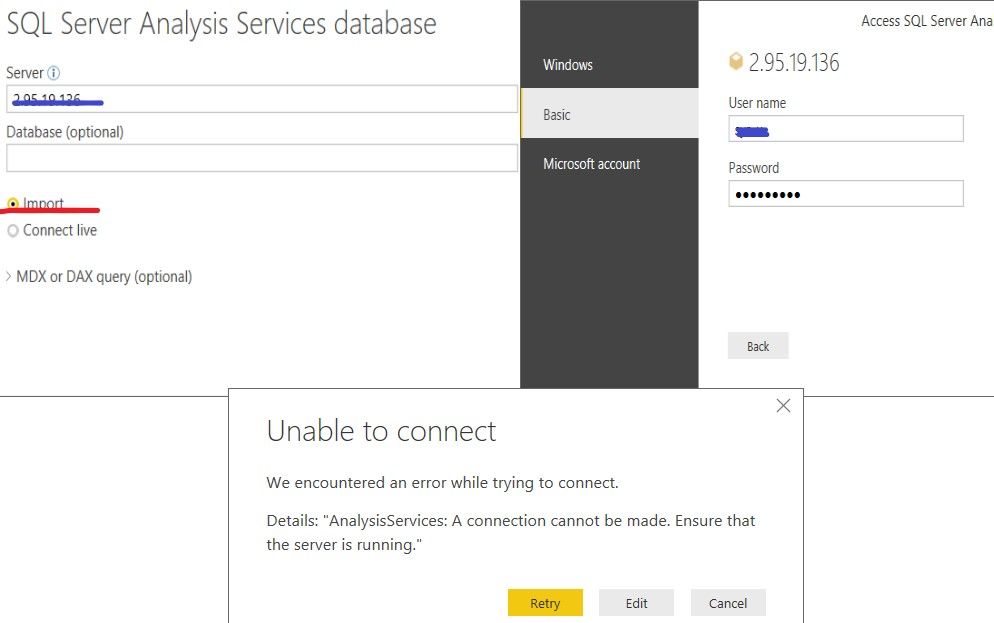
error connect SSAS

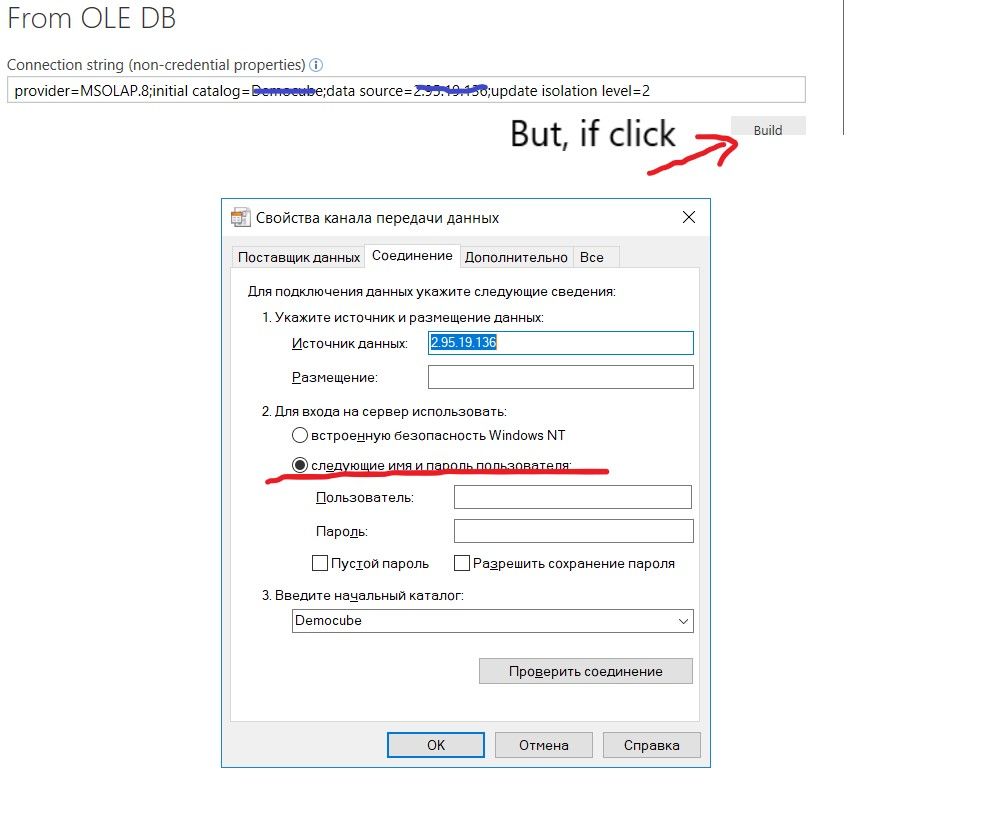
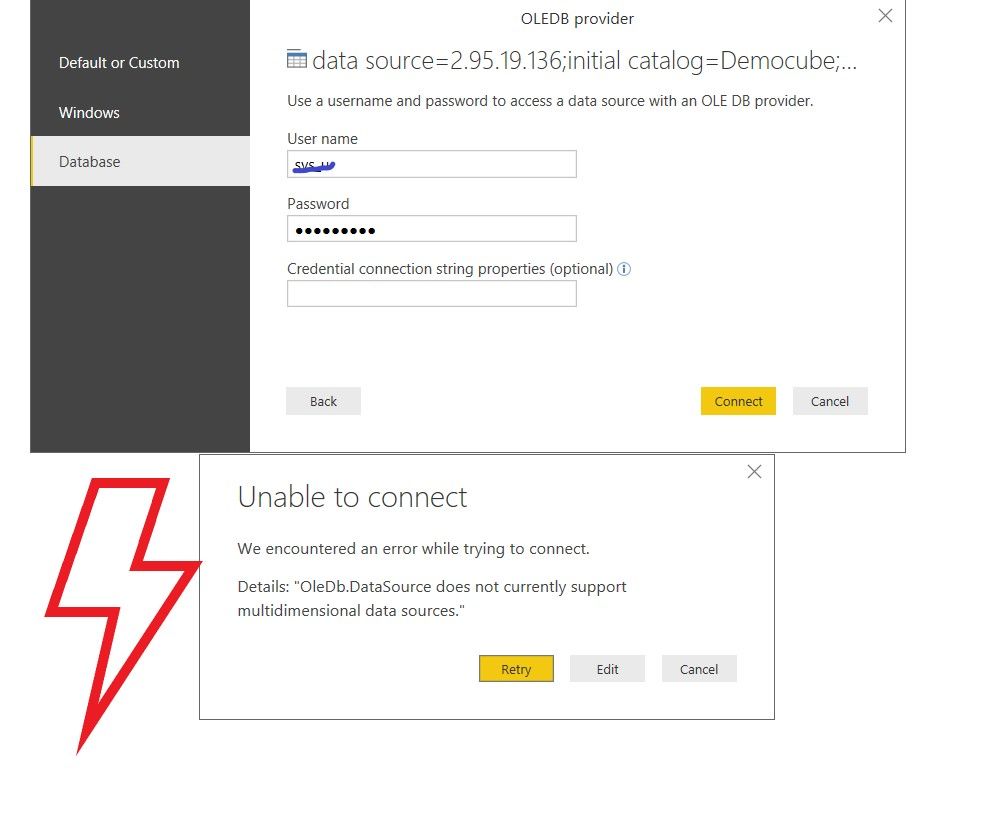
Hellow,1.jpg2.jpg3.jpg4.jpg5.jpg6.jpg

1 ACCEPTED SOLUTION
v-yuta-msft
Community Support
Community Support

Hi Lania,


To troubleshoot this issue, please refer to steps below:


  1. Please check if you can connect to the SSAS in SSMS use the same connection information.
  2. please check if SSAS server is in the same domain with your computer, or if the SSAS server has been moved to another domain.
  1. please check if you have been assigned with SSAS instance administrator to have access authority.
  1. please check if SSAS server’s firewall has blocked inbound requests to Analysis Service in “Windows Defender Firewall with Advanced Security on local computer”. Usually the TCP listening port 2383 shouldn’t be blocked.
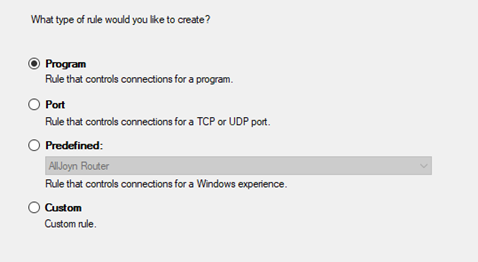
  1. In the fourth step, please check if there’re firewall inbound rules which block the connection to SSAS because the server admin may create “Program rules” like below.

 1.png


Best Regards,

Jimmy Tao

View solution in original post

1 REPLY 1
v-yuta-msft
Community Support
Community Support

Hi Lania,


To troubleshoot this issue, please refer to steps below:


  1. Please check if you can connect to the SSAS in SSMS use the same connection information.
  2. please check if SSAS server is in the same domain with your computer, or if the SSAS server has been moved to another domain.
  1. please check if you have been assigned with SSAS instance administrator to have access authority.
  1. please check if SSAS server’s firewall has blocked inbound requests to Analysis Service in “Windows Defender Firewall with Advanced Security on local computer”. Usually the TCP listening port 2383 shouldn’t be blocked.
  1. In the fourth step, please check if there’re firewall inbound rules which block the connection to SSAS because the server admin may create “Program rules” like below.

 1.png


Best Regards,

Jimmy Tao

Helpful resources

Announcements
Join our Fabric User Panel

Join our Fabric User Panel

Share feedback directly with Fabric product managers, participate in targeted research studies and influence the Fabric roadmap.

March Power BI Update Carousel

Power BI Community Update - March 2026

Check out the March 2026 Power BI update to learn about new features.