Share feedback directly with Fabric product managers, participate in targeted research studies and influence the Fabric roadmap.
Sign up nowGet Fabric certified for FREE! Don't miss your chance! Learn more
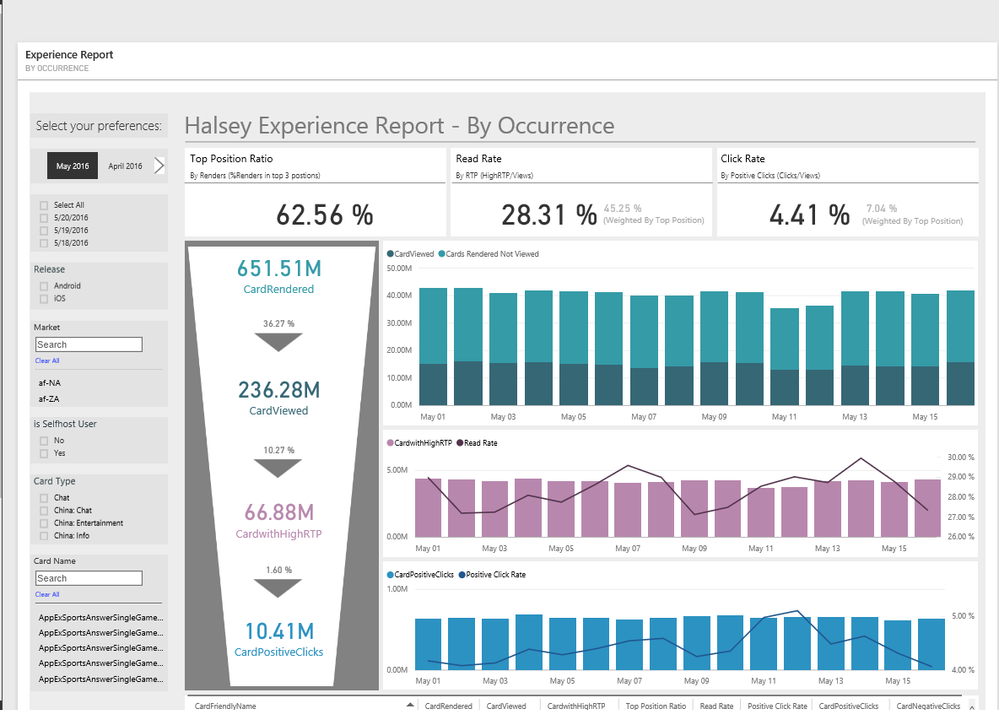
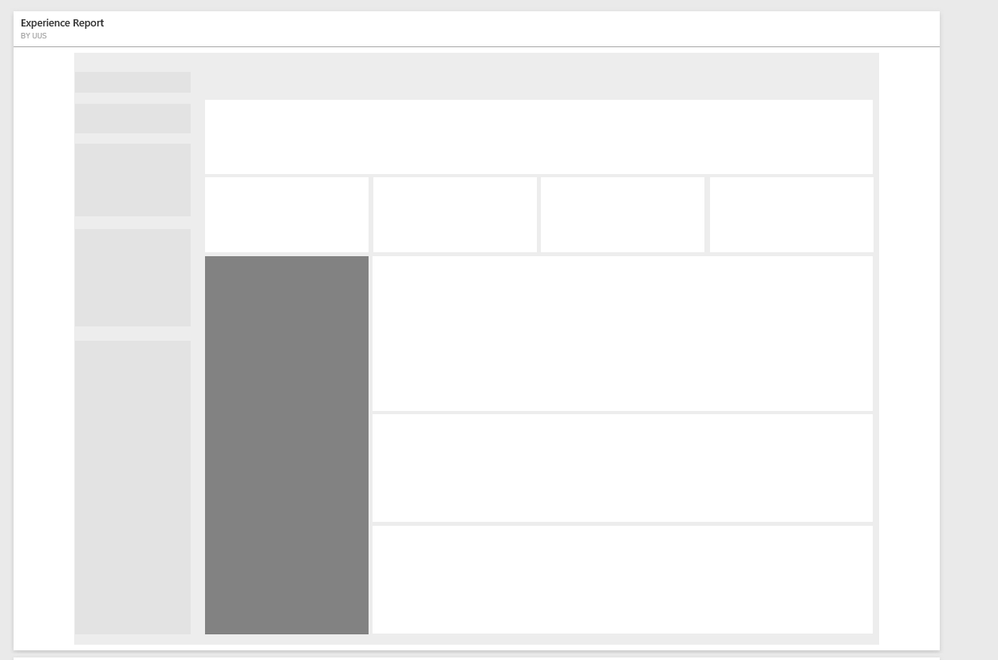
hi, please see the two dashboards print screen
both are from pinned live page (pinned reports, with the same width but not the same height)
can you see the difference of the alignment? why is that?
i didnt defined nothing, just pinned the page to dashboards
thanks!
if i'm trying to resize the tile's size, the white in the sides is changing accordingly
thanks!
Solved! Go to Solution.
The tiles are standardised sizes. So you have to work with what you are given. He issue is that he second dashboard is too long for the standard size you are using, so it scales down the width to make it fit. If you drag he length of the second tile down (it will snap to the next standard size) then the width should auto adjust to align with the one above.
@MattAllington actually it didn't work:\
when i drag it down, it changes proportional to the standart, a lot of blanks in both sizes, but longer
the difference between two dashboards above is about 50 pxls only, don't know why it is so ugly in the higher one
Sorry about that bad advice, I don't know what I was thinking. Surely the 2 reports are different lengths, and that is the cause of the problem. Is that correct?
sorry it was my mistake.. just need to play with the tile till it works 🙂
Share feedback directly with Fabric product managers, participate in targeted research studies and influence the Fabric roadmap.
If you love stickers, then you will definitely want to check out our Community Sticker Challenge!
Check out the January 2026 Power BI update to learn about new features.
| User | Count |
|---|---|
| 19 | |
| 8 | |
| 7 | |
| 7 | |
| 7 |
| User | Count |
|---|---|
| 52 | |
| 46 | |
| 25 | |
| 25 | |
| 24 |