Join us at FabCon Atlanta from March 16 - 20, 2026, for the ultimate Fabric, Power BI, AI and SQL community-led event. Save $200 with code FABCOMM.
Register now!The Power BI Data Visualization World Championships is back! Get ahead of the game and start preparing now! Learn more
Hi,
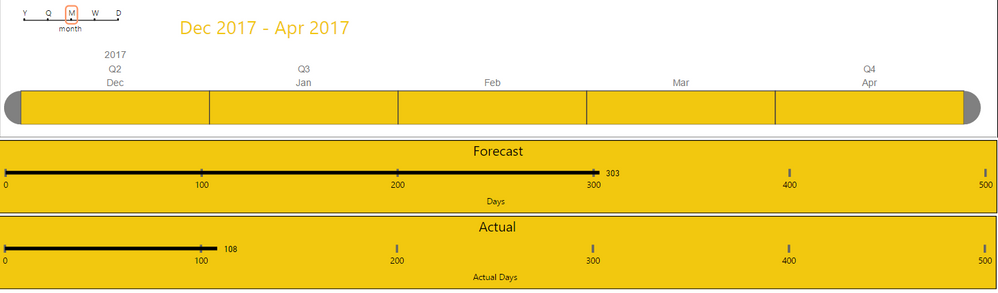
I have a timeline visual and two stacked bar charts. The bar charts represents actual and forecast man hours. I am trying to use the timeline to show the actual vs. forecast for the selected time period. My problem is linking the second bar chart to the timeline. The first bar chart (forecast works fine). I have attached a screen shot, appreciate any help or suggestions.
TIA
HI @rodolsen,
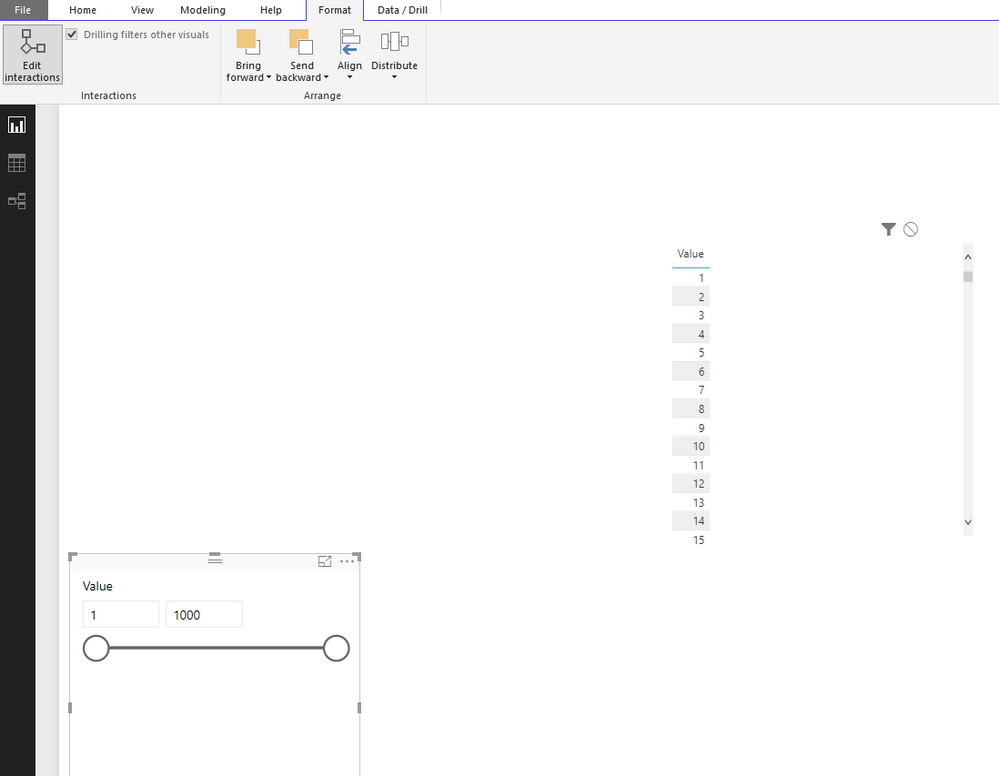
If you mean interaction of these visuals, you can simply turn on 'edit interaction' to edit interaction effect of each visuals.(at format tab)
Regard,
Xiaoxin Sheng
Hi v-shex-msft,
Sorry I am being a little vague. What I am trying to do is show the forecast days in comparison to the actual days. I am struggling to work out how to add a timeline (slicer) that will adjust both bar graphs (the data is stored in two different tables).
I have a week ending field in each table that I want to slice on. When I change the slicer value I would like to see the forecast days and actual days re-adjust based on the date. That way I can see what was forecast vs what actually happended at a point in time.
HI @rodolsen,
>>I am struggling to work out how to add a timeline (slicer) that will adjust both bar graphs (the data is stored in two different tables).
Nope, it is impossible. Power bi not support use one filter/slicer to return different result.
Regards,
XIaoxin Sheng
Check out the November 2025 Power BI update to learn about new features.
Advance your Data & AI career with 50 days of live learning, contests, hands-on challenges, study groups & certifications and more!