This time we’re going bigger than ever. Fabric, Power BI, SQL, AI and more. We're covering it all. You won't want to miss it.
Learn moreDid you hear? There's a new SQL AI Developer certification (DP-800). Start preparing now and be one of the first to get certified. Register now
hi, @Anonymous
Please download the pbix file and open the report in Power BI desktop, in edit queries, please check where the data is wrong and remove it try refresh again.
Best Regards,
Lin
It did not work Even, it does not enable the option to edit the query. It only allows you to configure the data source.
If I try to create a new data source, using the Azure Devops (Beta) connector, after entering the Organization and Project data, an error is also generated:
Unable to connect
An error was encountered while trying to connect.
Details: "Access to the resource is prohibited."
The strangest thing is that it brings partial data (as they existed until a few months ago) but it does not load them all.
Again, I thank you for your help and directions to solve my problem.
Regards!
hi, @Anonymous
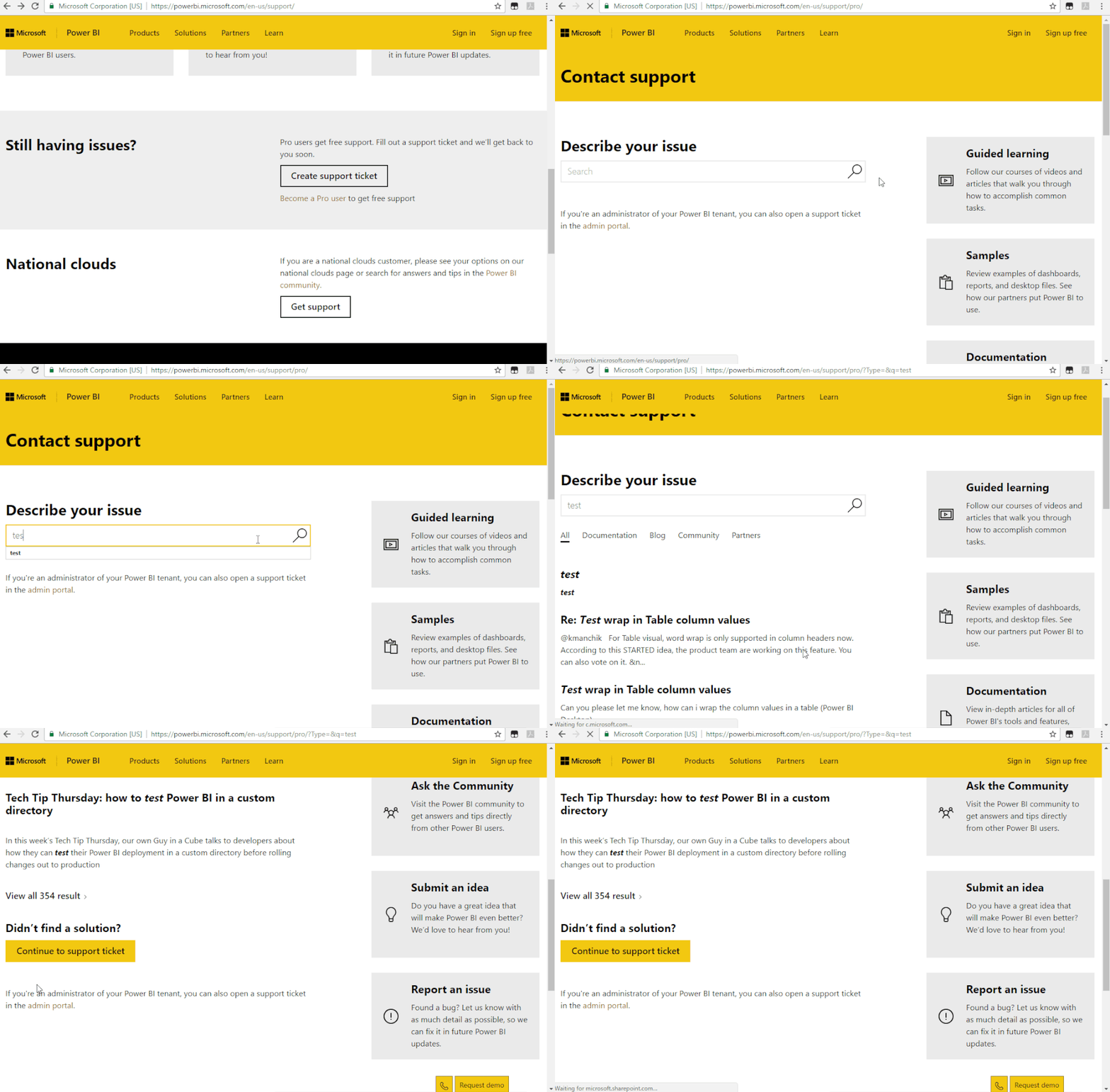
I would suggest you create a support ticket in Power BI Support to get further help in Power BI support site.
Provide the ID code of this error, power bi support team will give you further help.
Regards,
Lin
Check out the April 2026 Power BI update to learn about new features.
If you have recently started exploring Fabric, we'd love to hear how it's going. Your feedback can help with product improvements.
| User | Count |
|---|---|
| 11 | |
| 10 | |
| 9 | |
| 8 | |
| 8 |
| User | Count |
|---|---|
| 49 | |
| 27 | |
| 25 | |
| 20 | |
| 20 |