
We've captured the moments from FabCon & SQLCon that everyone is talking about, and we are bringing them to the community, live and on-demand. Starts on April 14th. Register now
I am trying to submit a tech support issue and the following loop is happening:
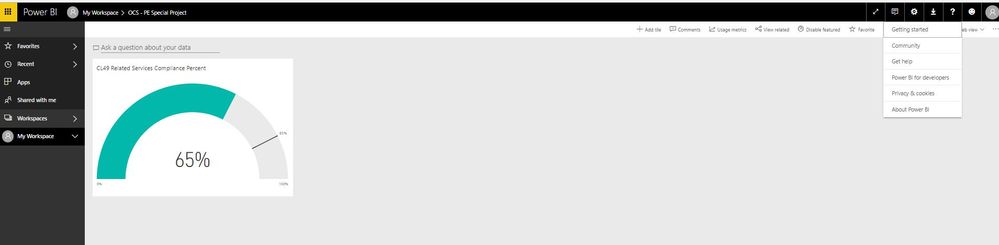
on my Power BI Pro dashboard I click on the ? icon for see screen shot below:
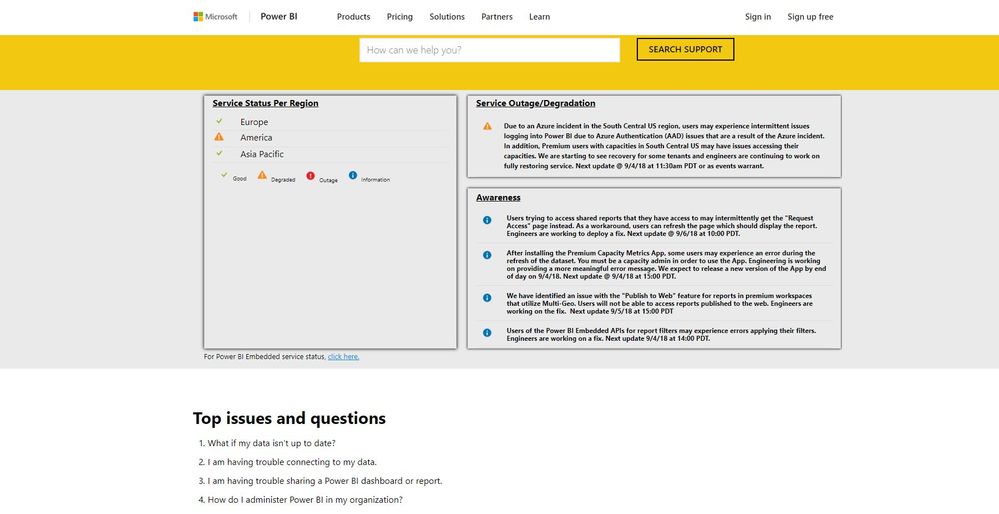
When I click the "Get Help" option, it then brings me to the support page. see screen shot below:
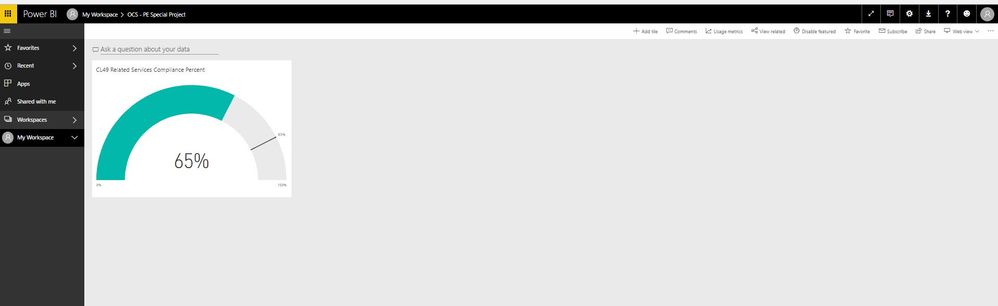
Notice in the top right corner the sight does not view me a signed in so the option for submitting a ticket does not show up. So When i click on sign-in it redirects me back to my power bi portal where I first clicked on get help. below snapshot is when I click sign-in.
Please help me get out of the vortex!!!
~Bryon
Solved! Go to Solution.
Hi @Bbrown44,
Please refer to the gif how to create the support ticked.
submit a support ticket
Best Regards,
Cherry
when trying tp publish a report to teh service i keep getting the folloing error
Session ID e52bc78b-31ea-49f7-9c70-069e6c1a714a
Client version 2.143.1378.0
Hi @Bbrown44,
If you have solved your problem, please always accept the replies making sense as solution to your question so that people who may have the same question can get the solution directly.
Best Regards,
Cherry
I'm having the same issue.
Your gif shows clearly that you are also NOT signed in as well.
Exactly. They are not signed in....
How on earth do you submit a support ticket???? You just get into an endless loop of being directed to the "ideas" page.
Here's an Idea: FIX THE SUPPORT TICKET PROCESS
Hi @Bbrown44,
Please refer to the gif how to create the support ticked.
submit a support ticket
Best Regards,
Cherry
If you have recently started exploring Fabric, we'd love to hear how it's going. Your feedback can help with product improvements.
A new Power BI DataViz World Championship is coming this June! Don't miss out on submitting your entry.
Share feedback directly with Fabric product managers, participate in targeted research studies and influence the Fabric roadmap.