Get certified for free when you join Fabric Data Days 2026 and dive into Fabric, Power BI, SQL, AI, and other essential data skills.
Join nowData Days is here! Join us now for 60+ days of learning, challenges, and connection. Learn more
Hello,
I need help to make RLS work properly. For one specific user it's not filtering as should with the function configured.
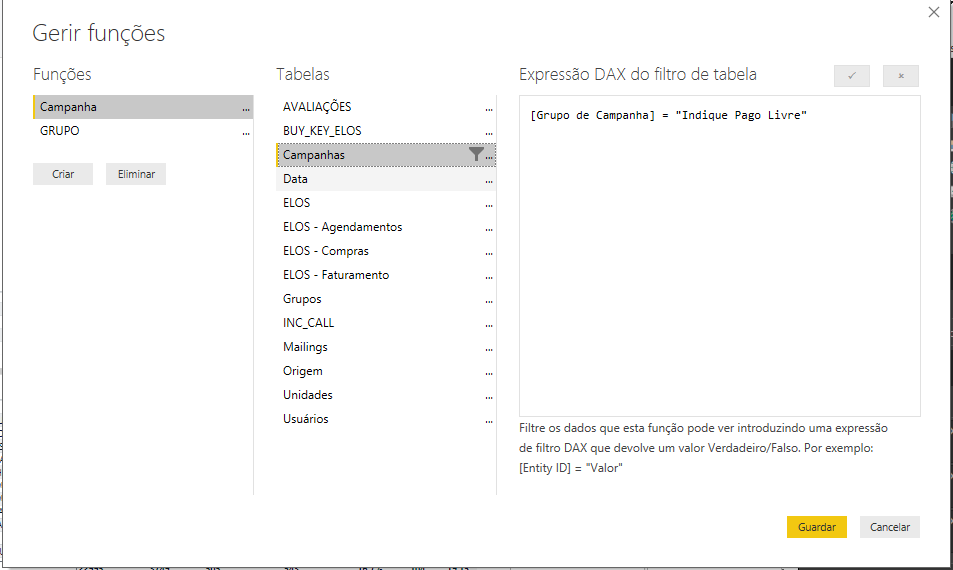
This is the function tha is configured:
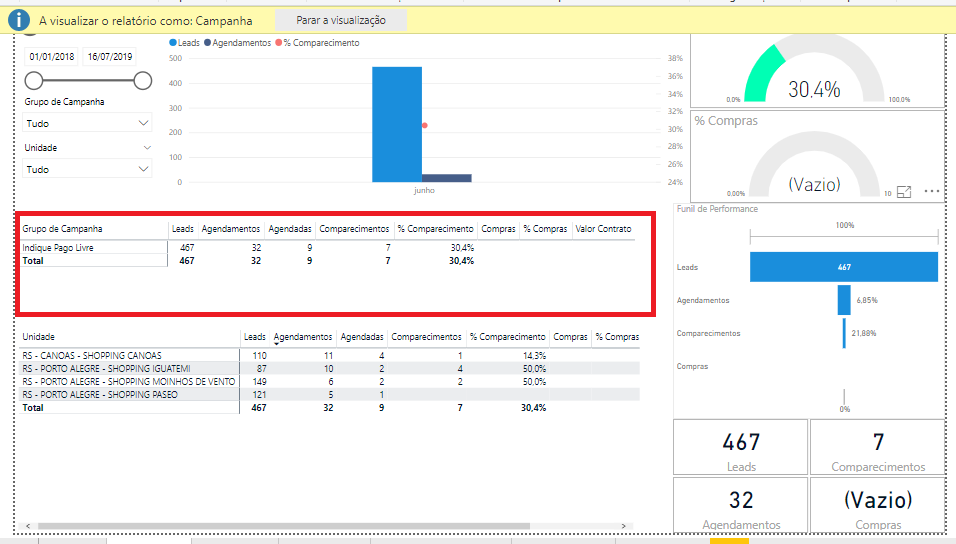
When i chose to see as the function, It works fine.
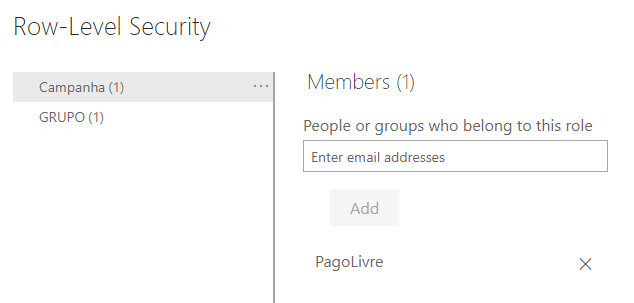
Im configuring the user as it follows.
Datasets > Report Name > Security > Insert the e-mail into the function and saves:
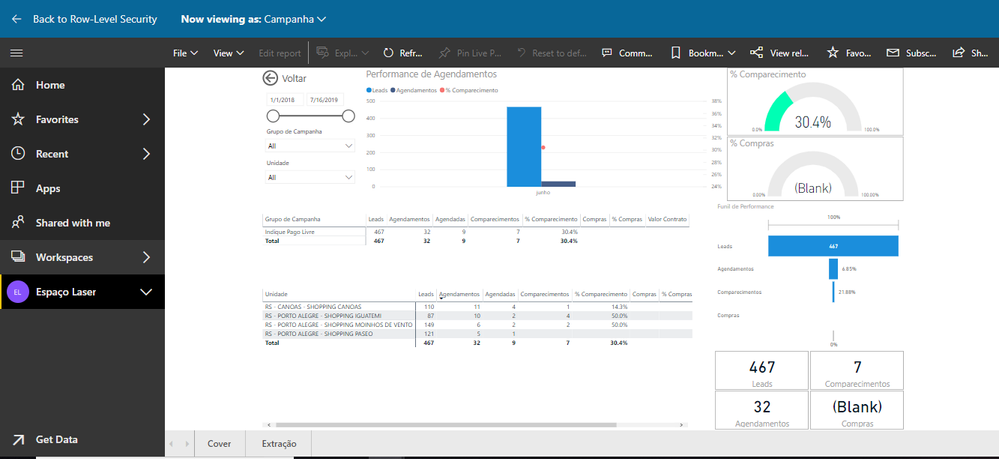
But when I share with the user It's not filtering anything.
Please help.
Solved! Go to Solution.
Hi @Anonymous ,
From your screenshot, I see that the RLS id working fine and you have also confirmed that from your Security SImulation.
But if you say that It is not working with the user, then it is more likely that the user has edit permission to the workspace in which the report is or that he could be an Admin of the workspace.
The 2 important limitations for RLS is
1. The Person should not be an Admin for the workspace where the report is published.
2. Even if the User is a member, they should not be having Edit permission to the workspace.
Check these out. This should solve the problem if RLS working fine when you simulate.
Regards,
Thejeswar
In addition.
When I see simulating the RLS it works fine.
Hi @Anonymous ,
From your screenshot, I see that the RLS id working fine and you have also confirmed that from your Security SImulation.
But if you say that It is not working with the user, then it is more likely that the user has edit permission to the workspace in which the report is or that he could be an Admin of the workspace.
The 2 important limitations for RLS is
1. The Person should not be an Admin for the workspace where the report is published.
2. Even if the User is a member, they should not be having Edit permission to the workspace.
Check these out. This should solve the problem if RLS working fine when you simulate.
Regards,
Thejeswar
Hi @Anonymous
I cannot reproduce the same issue.Please have a look at below article and check the limitations.
https://docs.microsoft.com/en-us/power-bi/service-admin-rls#using-rls-with-groups-in-power-bi
Regards,
Don't miss out on Data Days, June 15 through August 7. Learn Fabric, Power BI, SQL, AI and more.
Check out the May 2026 Power BI update to learn about new features.
| User | Count |
|---|---|
| 16 | |
| 10 | |
| 10 | |
| 8 | |
| 7 |
| User | Count |
|---|---|
| 41 | |
| 36 | |
| 34 | |
| 28 | |
| 20 |