Hello everyone,
I have followed this MS tutorial on embed PowerBI reports: https://learn.microsoft.com/en-us/power-bi/developer/embedded/embed-sample-for-customers?tabs=net-co... and got the infamous "Operation returned an invalid status code 'Unauthorized'" error.

I am willing to use a technical account to display internal reports to my company (using the "embed for your customers" method). This technical account have every possible rights on AzureAD, and is also admin on the PowerBI workspaces. While using it directly, I can see the reports in PowerBI without any trouble.
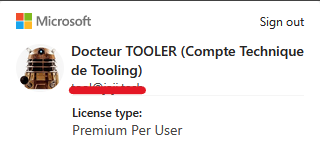
I have a "Premium Per User" licence type :
I am trying to use the "MasterUser" authentication method :
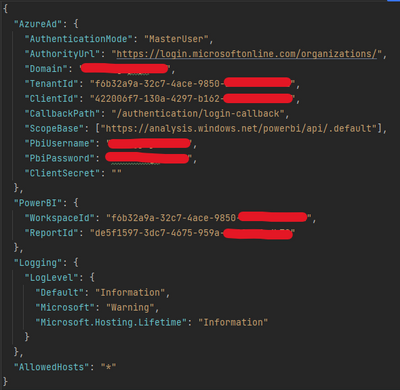
(When using the direct link using the WorkspaceId/ReportId in Chrome or Edge, I have no trouble seeing the report with this account)
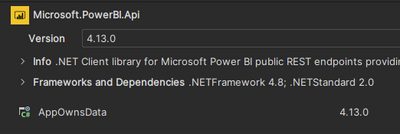
NuGet is up to date asof April 2023 with version 4.13.0 :
Code is now async but the call is unchanged, and the authentifation method is using the code given in exemple here : https://github.com/microsoft/PowerBI-Developer-Samples/tree/master/.NET%20Core/Embed%20for%20your%20...

The AzureAd right for this account (aka the complete list of rights):
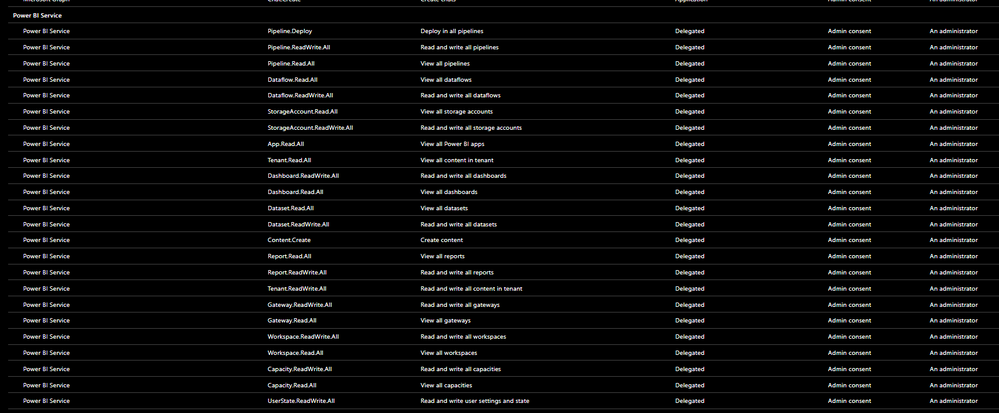
On PowerBI > Admin Portal > Tenant Settings, I have allowed access to the PowerBI API without restriction (Entire organization). I also have admin access to the workspaces, datasets, reports, apps...
I must have read dozens of forms post... I am getting crazy over this, and I just can't seem to understand what is wrong with my method to see reports. I tried using iFrame and the reports can be shown that way, but I need to authenticate myself and I can't do this for a corporate visual management tool.
Can you provide any help please ?


