
This time we’re going bigger than ever. Fabric, Power BI, SQL, AI and more. We're covering it all. You won't want to miss it.
Learn moreDid you hear? There's a new SQL AI Developer certification (DP-800). Start preparing now and be one of the first to get certified. Register now
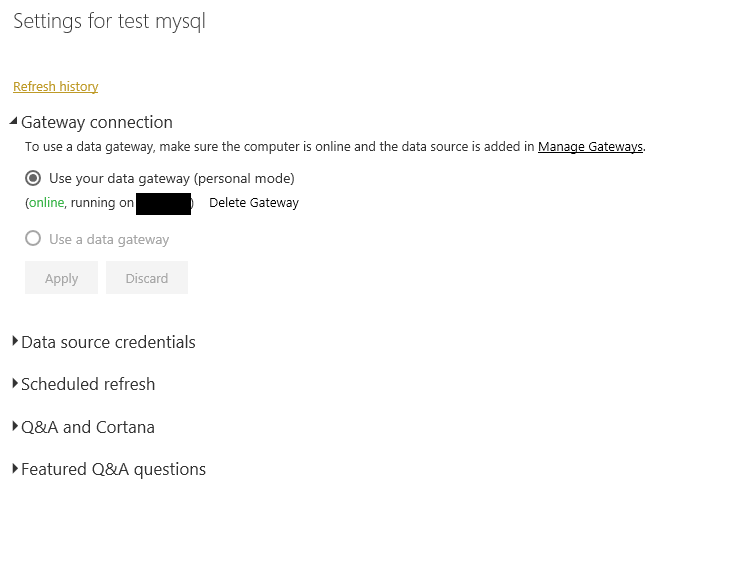
I have the on-premises data gateway setup on a Windows Server running 2012 R2 Standard. I made sure to uninstall the enterprise gateway to see if that would make a difference with this error. Whenever I attempt to refresh the data from the cloud Power BI service, either manually or scheduled, I'm getting the error message:
Cannot connect to the mashup data source. See error details for more information.
Underlying error code: -2147467259
Any idea what's going on?
Thanks in advance.
HI @nmichalesko,
Based on error message, it told that can't connect to the data source. Which type of datasource your used? Can you please provide more detail contents?
Regards,
Xiaoxin Sheng
Hi @nmichalesko,
I can't reproduce your issue, both two refresh all work on my side. Can you ensure any setting changes on your server device?
In addition, you can also check the mysql service state.
Regards,
Xiaoxin Sheng
I'm connecting to a mysql database and using a custom sql query. The refresh works fine on the power bi desktop. Refreshing worked fine twice last week on my desktop but then suddenly stopped working on my desktop. Refreshing will still not work from the gateway once I installed it onto a windows server.
Check out the April 2026 Power BI update to learn about new features.
Sign up to receive a private message when registration opens and key events begin.
If you have recently started exploring Fabric, we'd love to hear how it's going. Your feedback can help with product improvements.
| User | Count |
|---|---|
| 12 | |
| 9 | |
| 8 | |
| 8 | |
| 7 |
| User | Count |
|---|---|
| 50 | |
| 27 | |
| 24 | |
| 24 | |
| 22 |