Join us at FabCon Atlanta from March 16 - 20, 2026, for the ultimate Fabric, Power BI, AI and SQL community-led event. Save $200 with code FABCOMM.
Register now!The Power BI Data Visualization World Championships is back! Get ahead of the game and start preparing now! Learn more
Hi,
We use Google Chrome (last release Version 80.0.3987.122 (Build officiel) (64 bits)) to access Power BI Service.
If we go to Apps Tab and try to open an app by clicking on tile, it has no effect.
We must refresh page (Apps tab) to have access again.
Issue appears when we come only from Workspace tab.
Do you know this issue ?
Thanks for help
Hi @PP38 ,
Unfortunately, I can't reproduce your issue.
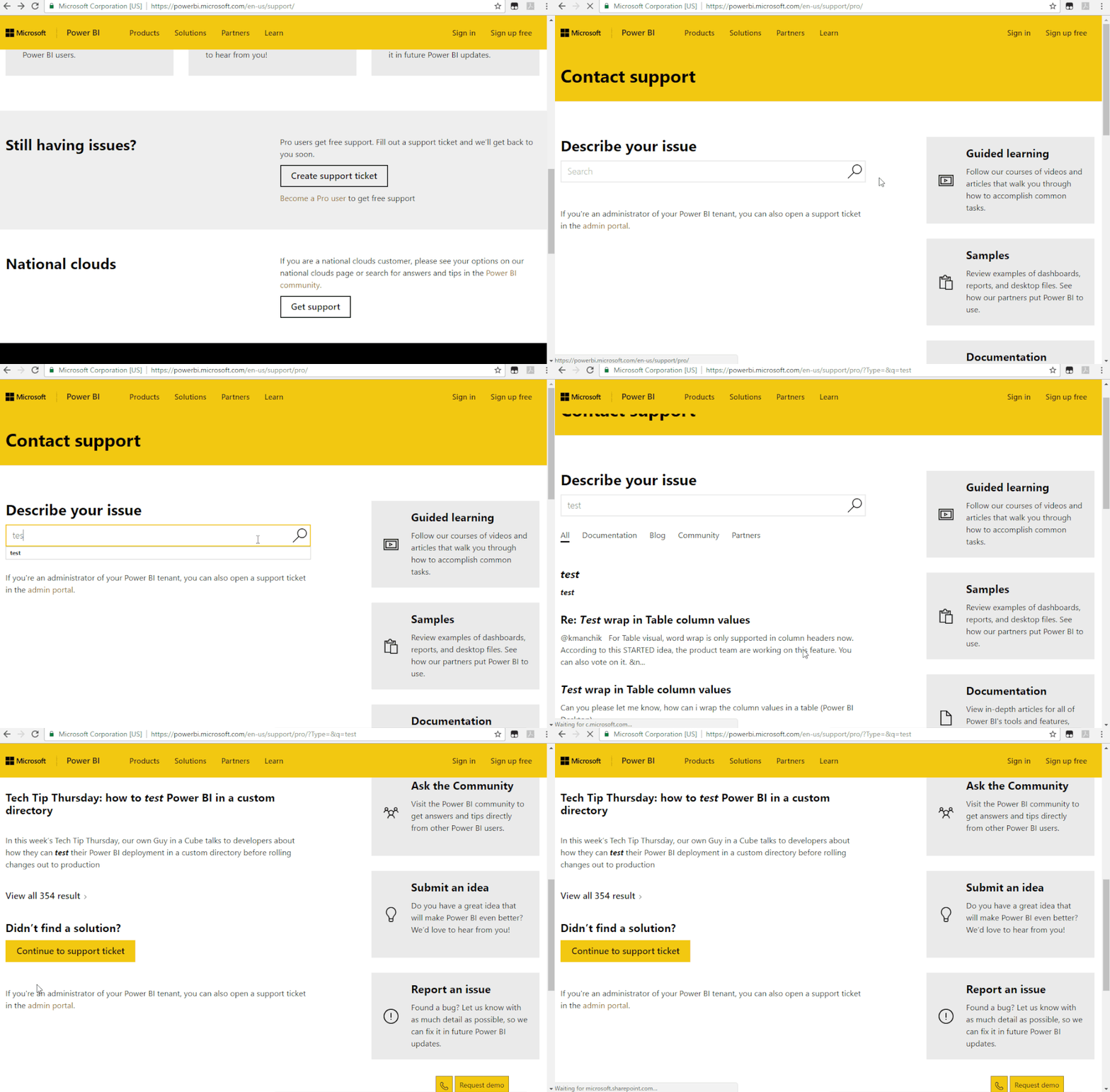
I would suggest you to create a support ticket to help you.
Best Regards,
Liang
If this post helps, then please consider Accept it as the solution to help the other members find it more quickly.
Same problem with Edge.
Hey @PP38
I am unable to duplicate your issue, but I have seen it happen before. If you are making changes to the dashboard in the workspace then trying to instantly go to the app it may be temporarily "frozen" as it is trying to update the app. Hitting refresh or simply waiting a little while should "fix" the issue, but otherwise I would say it is just a glitch in your browser, wifi, or instance of Power BI Service. If this has just recently started happening and has not done so before I would believe my post is mostly correct. If this is a long-standing persistent problem it may be worth contacting support to see if there are issues unknown to me.
If this helps please kudo.
If this solves your problem please accept it as a possible solution.
Check out the November 2025 Power BI update to learn about new features.
Advance your Data & AI career with 50 days of live learning, contests, hands-on challenges, study groups & certifications and more!