This is best Fabric, Power BI, SQL and AI community event. How do we know? The last event sold out! Save €200 with code FABCMTY200.
Register nowA new Data Days event is coming soon! This time we’re going bigger than ever. Fabric, Power BI, SQL, AI and more. Don't miss out.
Hello PowerBI Community,
Since 6/9/2016, my MailChimp dataset and accompanying dashboard have failed to refresh. The following is the error message each time it tries to refresh:
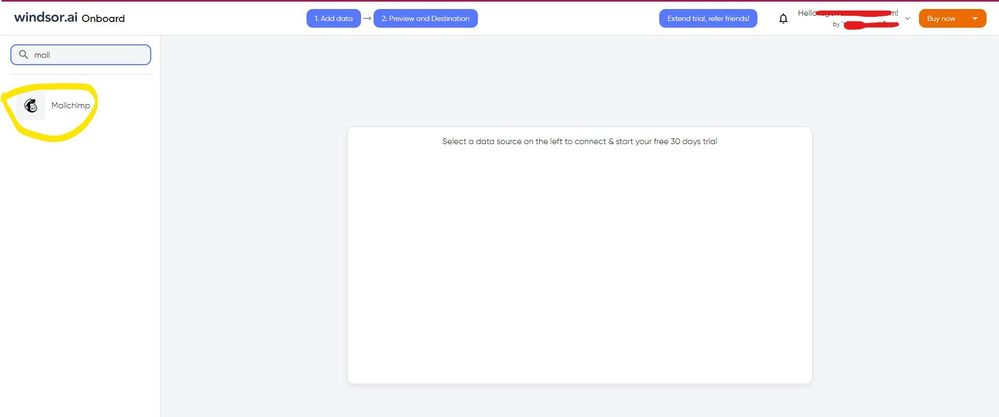
Hi @jgarciabu I know this reply is very late. Since the Mailchimp service pack was deprecated, you would have to look for another way. As a workaround, maybe you can use a 3rd party connector, it can save you a lot of time compared to other options. I've tried windsor.ai, supermetrics and funnel.io. I stayed with windsor because it is much cheaper so just to let you know other options. In case you wonder, to make the connection first search for the Mailchimp connector in the data sources list:
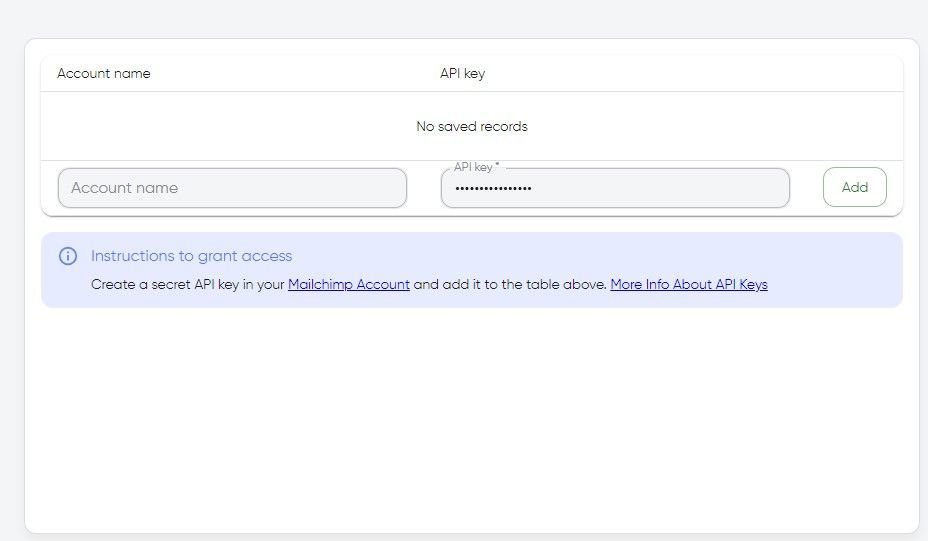
After that, you will have to first create a secret API key in your Mailchimp account and then using your credentials add your account to the platform.
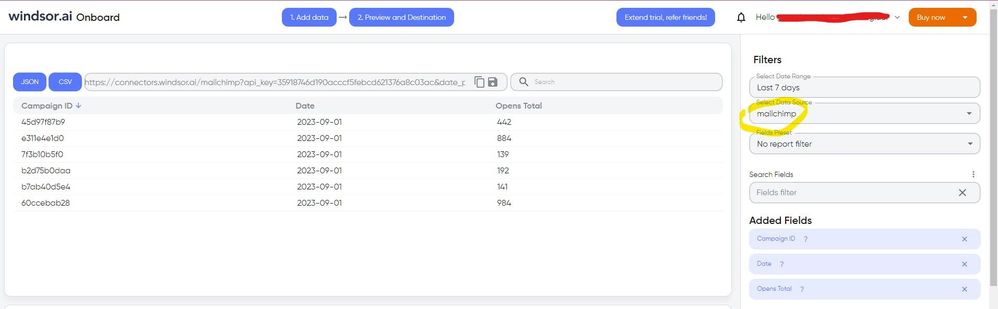
Once you’ve done this, you can proceed and go to the “Preview and destination” step
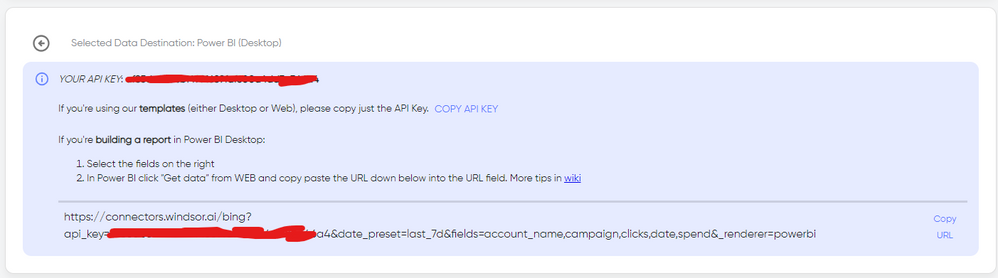
There just select the fields you need. Finally, just select PBI as your data destination and finally just copy and paste the url on PBI --> Get Data --> Web --> Paste the url.
Mailchimp is now refreshing again. Not sure what changed, but after Mailchimp failed the last time, it disabled scheduled refreshes. Out of sheer curiosity, I turned it back on today to see what would happen and my dashboard and dataset refreshed.
Check out the May 2026 Power BI update to learn about new features.
Sign up to receive a private message when registration opens and key events begin.
If you have recently started exploring Fabric, we'd love to hear how it's going. Your feedback can help with product improvements.
| User | Count |
|---|---|
| 11 | |
| 8 | |
| 8 | |
| 6 | |
| 6 |
| User | Count |
|---|---|
| 24 | |
| 24 | |
| 23 | |
| 19 | |
| 16 |