I'm trying to render the cost of our Azure infrastructure on Power BI.
In order to do so I use the Azure Cost Management connector in Power BI Desktop.
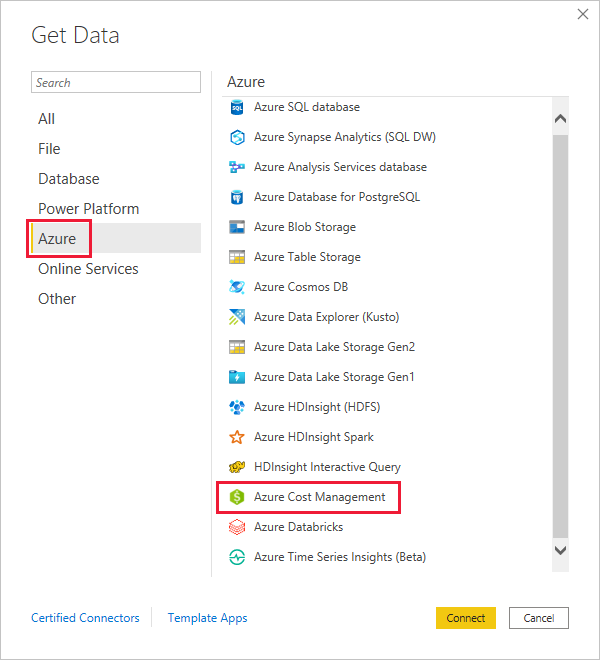
The tool is easy to use but it's slow and you can withdraw a limited number of months.
So I exported to CSV every single month of our cloud consumption and I stored that on an Azure Sotrage Account.
And betweent he connecotrs I found out that I could easily query the CSV direcly from the Storage Account.
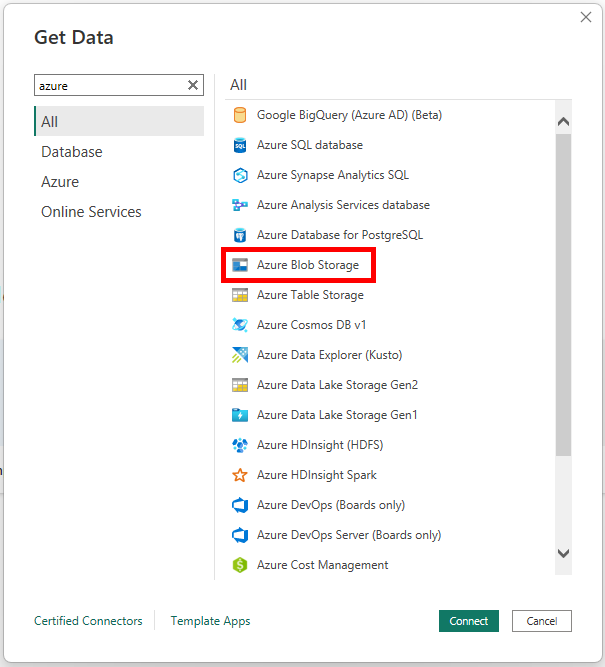
This was mindblowing!
As long as the CSVs have the same columns Power BI can squiz them together!
You can query the Storage Account like it was a NoSQL database!
I was able to siphone 3 years of data (36 CSV for a total of more than 10Gb) in less than 10 minutes.
In the other hand the official Azure Cost Management connector in Power BI Desktop takes just to refresh 12 months of data takes 1:30h.
I'm going to publish the dataset but I now have a question: What's behind a Power BI dataset? Is that a NoSQL database or a RDBMS database?


