cancel
Showing results for 
Search instead for 
Did you mean: 

The Power BI Data Visualization World Championships is back! Get ahead of the game and start preparing now! Learn more

Reply
Anonymous
Not applicable

How do i Share my PBI Report with arcGIS visualisation?

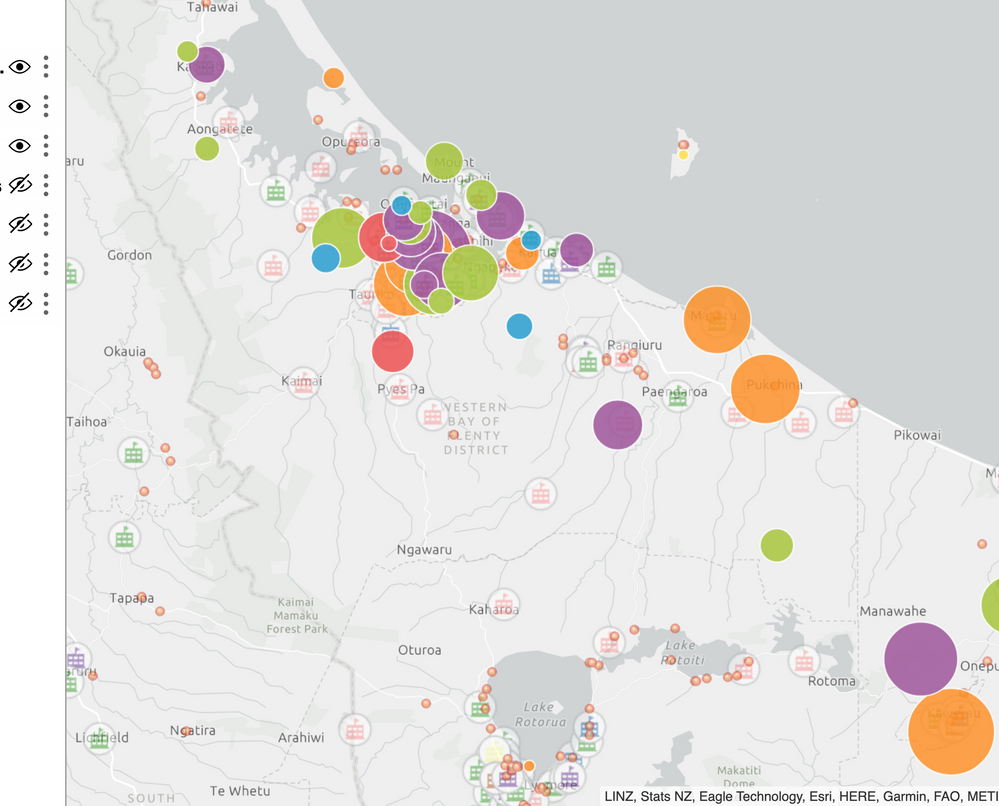
Hi, I spent hours creating an arcGIS visualisation in desktop then service, then published to web.


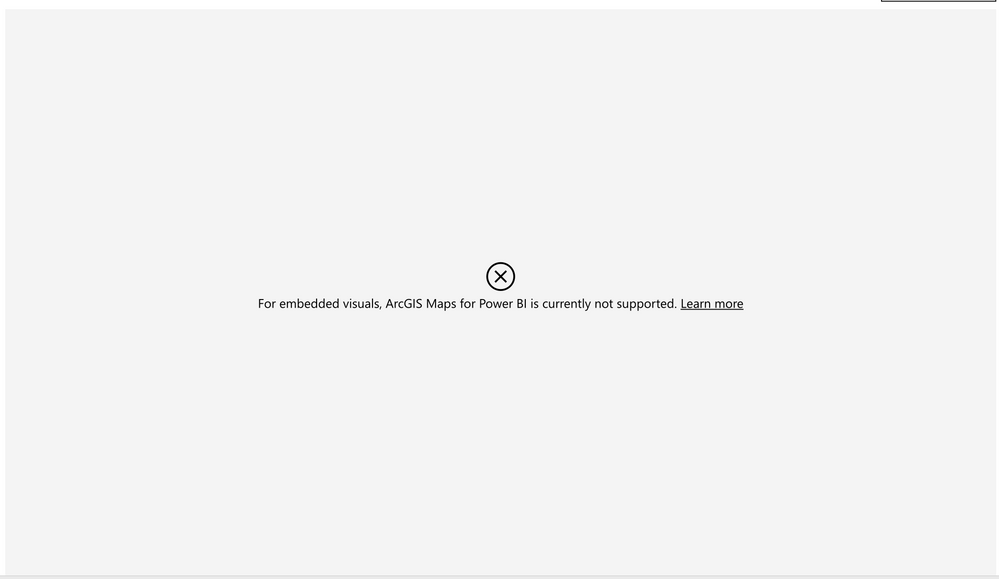
The map doesn't show.


Any ideas how i can share the visualisation with other users? 


See images below.Great! i see the map on PBI Service.Great! i see the map on PBI Service.But publish to web says 'not supported'. That's poor.But publish to web says 'not supported'. That's poor.

4 REPLIES 4
v-lili6-msft
Community Support
Community Support

hi  @Anonymous 

As the documents:

Publish to web is supported for the vast majority of data sources and reports in the Power BI service, however, the following are not currently supported or available with Publish to web:

  • Reports using row level security.
  • "R" Visuals are not currently supported in Publish to web reports.
  • Exporting Data from visuals in a report, which has been published to the web.
  • ArcGIS Maps for Power BI visuals.

https://docs.microsoft.com/en-us/power-bi/service-publish-to-web#limitations


and 

Considerations and Limitations

ArcGIS Maps for Power BI is available in the following services and applications:

 
Service/App Availability
Power BI Desktop Yes
Power BI service (app.powerbi.com) Yes
Power BI mobile applications Yes
Power BI publish to web No
Power BI Embedded No
Power BI service embedding (PowerBI.com) No


https://docs.microsoft.com/en-us/power-bi/visuals/power-bi-visualizations-arcgis#considerations-and-limitations


So, if you want to share arcGIS visualisation, you could share it in power bi service, for example, share report directly, share it in a APP, add others into the appworkspace ,etc.


Regards,

Lin

Community Support Team _ Lin
If this post helps, then please consider Accept it as the solution to help the other members find it more quickly.
Anonymous
Not applicable

Thank you for your reply @v-lili6-msft 


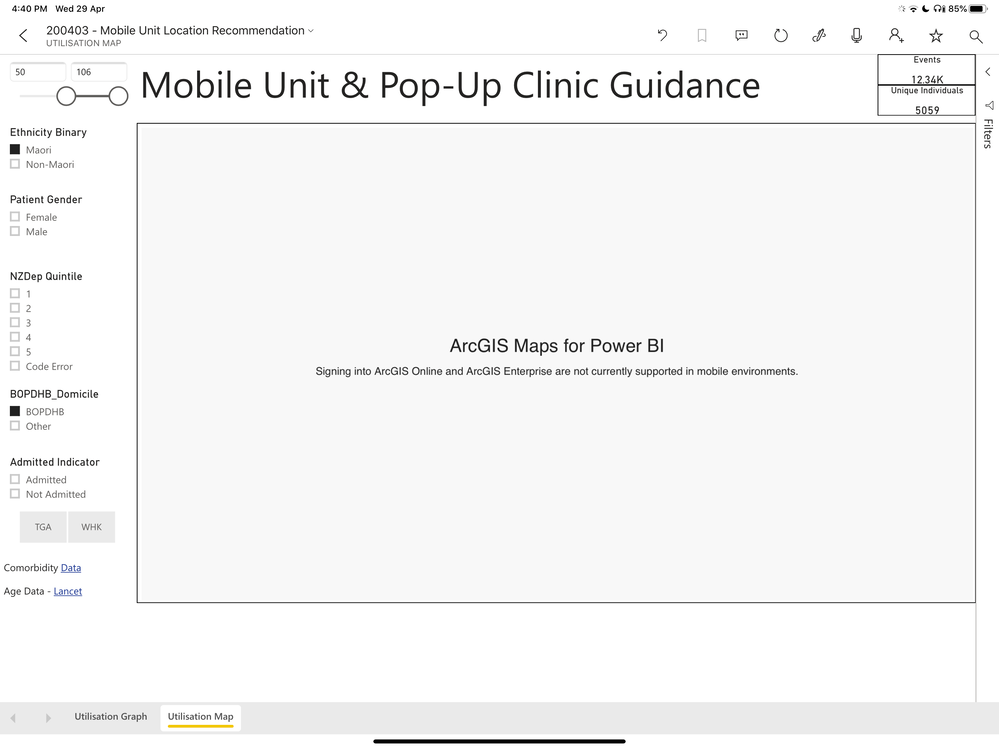
I am using Power Bi mobile and it doesn't work on there either, depite what your "Considerations and Limitations" table says. See attachment.


In summary, it works on PBIDesktop, PBIService, but not publish to web or mobile.


Are you able to guide me on how to share the visual with another person using PBi Service? You wrote:


you could share it in power bi service, for example, share report directly, share it in a APP, add others into the appworkspace ,etc.


but I don't know how to do any of those ;-(


Without sharing capabilities the arcGIS is pretty much useless and I wish i hadn't spent half my weekend getting the darn thing implemented in my report only to learn it cannot be shared.Screenshot from PBI App mobile app on my iPad.Screenshot from PBI App mobile app on my iPad.

hi  @Anonymous 

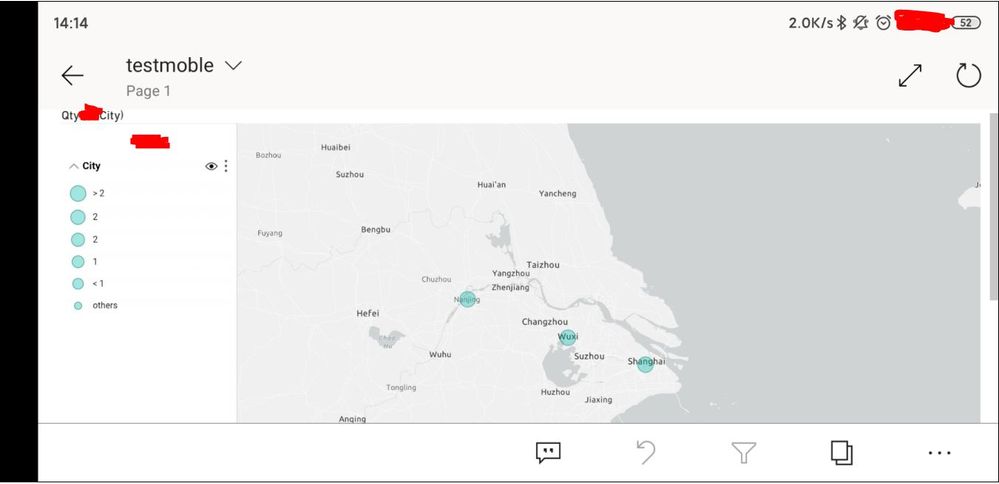
I have test on my side, it works well, this screenshot in my android


1.JPG

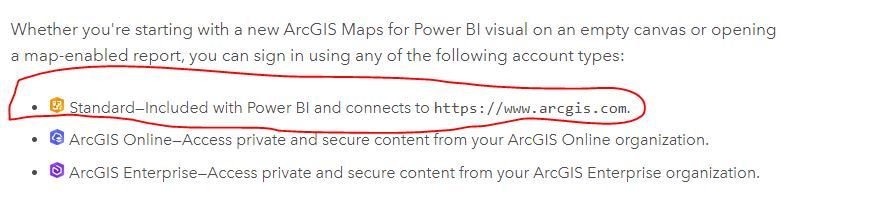
and also please choose standard account

https://doc.arcgis.com/en/maps-for-powerbi/get-started/sign-in-to-arcgis.htm2.JPG


Regards,

Lin

Community Support Team _ Lin
If this post helps, then please consider Accept it as the solution to help the other members find it more quickly.
Anonymous
Not applicable

@v-lili6-msft 


Thanks for your reply. Very helpful.


When I use arcGIS Standard, it only lets me add a measly one reference layer. Is there a way to add more?


When I type my password to connect to arcGIS Online it lets me add multiple reference layers.

Helpful resources

Announcements
Power BI DataViz World Championships

Power BI Dataviz World Championships

The Power BI Data Visualization World Championships is back! Get ahead of the game and start preparing now!

December 2025 Power BI Update Carousel

Power BI Monthly Update - December 2025

Check out the December 2025 Power BI Holiday Recap!

FabCon Atlanta 2026 carousel

FabCon Atlanta 2026

Join us at FabCon Atlanta, March 16-20, for the ultimate Fabric, Power BI, AI and SQL community-led event. Save $200 with code FABCOMM.