Join us at FabCon Atlanta from March 16 - 20, 2026, for the ultimate Fabric, Power BI, AI and SQL community-led event. Save $200 with code FABCOMM.
Register now!The Power BI Data Visualization World Championships is back! Get ahead of the game and start preparing now! Learn more
How can we hide the Navigation Pane while opening a report via URL?
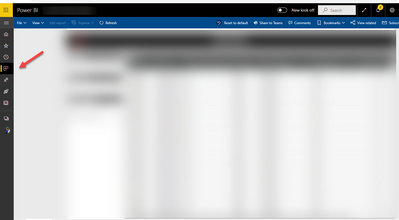
When the report is opened via URL of the report, the navigation page should be hidden like below.
Is this possible?
Solved! Go to Solution.
@ShrutiJ , There is an idea for that. Vote for it https://ideas.powerbi.com/ideas/idea/?ideaid=9eccc8fd-754e-4678-9a23-7fb7ea920375
Hi @amitchandak The idea doesn't mention anything about the URL. What I'm trying is, to hide the navigation pane when the user clicks on a report URL. Something like an extension to a URL - https://app.powerbi.com/groups/me/apps/abcdefghij?Navbar=false
Hi @ShrutiJ
You can append "?chromeless=true" to your report URL. Example below
https://app.powerbi.com/groups/me/apps/abcdefghij?chromeless=true
If this post helps, then please consider Accept it as the solution to help the other members find it.
Hi @Yogesh_Telasang - It seems like Power BI no longer supports the "chromeless=1" or "chromeless=true" option. Have you (or anyone else) discovered how to configure the URL so that when a report first opens the Navigation Pane is actually hidden?
Thank you @Yogesh_Telasang
With this option, I lose the otehr functionalities like 'Reset to default'.
Thank You!
The Power BI Data Visualization World Championships is back! Get ahead of the game and start preparing now!