Get certified for free when you join Fabric Data Days 2026 and dive into Fabric, Power BI, SQL, AI, and other essential data skills.
Join nowJuly 7 - July 17 | Round 2 of the Power BI Dataviz World Championships. Don't miss your chance! Learn more
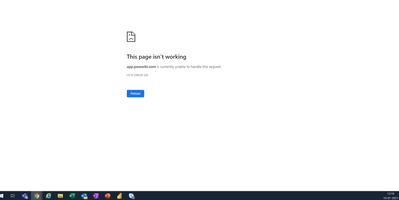
I just got to the office to look at the organisational result which is a PowerBI Report linked to the PowerBI service scheduled refresh and I get the HTTP ERROR 500. This has happened before as I can read in the community forums.
I am using a chrome brower and can see that it works in Incognito but not in the normal browser. Many colleagues have experienced this not only myself. Isn't there a permanent solution to this?
@Novice_user
You can open a ticket to get your issue resolved if you keep facing it : https://powerbi.microsoft.com/en-us/support/
⭕ Subscribe and learn Power BI from these videos
⚪ Website ⚪ LinkedIn ⚪ PBI User Group
Join us in Barcelona for FabCon and SQLCon, the Fabric, Power BI, SQL, and AI community event. Save €200 with code FABCMTY200.
Join Fabric Data Days 2026: 60 days of free live/on-demand sessions, challenges, study groups, and certification opportunities.
| User | Count |
|---|---|
| 22 | |
| 12 | |
| 10 | |
| 10 | |
| 4 |
| User | Count |
|---|---|
| 32 | |
| 27 | |
| 26 | |
| 25 | |
| 21 |