
cancel
Showing results for 
Search instead for 
Did you mean: 

Learn from the best! Meet the four finalists headed to the FINALS of the Power BI Dataviz World Championships! Register now

Reply
TheLotter2017
Frequent Visitor

Get data from Analysis services data source (live) for external B2B users

Hi,

i added external user to Azure AD, we assign him power bi pro license, i maped the external email in mapping names to internal user, but when i try to get data from analysis datasource external user doesn't see it.   Also whn i open this gest user in Azure licenses tab i don't see any lisence. I have 2 questions. First - if i have to see power bi pro license assigned to this external account in azure database? And second,  If someone can explain why external user can't see analysis services database in this case? Maybe i forget to do someshing else? Thank you very much for your help.

3 REPLIES 3
Anonymous
Not applicable

HI @TheLotter2017,


I'd like to suggest you take a look at following link about share content to external users with azure b2b:

Distribute Power BI content to external guest users with Azure AD B2B


Regards,
Xiaoxin Sheng

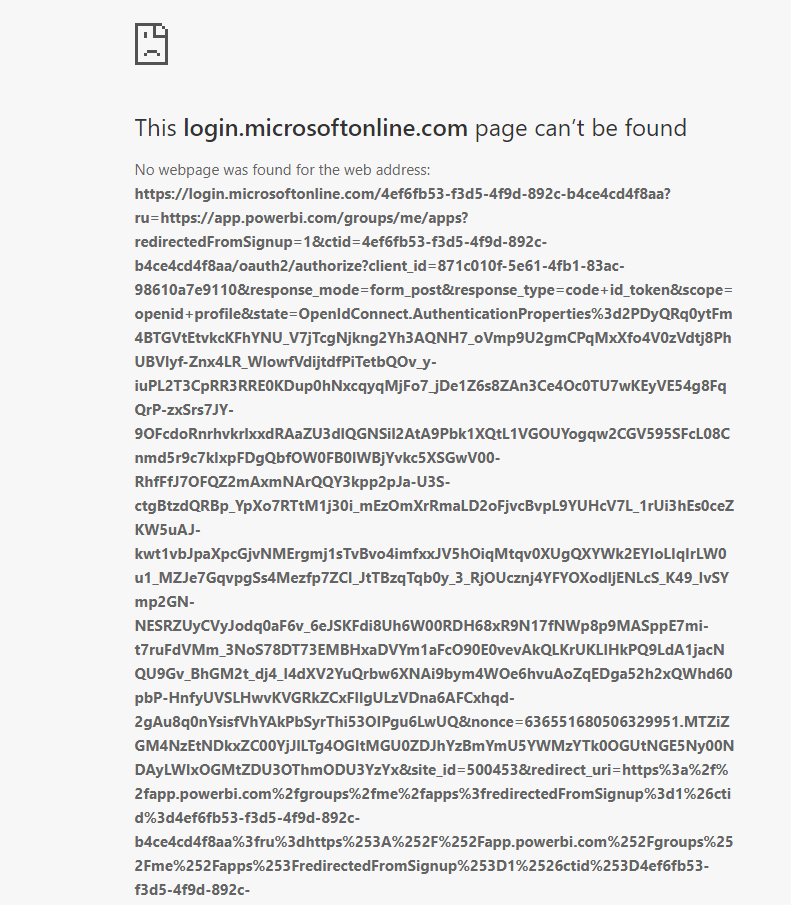
Hi, i used this link to add external users. As i mentioned above i did all , but it doesn't work. When user try to open the shared APP he get this error : 

Error.PNG

Anonymous
Not applicable

HI @TheLotter2017,


I'd like to suggest you submit a support ticket for further support.

submit a support ticketsubmit a support ticket


Regards,
Xiaoxin Sheng

Helpful resources

Announcements
Join our Fabric User Panel

Join our Fabric User Panel

Share feedback directly with Fabric product managers, participate in targeted research studies and influence the Fabric roadmap.

February Power BI Update Carousel

Power BI Monthly Update - February 2026

Check out the February 2026 Power BI update to learn about new features.

FabCon Atlanta 2026 carousel

FabCon Atlanta 2026

Join us at FabCon Atlanta, March 16-20, for the ultimate Fabric, Power BI, AI and SQL community-led event. Save $200 with code FABCOMM.