Join us at FabCon Atlanta from March 16 - 20, 2026, for the ultimate Fabric, Power BI, AI and SQL community-led event. Save $200 with code FABCOMM.
Register now!Learn from the best! Meet the four finalists headed to the FINALS of the Power BI Dataviz World Championships! Register now
Hi
Error is:
Couldn't load the schema for the database model
Couldn't load the model schema associated with this report. Make sure you have a connection to the server, and try again.
Please try again later or contact support. If you contact support, please provide these details.
Activity ID: 2585f9c4-ff46-4515-b177-378fd01ee54b
Request ID: 56a49b09-ecb7-6dd6-3df1-12100d27021c
Correlation ID: 0775a2dd-6bba-9273-39d6-d13be30d120b
Time: Wed Nov 14 2018 12:30:13 GMT+0000 (GMT Standard Time)
Version: 13.0.7302.190
Cluster URI: https://wabi-uk-south-redirect.analysis.windows.net
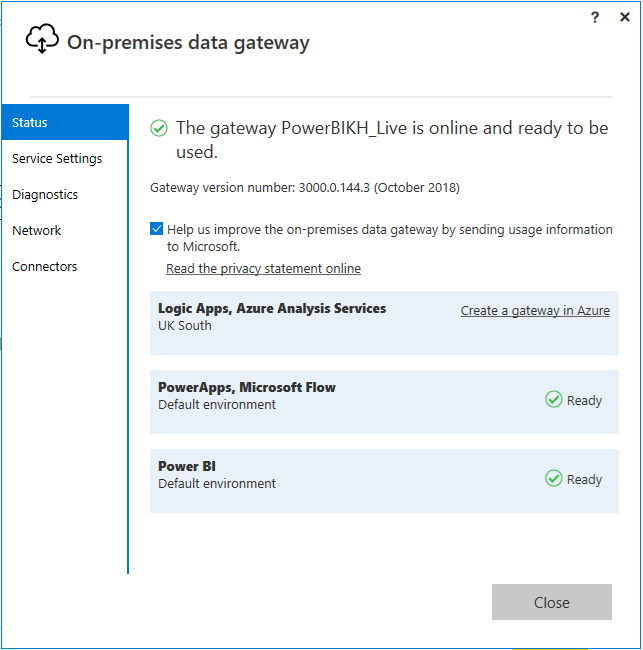
I have recently setup the one premis data gateway, all looks good:
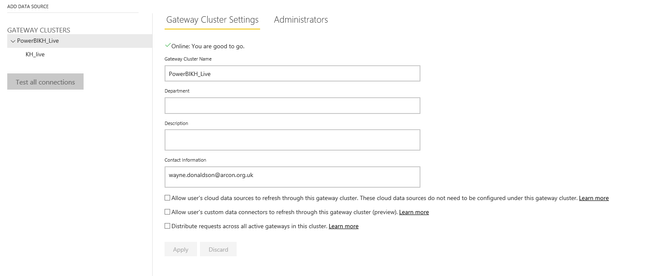
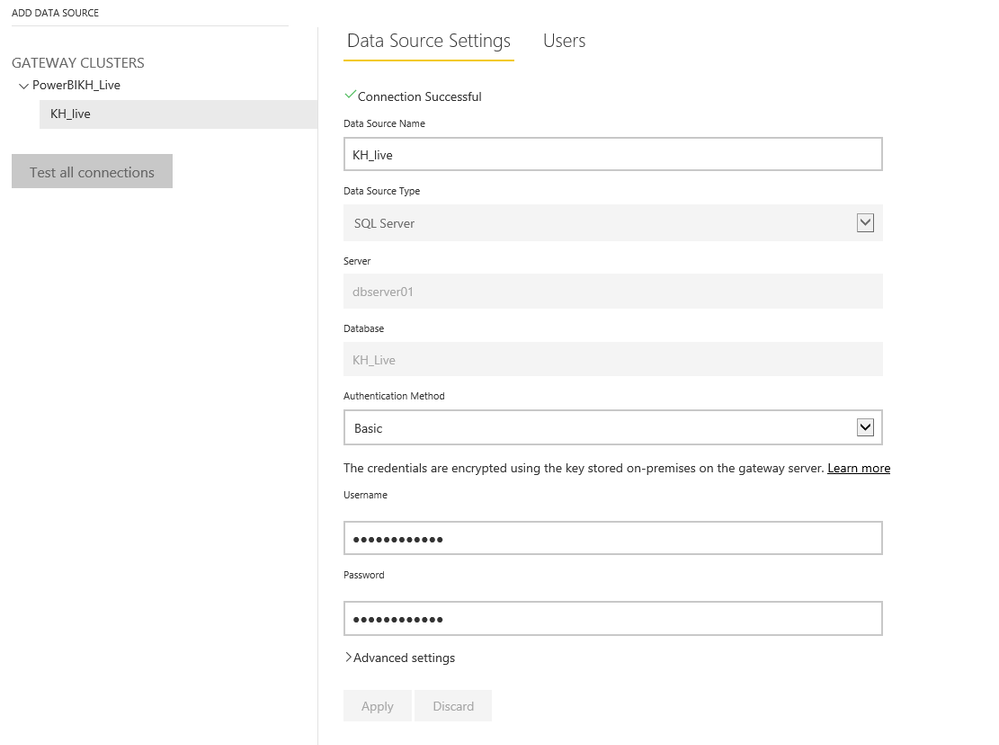
I have also setup a datasource against the gatway within Power BI, again all looks good:
However when I run the report I get the error above. Is there a step that I am missing? Any help would be fantastic.
Best regards,
Wayne
Solved! Go to Solution.
Hi WayneDonaldson,
Is the schema of tables in your power bi report same with that in your database? Have you changed any columns(such as add delete or change column data type) in your database?
Regards,
Jimmy Tao
Hi WayneDonaldson,
Is the schema of tables in your power bi report same with that in your database? Have you changed any columns(such as add delete or change column data type) in your database?
Regards,
Jimmy Tao
Share feedback directly with Fabric product managers, participate in targeted research studies and influence the Fabric roadmap.
Check out the February 2026 Power BI update to learn about new features.
| User | Count |
|---|---|
| 44 | |
| 42 | |
| 36 | |
| 25 | |
| 23 |