Get certified for free when you join Fabric Data Days 2026 and dive into Fabric, Power BI, SQL, AI, and other essential data skills.
Join nowJuly 7 - July 17 | Round 2 of the Power BI Dataviz World Championships. Don't miss your chance! Learn more
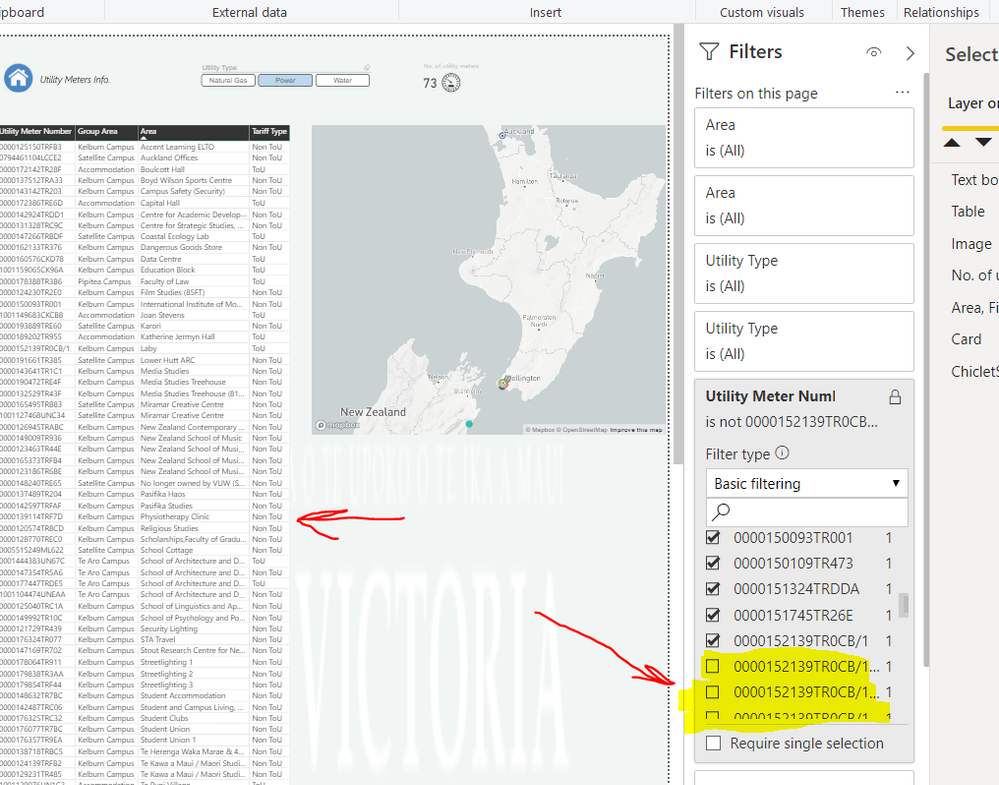
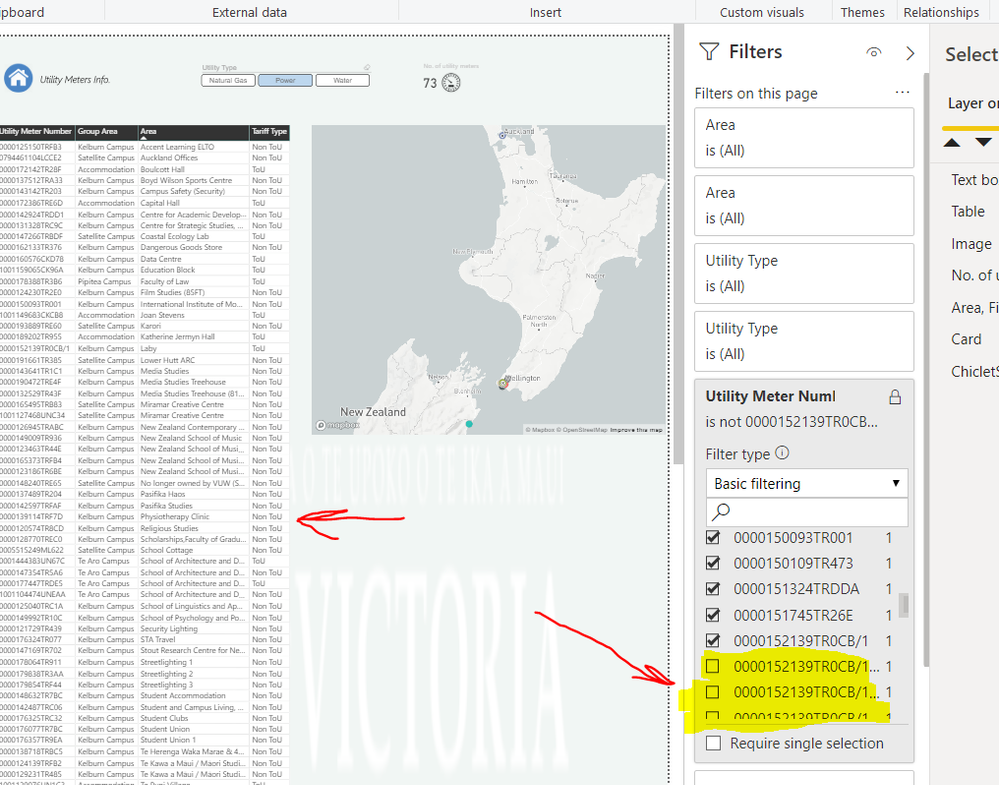
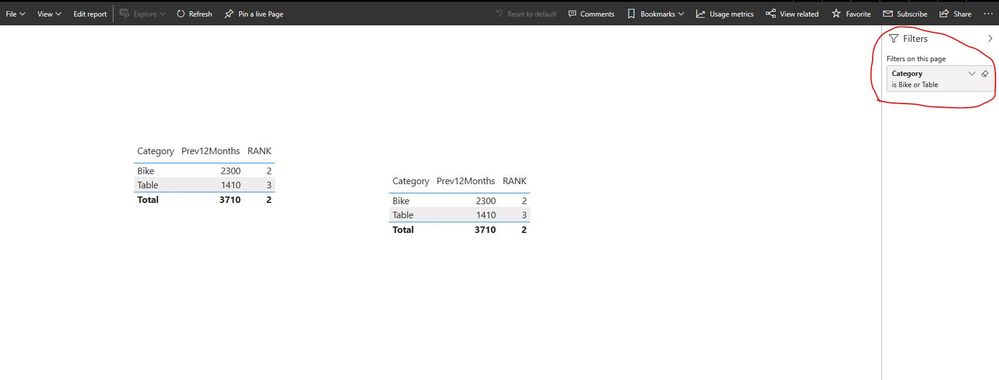
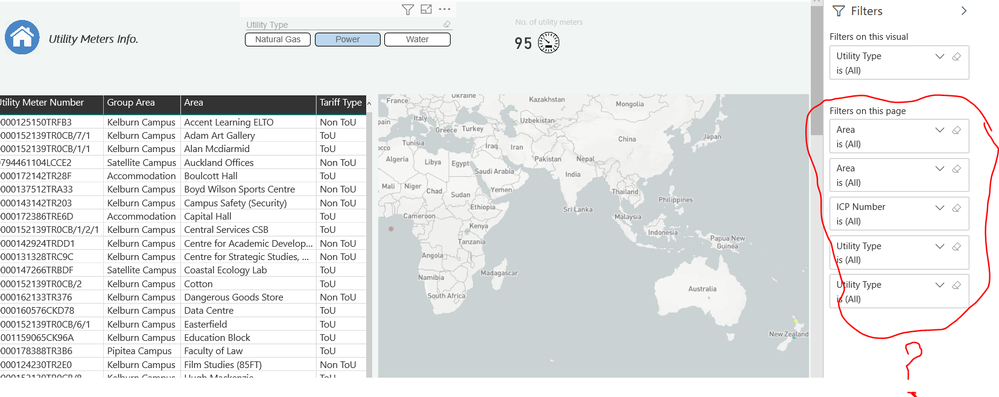
I have attached the snapshots. I am trying to filter a field to be applied to the table on the left. It works in Desktop but when I save & publish it, in Service the filtering disappear and obviously does not apply! anyone can help me as this is really confusing! the other filters on the other report pages work well!
Solved! Go to Solution.
Thanks, I found the answer by myself: you need to update the bookmark every time
@v-lili6-msft wrote:hi, @Alirezam
I have test it on my side, it works well.
and if you could delete the old dataset and report in power bi service and then republish it again?
or if you could try to publish it to another workspace?
Also, here is my sample pbix file, please try to publish it to power bi service and check if it works well.
Regards,
Lin
that you apply a filter and then save it.
I tried already both lock/unlock options and did not work. Sorry for duplicated photos. The correct photos are now attached.in Service
in Desktop
hi, @Alirezam
I have test it on my side, it works well.
and if you could delete the old dataset and report in power bi service and then republish it again?
or if you could try to publish it to another workspace?
Also, here is my sample pbix file, please try to publish it to power bi service and check if it works well.
Regards,
Lin
Thanks, I found the answer by myself: you need to update the bookmark every time
@v-lili6-msft wrote:hi, @Alirezam
I have test it on my side, it works well.
and if you could delete the old dataset and report in power bi service and then republish it again?
or if you could try to publish it to another workspace?
Also, here is my sample pbix file, please try to publish it to power bi service and check if it works well.
Regards,
Lin
that you apply a filter and then save it.
Join us in Barcelona for FabCon and SQLCon, the Fabric, Power BI, SQL, and AI community event. Save โฌ200 with code FABCMTY200.
Join Data Days 2026: 60 days of free live/on-demand sessions, challenges, study groups, and certification opportunities.
| User | Count |
|---|---|
| 24 | |
| 10 | |
| 9 | |
| 5 | |
| 5 |