Join us at FabCon Atlanta from March 16 - 20, 2026, for the ultimate Fabric, Power BI, AI and SQL community-led event. Save $200 with code FABCOMM.
Register now!The Power BI Data Visualization World Championships is back! Get ahead of the game and start preparing now! Learn more
Hi everyone!
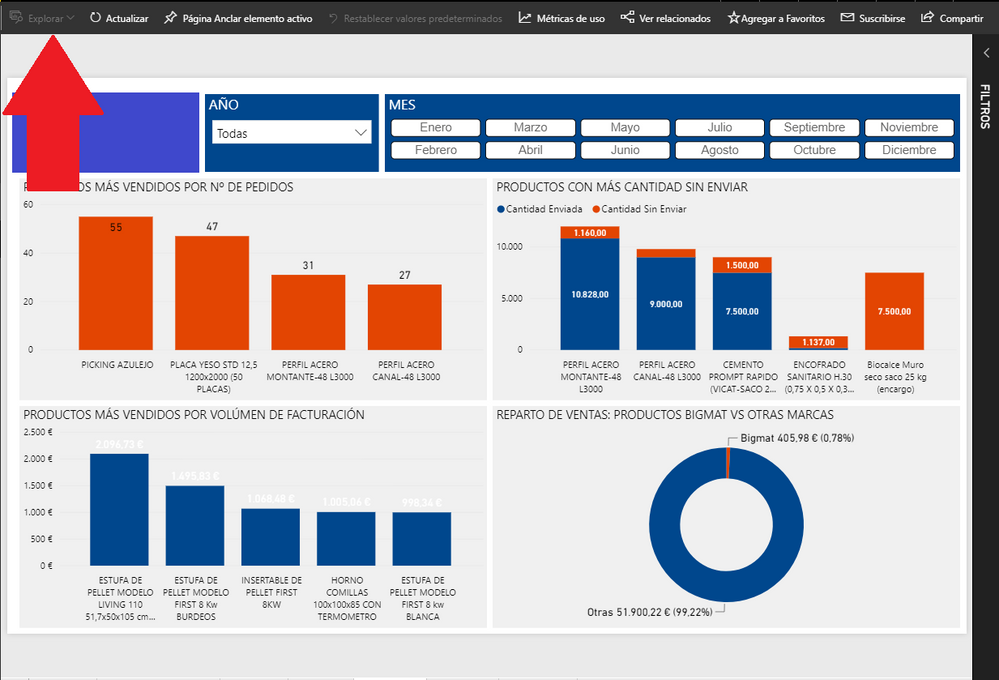
I have observed that the File Menu has disappeared from the panels and I only can see using Microsoft Edge browser.
Anyone more has this problem?
Hi @Anonymous This seems to be a bug when language is changed. The options are actually hiding in the first group. Zoom out your browser a little and you will see the options next to Explorar. This is more of the menu fitting on the top bar, since there is no space the options are going hidden.
Submitted an idea in Issue forums:
Hi,
I have a problem with the interface too. I posted this a few days ago, still no solution:
Friday
Hi,
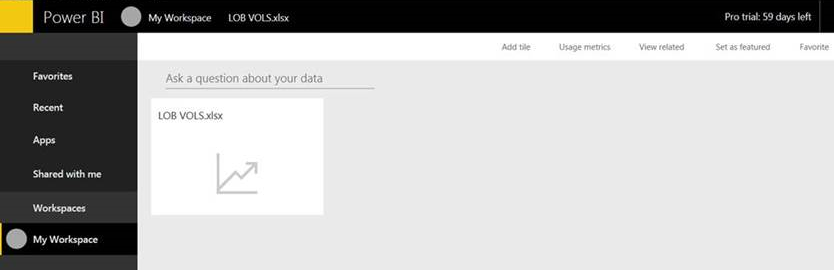
I have encouraged a client to start using the Power BI service. They uploaded a small dataset, however when they sign in, the screen is not loading properly and they are unable to perform any tasks. The screenshot below, shows that the arrows in the Navigation Pane are not displayed and the buttons are greyed out. We have tried relaunching the browser, clearing the cache, restarting the machine etc. They are using Internet Explorer and due to policy cannot use another browser.
Thanks.
The Power BI Data Visualization World Championships is back! Get ahead of the game and start preparing now!