This time we’re going bigger than ever. Fabric, Power BI, SQL, AI and more. We're covering it all. You won't want to miss it.
Learn moreLevel up your Power BI skills this month - build one visual each week and tell better stories with data! Get started
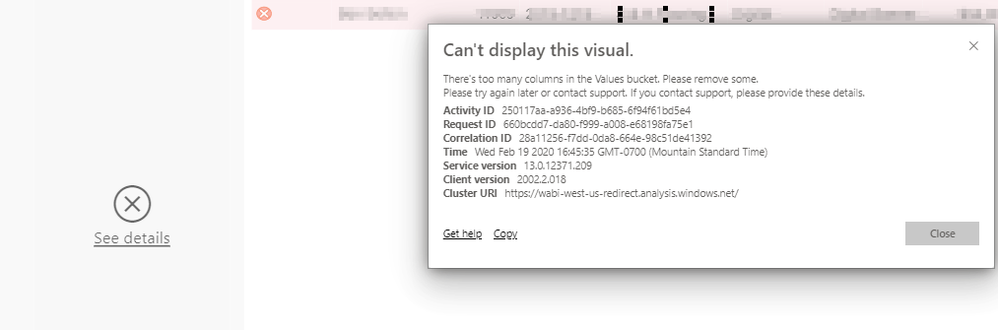
The Feb 2020 Feature Summary noted the release of the preview version of a standard Hierarchy Slicer using the non marketplace standard Filter visual. And it works great on Desktop, but as many have noted in the comments https://powerbi.microsoft.com/en-us/blog/power-bi-desktop-february-2020-feature-summary/, when you publish and view on PowerBi.com, you receive an error saying "Too many columns in the Values bucket." I have a 3 level hierarchy and there are < 10 values total in the lowest level. Is this a Premium only feature? Or how do we get around this problem?
ERROR: Too many columns in the Values bucket
Solved! Go to Solution.
Workaround: I got around the "Too many columns in the Values Bucket" error by publishing as a Dropdown, then editing on PowerBI.com. I then changed it again in desktop and republished and it is still working. See if that works for you. Kludgey, but it works.
Hi @SMHolck ,
Anyway, congratulations on finding one workaround. Please accept your reply as a solution so that people who may have the same question can get the solution directly. Your contribution is highly appreciated.
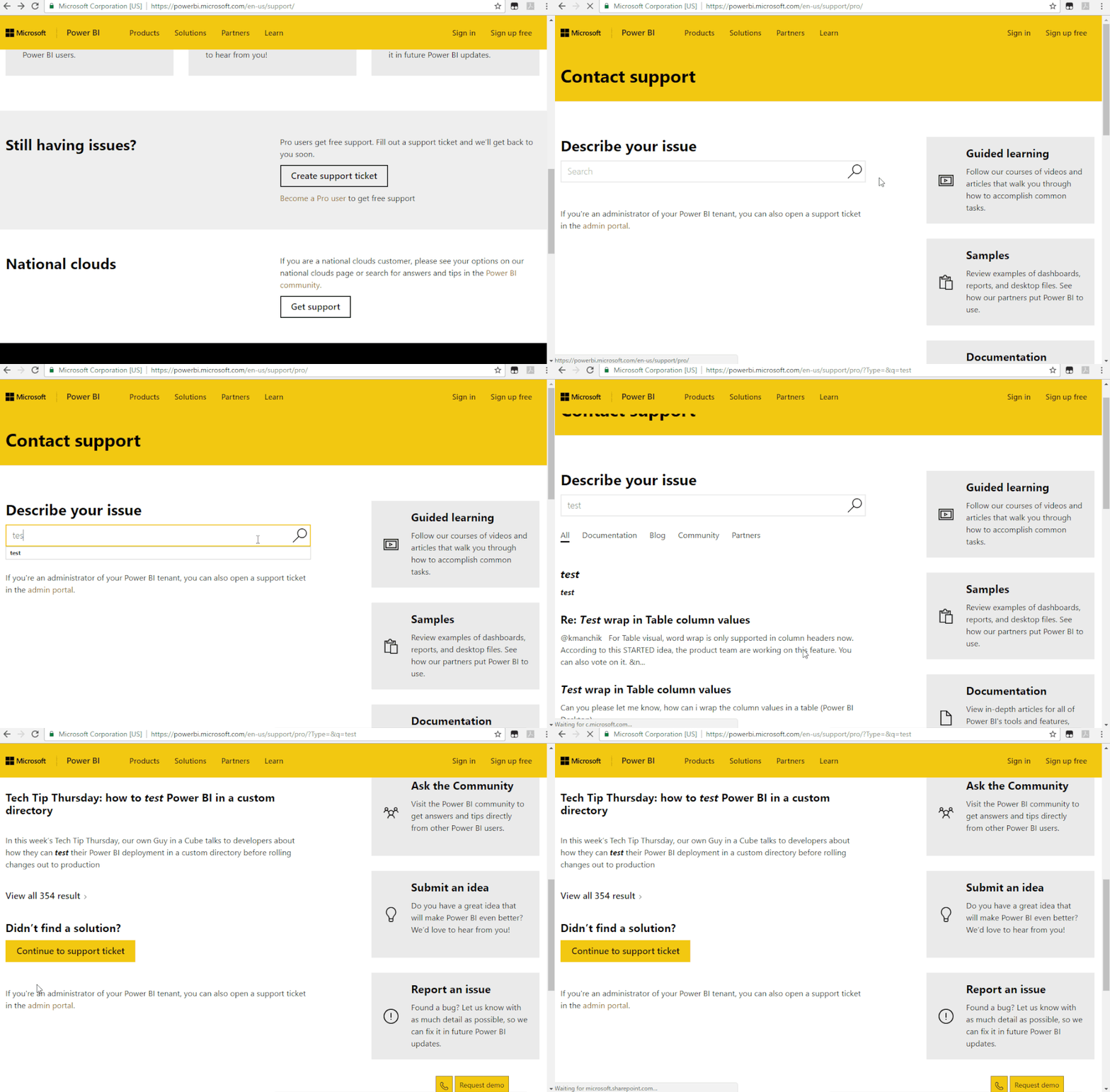
Hope this is just an intermittent problem. If you encounter this problem again in the future and you are a pro user, I suggest you create a support ticket to get further help.
Best Regards,
Icey
If this post helps, then please consider Accept it as the solution to help the other members find it more quickly.
Workaround: I got around the "Too many columns in the Values Bucket" error by publishing as a Dropdown, then editing on PowerBI.com. I then changed it again in desktop and republished and it is still working. See if that works for you. Kludgey, but it works.
Check out the April 2026 Power BI update to learn about new features.
Sign up to receive a private message when registration opens and key events begin.
If you have recently started exploring Fabric, we'd love to hear how it's going. Your feedback can help with product improvements.
| User | Count |
|---|---|
| 11 | |
| 9 | |
| 9 | |
| 7 | |
| 6 |
| User | Count |
|---|---|
| 42 | |
| 27 | |
| 25 | |
| 22 | |
| 22 |