cancel
Showing results for 
Search instead for 
Did you mean: 

We've captured the moments from FabCon & SQLCon that everyone is talking about, and we are bringing them to the community, live and on-demand. Starts on April 14th. Register now

Reply
Abduvali
Skilled Sharer
Skilled Sharer

Extract to PowerPoint

Hi All,


Can anyone advice on the following:


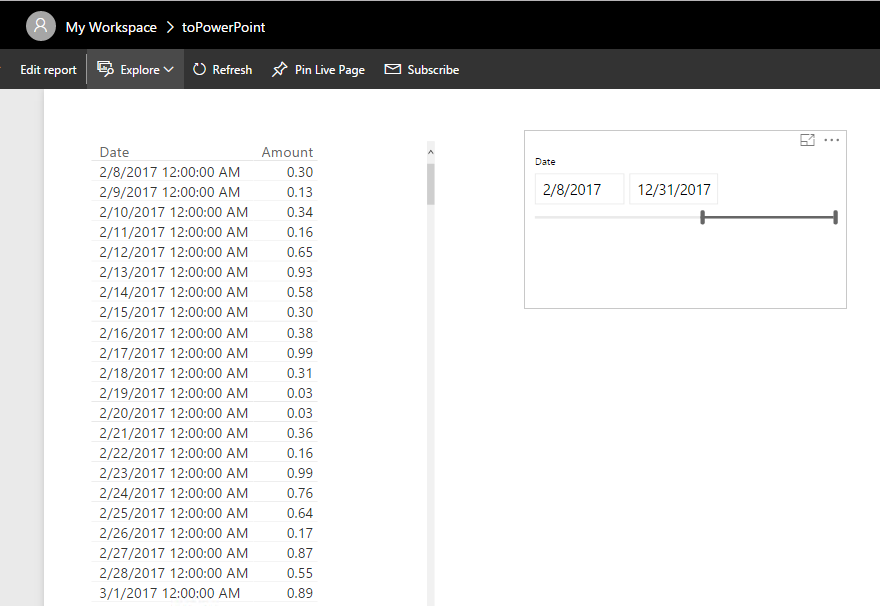
I have report on PowerBI web with last 4 month data which I can filter using date slicer but every time when I try to export to powerpoint, it exports all data and ignores my selections for the current month. I have one solution in mind which is to save a report as a new report and extract but its inconvenience to my users as I'm disabling  EDIT function for all users.


So my question is there a way to make Power BI to export my report to powerpoint with selections I've set in the report like:

  1. Month  = Feb
  2. Ticket Type = Incident

Thank you.


6 REPLIES 6
v-haibl-msft
Microsoft Employee
Microsoft Employee

@Abduvali


Please try again in Power BI Service, it seems that the selection in the slicer will not be lost in exported PPT now.


Best Regards,

Herbert

@v-haibl-msft @v-sihou-msft


Hi Guys,


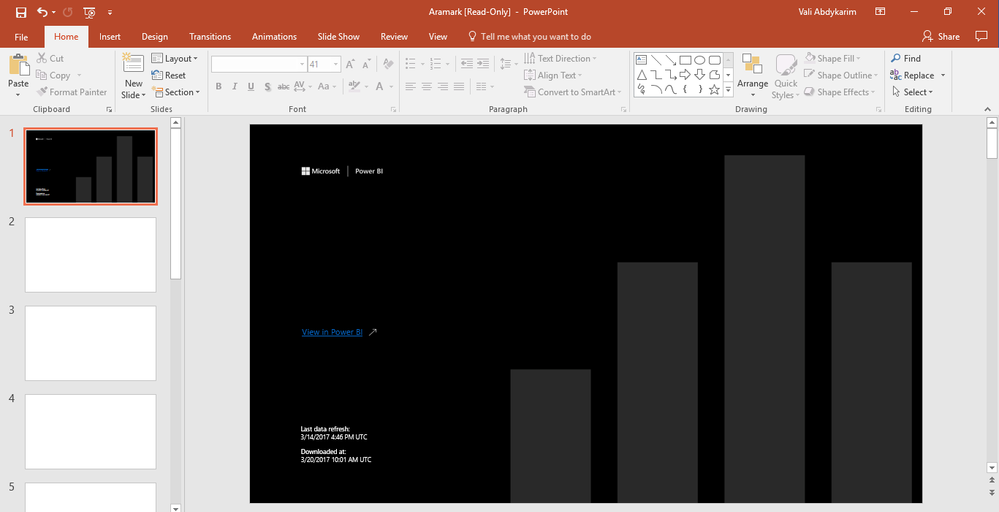
In fact, it's extracting nothing to PPT now:


bbb.PNG


Thanks for looking into the following issue for me!

@v-haibl-msft @v-sihou-msft


Hi Guys,


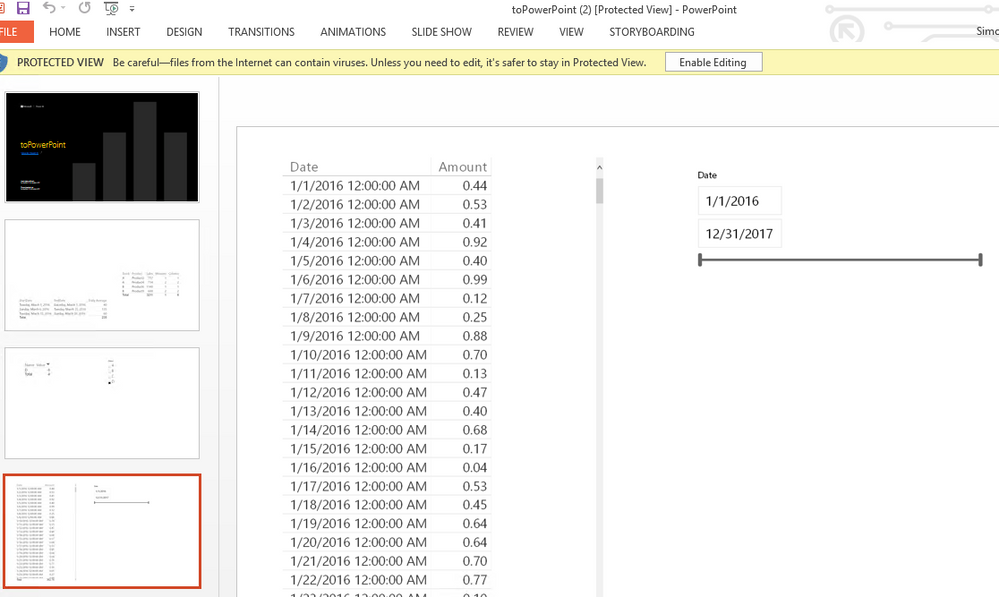
Tried again just a minute ago and it's the same all selections dropped/ignored when exported to PPT (at least exports something to PPT, was exporting nothing this morning)


Hope it helps.


Regards

Abduvali

@Abduvali


Please save your report again to resolve the blank PPT issue.


Best Regards,
Herbert

@v-haibl-msft


Hi Herbert,


Thanks for your replies. Any suggestions on why selections are ignored when exporting to PPT???


Thanks.


Regards

Abduvali

v-sihou-msft
Microsoft Employee
Microsoft Employee

@Abduvali


I reproduced same issue as yours. The report page will ingnore the selection in slicer when exporting to Power Point.


6.PNG


8.PNG


We have reported this issue internally.


Regards,

Helpful resources

Announcements
New to Fabric survey Carousel

New to Fabric Survey

If you have recently started exploring Fabric, we'd love to hear how it's going. Your feedback can help with product improvements.

Power BI DataViz World Championships carousel

Power BI DataViz World Championships - June 2026

A new Power BI DataViz World Championship is coming this June! Don't miss out on submitting your entry.

Join our Fabric User Panel

Join our Fabric User Panel

Share feedback directly with Fabric product managers, participate in targeted research studies and influence the Fabric roadmap.

March Power BI Update Carousel

Power BI Community Update - March 2026

Check out the March 2026 Power BI update to learn about new features.