cancel
Showing results for 
Search instead for 
Did you mean: 

Level up your Power BI skills this month - build one visual each week and tell better stories with data! Get started

Reply
miriambb
Helper I
Helper I

Error when processing in the dataset

Good morning, 

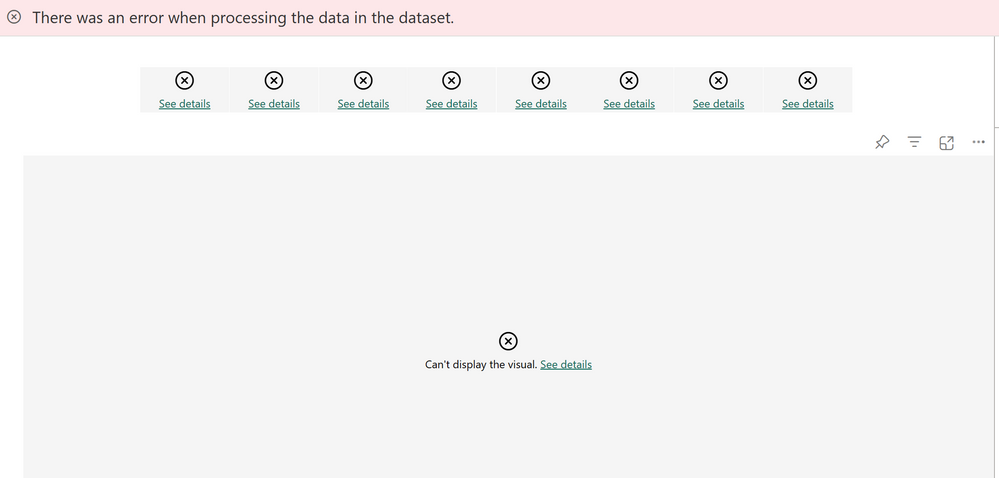
I have created a pbix with one unique source coming from Azure synapse (delta format). I granted the powerbi credentials on my azure SQL. In my power bi desktop, everything works just fine but I am facing one issue when I try to visualized the dashboard on the server.. could someone help me? Thank you


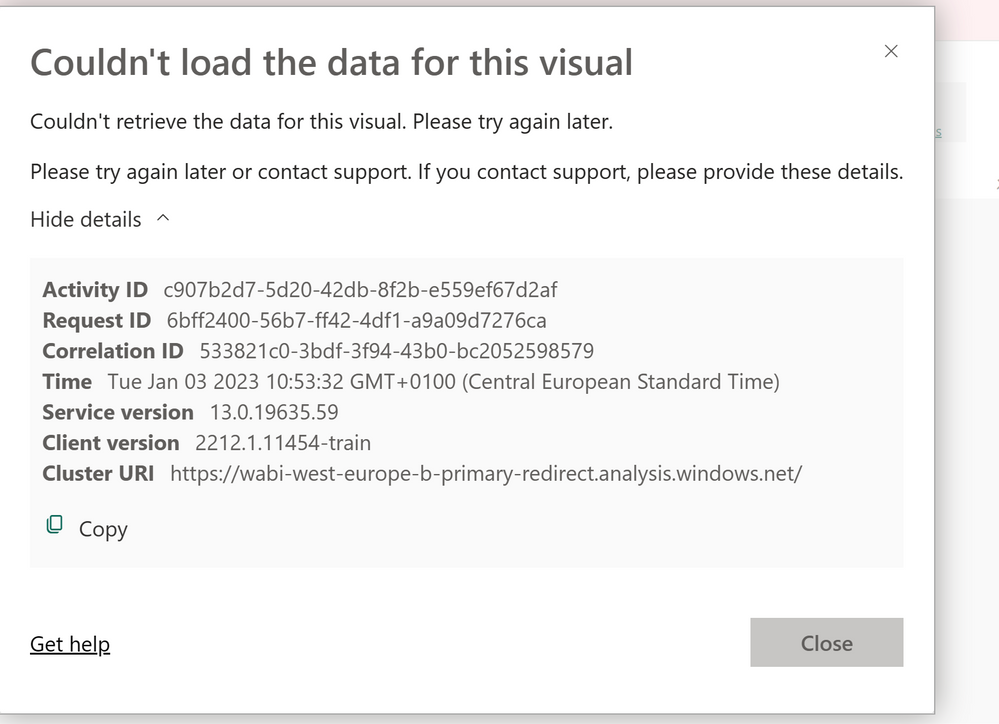
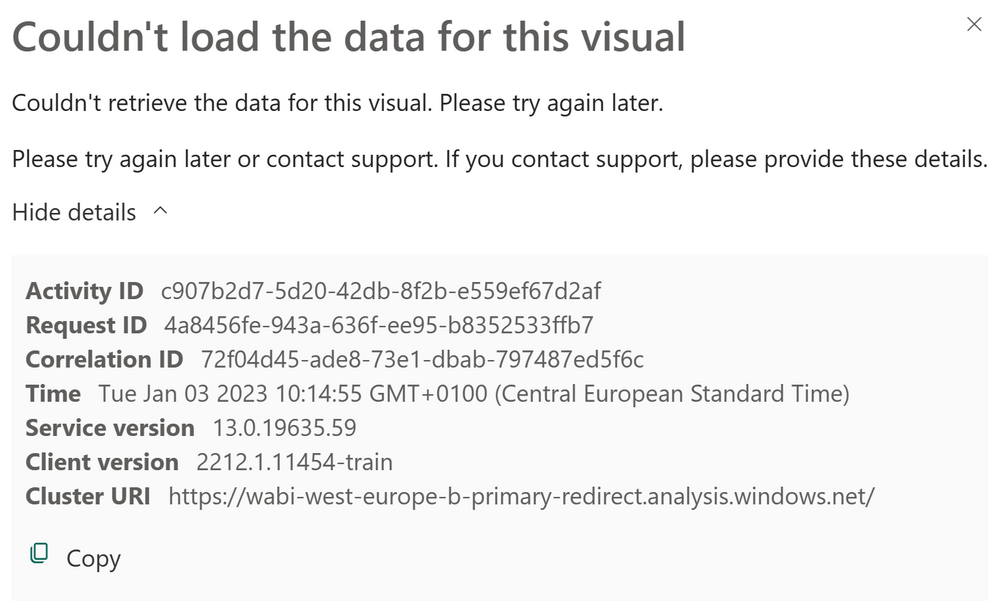
Screenshot 2023-01-03 at 10.53.31.pngScreenshot 2023-01-03 at 10.53.37.pngScreenshot 2023-01-03 at 10.15.15.png

1 ACCEPTED SOLUTION
v-yueyunzh-msft
Community Support
Community Support

Hi , @miriambb 

According to the error details you provided, I can find the following related errors in the background log database of PBI:

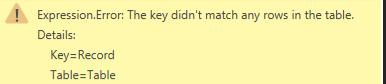
Microsoft.PowerBI.DataMovement.ServiceContracts.PowerBIGatewayException: The key didn't match any rows in the table.


From the error information, it should be the data structure of the data source caused by the change of the error (table name, field name, field order, field data type), the data refresh on the desktop is a schema refresh, will not encounter such an error, but the service above is pure data refresh, if the data structure of the data source any change will lead to such an error, so convenient you need to carefully check and confirm the root cause of the problem in the data source, if convenient, You also need to go to the Power Query section on desktop to first check if all query preview refreshes will not report the same error:
vyueyunzhmsft_0-1672798142776.png

Chris Webb's BI Blog: Understanding The “The key didn’t match any rows in the table” Error In Power ...

Solved: Expression Error.: The key didn't match any rows i... - Microsoft Power BI Community

Solved: Expression.Error: The key did not match any rows i... - Power Platform Community (microsoft....


Thank you for your time and sharing, and thank you for your support and understanding of PowerBI! 


Best Regards,

Aniya Zhang

If this post helps, then please consider Accept it as the solution to help the other members find it more quickly


View solution in original post

1 REPLY 1
v-yueyunzh-msft
Community Support
Community Support

Hi , @miriambb 

According to the error details you provided, I can find the following related errors in the background log database of PBI:

Microsoft.PowerBI.DataMovement.ServiceContracts.PowerBIGatewayException: The key didn't match any rows in the table.


From the error information, it should be the data structure of the data source caused by the change of the error (table name, field name, field order, field data type), the data refresh on the desktop is a schema refresh, will not encounter such an error, but the service above is pure data refresh, if the data structure of the data source any change will lead to such an error, so convenient you need to carefully check and confirm the root cause of the problem in the data source, if convenient, You also need to go to the Power Query section on desktop to first check if all query preview refreshes will not report the same error:

vyueyunzhmsft_0-1672798142776.png

Chris Webb's BI Blog: Understanding The “The key didn’t match any rows in the table” Error In Power ...

Solved: Expression Error.: The key didn't match any rows i... - Microsoft Power BI Community

Solved: Expression.Error: The key did not match any rows i... - Power Platform Community (microsoft....


Thank you for your time and sharing, and thank you for your support and understanding of PowerBI! 


Best Regards,

Aniya Zhang

If this post helps, then please consider Accept it as the solution to help the other members find it more quickly


Helpful resources

Announcements
April Power BI Update Carousel

Power BI Monthly Update - April 2026

Check out the April 2026 Power BI update to learn about new features.

Fabric SQL PBI Data Days

Data Days 2026 coming soon!

Sign up to receive a private message when registration opens and key events begin.

New to Fabric survey Carousel

New to Fabric Survey

If you have recently started exploring Fabric, we'd love to hear how it's going. Your feedback can help with product improvements.

Power BI DataViz World Championships carousel

Power BI DataViz World Championships - June 2026

A new Power BI DataViz World Championship is coming this June! Don't miss out on submitting your entry.