Join us at FabCon Atlanta from March 16 - 20, 2026, for the ultimate Fabric, Power BI, AI and SQL community-led event. Save $200 with code FABCOMM.
Register now!Get Fabric Certified for FREE during Fabric Data Days. Don't miss your chance! Request now
Hi Community,
I am attempting to use Direct Query to connect to an on prem SQL Server with a very simple SQL statement.
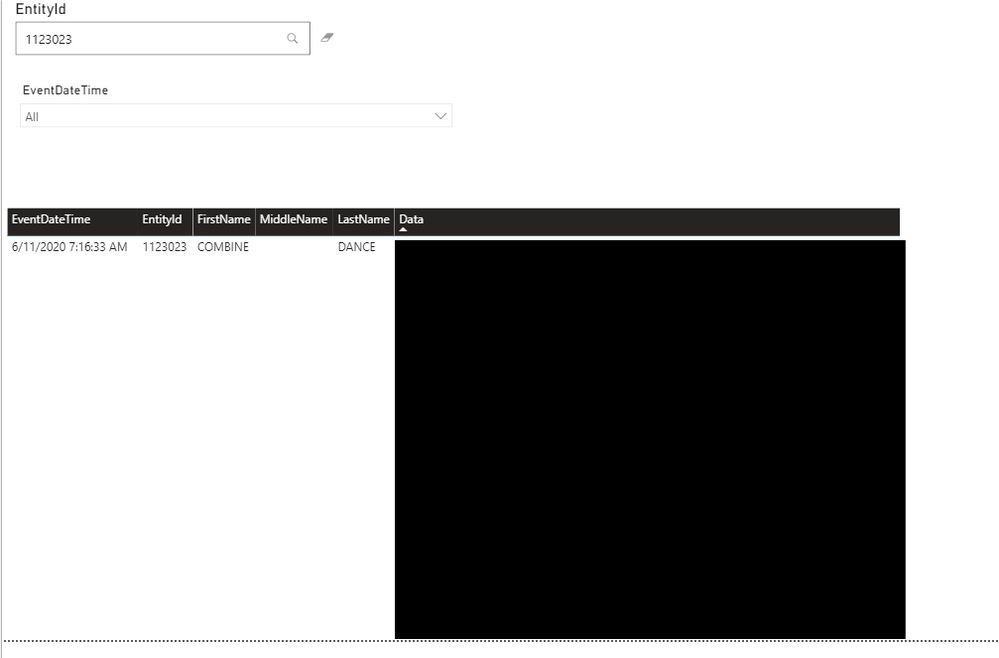
The report looks like this in the Power BI Desktop and uses a table, a text filter and slicer visuals (attached). The number of rows returned on the SQL query is about 5,000.
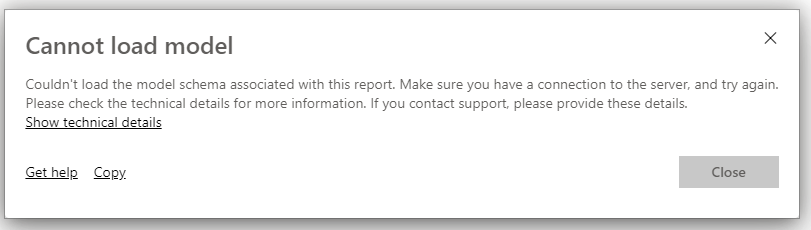
I published the report to the Power BI Services (we have Premium workspace) and I'm getting this error (attached).
My gateway connection to the SQL Server is good and I have the permissions needed on the database.
Any more thoughts on troubleshooting?
Thank you!
Michelle
Hi @Anonymous ,
If this is a Direct Query sometimes you have to ADD (or sometimes, REMOVE) the port number on the SQL server connection. Other things to confirm are that the Gateway (or Premium connection strings) and the Power BI Desktop that created the file are up to date.
If that doesn't fix it, then you should try to run a trace (FIddler for example) and see where the block is happening.
Proud to be a Datanaut!
Private message me for consulting or training needs.
Hi again,
Just circling back to let you know that I haven't solved this issue, so I'm going to Power BI support. Will advise what I find for the community!
Michelle
Check out the November 2025 Power BI update to learn about new features.
Advance your Data & AI career with 50 days of live learning, contests, hands-on challenges, study groups & certifications and more!