We've captured the moments from FabCon & SQLCon that everyone is talking about, and we are bringing them to the community, live and on-demand. Starts on April 14th. Register now
When I try to change the amount of memory or container size on my dataflows in the Admin Portal, I get the following error:
Invalid input for Container Size (Mb). Please enter a number value between 700 and 0
I am using a container size of 700MB, and a memory percentage of 40%. If I try to change either of these, it gives me the error. It will not let me save, but I can cancel my changes and things still work.
Hi @andyparkerson ,
There do have a limitation for your size, it is basd on your premium capacity and Dataflow workload Max Memory (%).
I have A1 capacity. The issue is that the error is telling me the container size needs to be between 700 and 0. I cannot change the container size up or down from the 700 it is currently at. I cannot change the memory up or down from the 40% it is currently at either, because of the container size error message.
If I delete the entry in Container Size (and leave it blank), the error message goes away and I am able to save it. I haven't tried this, as I am wary of breaking something.
I do not believe this is a limitation due to capacity settings, but rather a bug.
Hi @andyparkerson ,
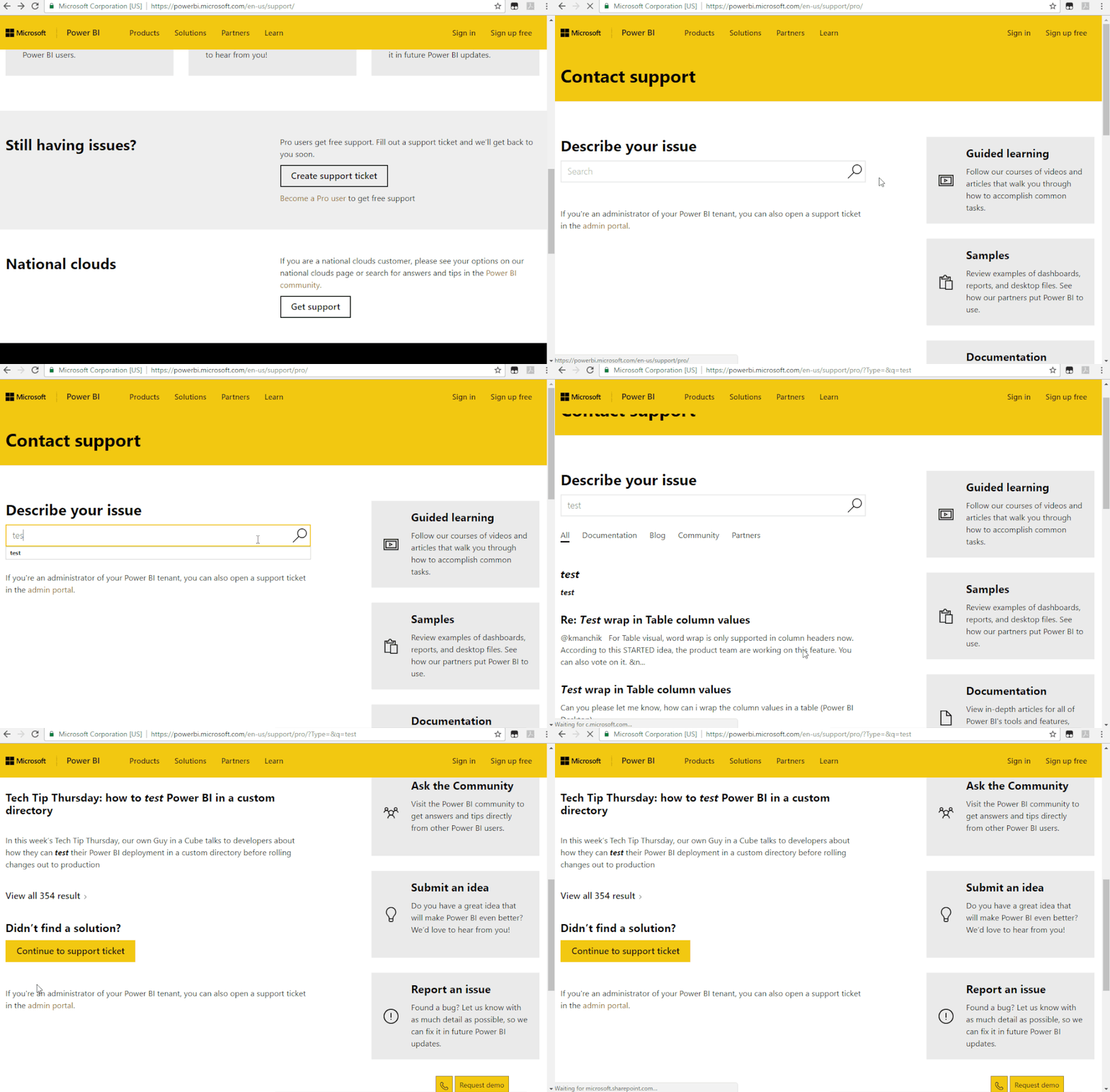
Due to I could not reproduce your pronlem, I suggest you create a support ticket:
Regards,
Daniel He
Thanks for your help. I opened a ticket today. I will reply with the solution for others who may wander upon this thread in the future.
If you have recently started exploring Fabric, we'd love to hear how it's going. Your feedback can help with product improvements.
A new Power BI DataViz World Championship is coming this June! Don't miss out on submitting your entry.