cancel
Showing results for 
Search instead for 
Did you mean: 

Try your skills in the Power BI Dataviz World Championship! Round one ends June 26. Join now

Reply
Anonymous
Not applicable

App doesn't match report

I'm so confused.  I have a report that i created in desktop that I publish to the service and distribute as an app to my organization.  It worked great until last week.  I made some changes to the report in desktop and when I published it and updated the app (which I've done successfully many times before), one line chart has different data in the app.  I check the report online and the data looks correct.  I created at dashboard from the report and that works and updates correctly.  It's just the one chart in the app that has different numbers.....


Any thoughts?

1 ACCEPTED SOLUTION
v-danhe-msft
Microsoft Employee
Microsoft Employee

Hi @Anonymous ,

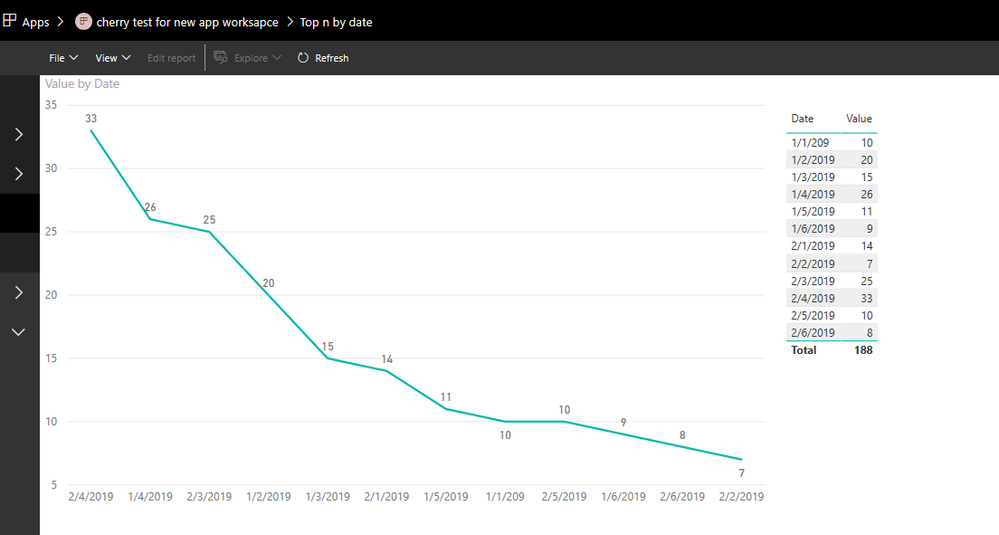
Based on my test, it could work on my side:

Befor update the App:

1.PNG

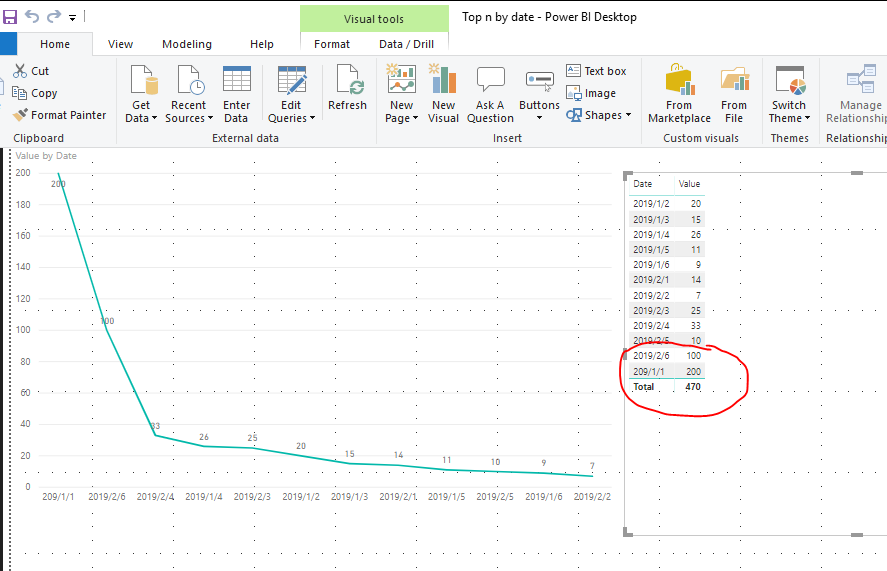
Modify the data in desktop and republish to service:

2.PNG

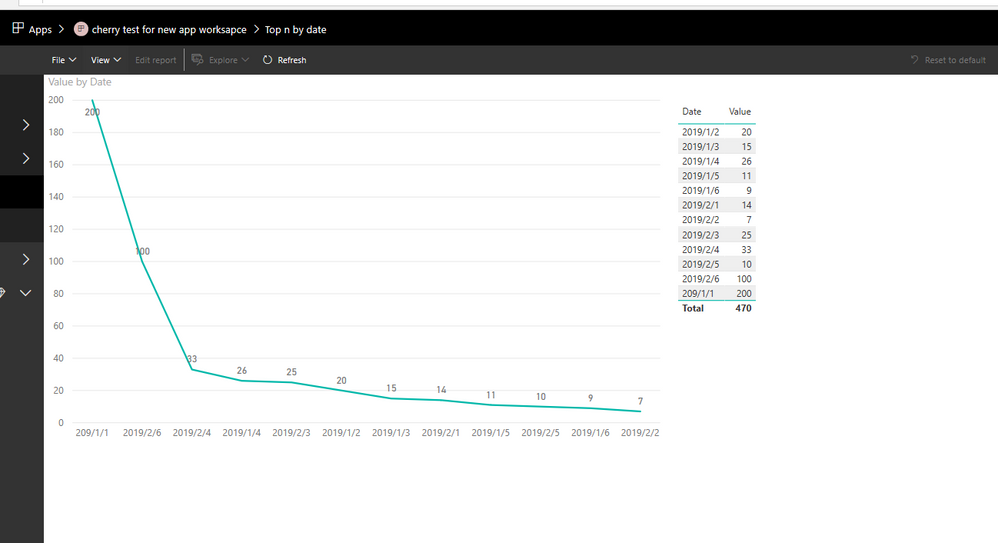
After update the App in service:

3.PNG

Could you have refreshed your report in service after you have republished your report? Also the tile to refresh may take about 15 minutes, you could wait for more time to have a try:

https://docs.microsoft.com/en-us/power-bi/refresh-data#tile-refresh


Regards,

Daniel He

Community Support Team _ Daniel He
If this post helps, then please consider Accept it as the solution to help the other members find it more quickly.

View solution in original post

1 REPLY 1
v-danhe-msft
Microsoft Employee
Microsoft Employee

Hi @Anonymous ,

Based on my test, it could work on my side:

Befor update the App:

1.PNG

Modify the data in desktop and republish to service:

2.PNG

After update the App in service:

3.PNG

Could you have refreshed your report in service after you have republished your report? Also the tile to refresh may take about 15 minutes, you could wait for more time to have a try:

https://docs.microsoft.com/en-us/power-bi/refresh-data#tile-refresh


Regards,

Daniel He

Community Support Team _ Daniel He
If this post helps, then please consider Accept it as the solution to help the other members find it more quickly.

Helpful resources

Announcements
Fabric Data Days is here Carousel

Data Days 2026

Don't miss out on Data Days, June 15 through August 7. Learn Fabric, Power BI, SQL, AI and more.

Power BI DataViz World Championships carousel

Power BI DataViz World Championships - June 2026

A new Power BI DataViz World Championship is coming this June! Don't miss out on submitting your entry.