Get certified for free when you join Fabric Data Days 2026 and dive into Fabric, Power BI, SQL, AI, and other essential data skills.
Join nowTry your skills in the Power BI Dataviz World Championship! Round one ends June 26. Join now
Hi,
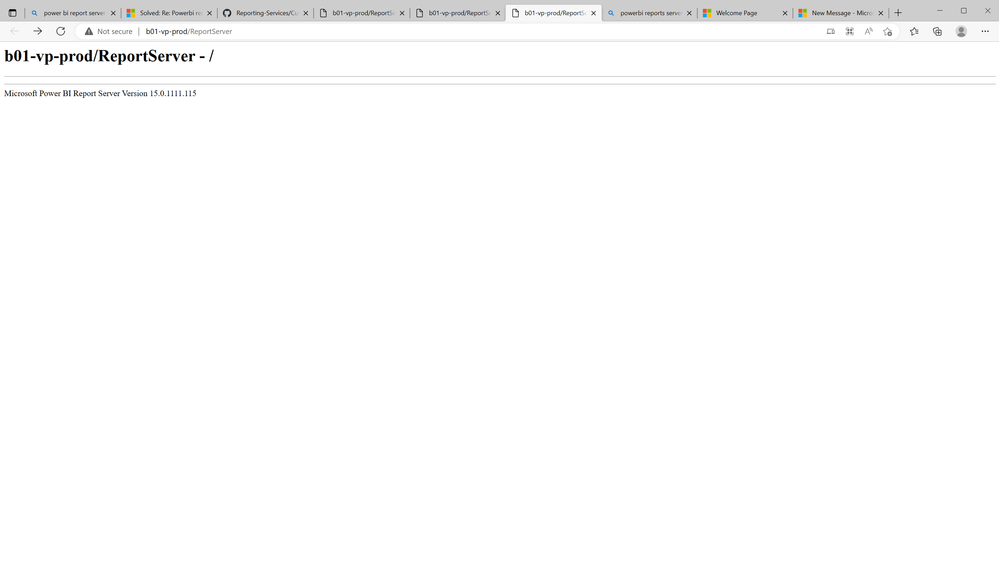
My report server looks like this, what have i done wrong?
Solved! Go to Solution.
That didnt work eather untill i clicked apply in "Web portals URL" config.
Now it looks like it should.
Thank you for the help!
There is no problem everything works you just don't use the good url.
Replace "ReportServer" by "Reports" (or Report)
______________________________________________________
If you found this post helpful, please give Kudos C
That didnt work eather untill i clicked apply in "Web portals URL" config.
Now it looks like it should.
Thank you for the help!
| User | Count |
|---|---|
| 3 | |
| 1 | |
| 1 | |
| 1 | |
| 1 |
| User | Count |
|---|---|
| 2 | |
| 1 | |
| 1 | |
| 1 | |
| 1 |