Get certified for free when you join Fabric Data Days 2026 and dive into Fabric, Power BI, SQL, AI, and other essential data skills.
Join nowTry your skills in the Power BI Dataviz World Championship! Round one ends June 26. Join now
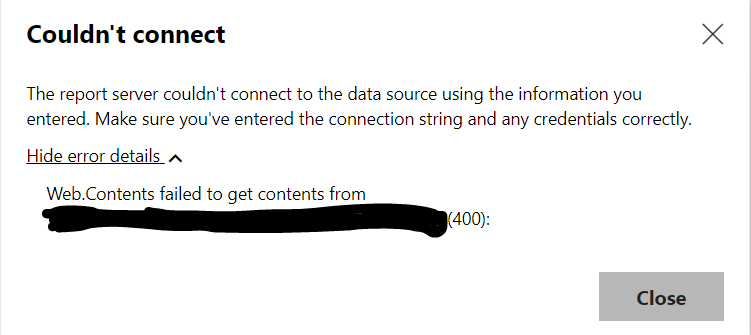
I am trying to use the on-demand refresh in Power BI to refresh data from a REST API. I use a combination of simple direct requests and queries that loop through the pages. The refresh now feature works in Power BI Service because the app detects the correct connection string containing all the required endpoints, but this is not the case in Power BI Report Server.
When I look at the connection string in Power BI report server, the required endpoint is missing. Since there is a required endpoint for this specific API request we see a bad request on the server because Power BI report server only detects the connection string as “URL” and not “URL?required=1”, the required url. I’ve tried rewriting my queries in many ways, but nothing seems to work and there’s no way to manually edit the connection string in Power BI Report Server. Has anyone faced this problem?
Don't miss out on Data Days, June 15 through August 7. Learn Fabric, Power BI, SQL, AI and more.
Check out the May 2026 Power BI update to learn about new features.
| User | Count |
|---|---|
| 2 | |
| 1 | |
| 1 | |
| 1 | |
| 1 |