Hi @jcaranibar ,
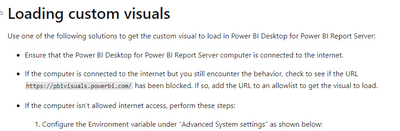
If it still not working, maybe report server doesn't support it.
For the time being, there are some limitations of Report Server, with reference to the following:
- Can’t create reports in the browser
- There are no dashboards
- There are no datasets, so no sharing between reports
- Can’t create content packs
- Can’t analyze in Excel
- Can't have many-to-many relationships
- No quick insights
- No data alerts
- No full-screen mode
- No R visuals
- No preview features
- Less updates and improvements
- Some custom visuals from the Microsoft Power BI Community do not work
And you could test publish it to Power BI Server,refer:
Limitations of Power BI on Report Server... Be Adv... - Microsoft Power BI Community
Best regards,
Community Support Team_ Binbin Yu
If this post helps, then please consider Accept it as the solution to help the other members find it more quickly.