Join us at FabCon Atlanta from March 16 - 20, 2026, for the ultimate Fabric, Power BI, AI and SQL community-led event. Save $200 with code FABCOMM.
Register now!The Power BI Data Visualization World Championships is back! It's time to submit your entry. Live now!
I have a paginated report that gets data from an Azure SQL Server.
In the SQL code in the Dataset, one column is CURRENT_USER that gets me the AD user email address when running the SQL code outside the report.
When uploading the report to a Power BI Workspace the CURRENT_USER column is empty.
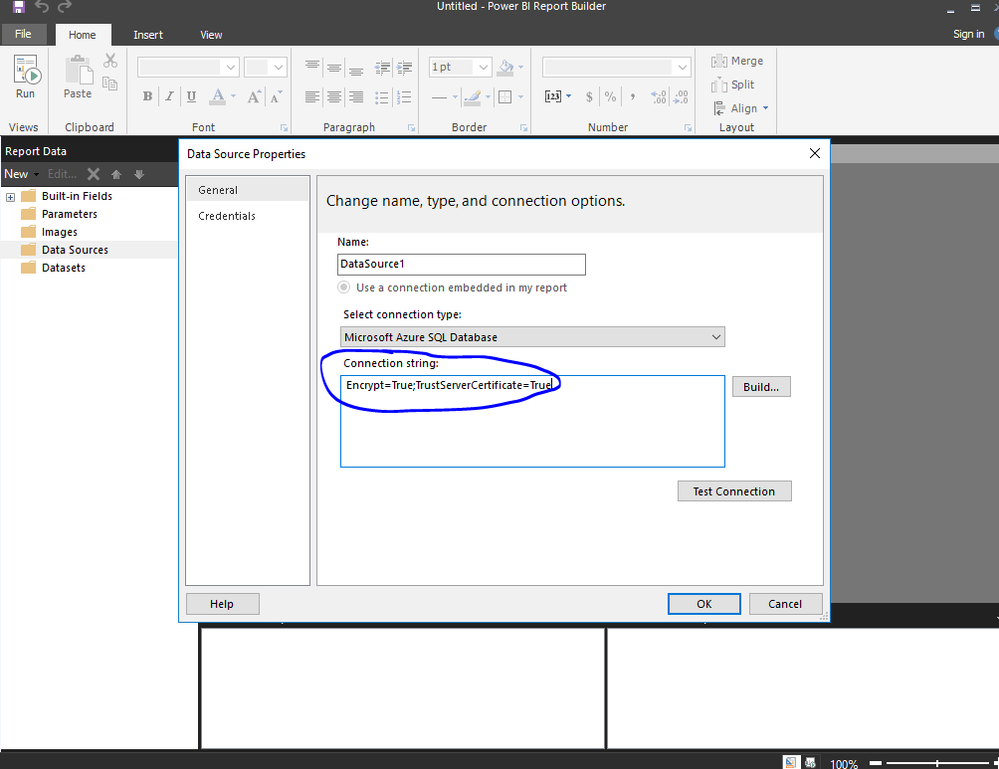
How do I configure the data source in Power BI report builder without adding user/PW in the data source and use 'ActiveDirectoryIntegrated'. Tried a lot of settings but don't get it to work.
Either I have to add a user in the data source or it dont work in the report.
Used 'ActiveDirectoryIntegrated' in Advanced properties.
Thanks.
Hi @Anonymous ,
Your issue is more related to azure sql db. I would also suggest you open a thread in azure sql db forum.
As far as I know, you can use ActiveDirectoryIntegrated in connection string :
Use connection string like below:
string ConnectionString = @"Data Source=n9lxnyuzhv.database.windows.net; Authentication=Active Directory Integrated; Initial Catalog=testdb;";
SqlConnection conn = new SqlConnection(ConnectionString);
conn.Open();
For more details, please refer to https://stackoverflow.com/questions/49771761/azure-sql-database-active-directory-integrated-authentication
If this post helps, then please consider Accept it as the solution to help the other members find it more quickly.
Best Regards,
Dedmon Dai
| User | Count |
|---|---|
| 3 | |
| 3 | |
| 2 | |
| 2 | |
| 1 |