Join us at FabCon Atlanta from March 16 - 20, 2026, for the ultimate Fabric, Power BI, AI and SQL community-led event. Save $200 with code FABCOMM.
Register now!The Power BI Data Visualization World Championships is back! Get ahead of the game and start preparing now! Learn more
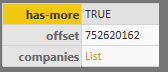
Hi I’ve been working on trying to use List.generate to create a paginated list from a api. My issue is that my api uses Cursor-Based Pagination. A single request will give me three sections “has-more” “offset” and “companies”.
If "has-more" is true, I need to make another request, using the "offset" value given to get the next page of company records, "companies" is the actual information I need.
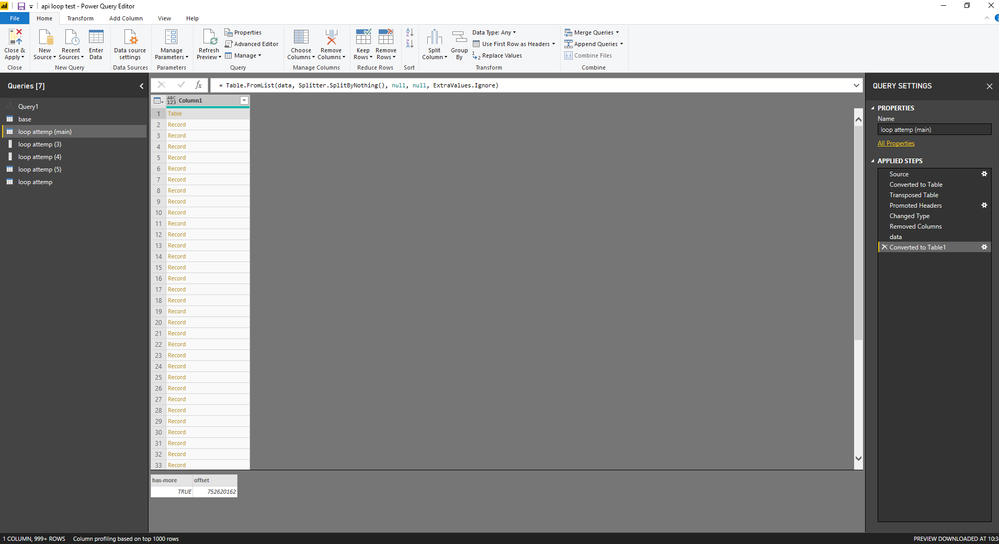
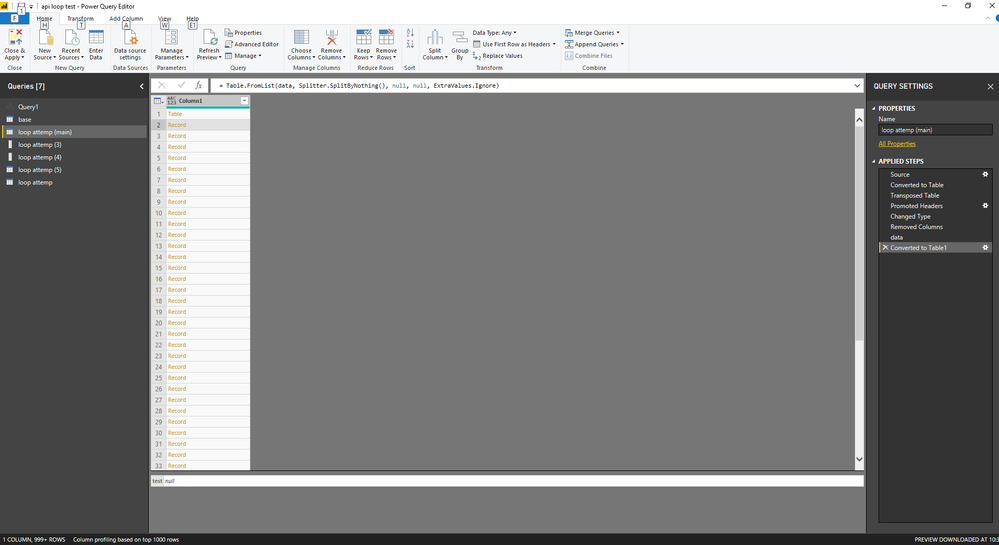
I cant seem to figure out how to refer to the “has-more” and “offset” values within the list.generate step. No matter what I try list generate returns null values.
Solved! Go to Solution.
Hi @DSArkphire
you're not using the correct syntax to reference objects in Power Query / the M-language.
Try this:
Pagination = List.Generate( ()=> Source, // Start value should be a record each [offset] <> 0 // refers to the records field (your expression would always return true) each Json.Document(Web.Contents(<YourURLin””> & Text.From([offset]) )
Further reading on value types and how to reference them: https://docs.microsoft.com/en-us/powerquery-m/expressions-values-and-let-expression
Imke Feldmann (The BIccountant)
If you liked my solution, please give it a thumbs up. And if I did answer your question, please mark this post as a solution. Thanks!
How to integrate M-code into your solution -- How to get your questions answered quickly -- How to provide sample data -- Check out more PBI- learning resources here -- Performance Tipps for M-queries
@DSArkphire - were you able to incorporate the solution provided by @ImkeF to resolve your issue? If so, could you please post the final/working code?
Hi @DSArkphire
you're not using the correct syntax to reference objects in Power Query / the M-language.
Try this:
Pagination = List.Generate( ()=> Source, // Start value should be a record each [offset] <> 0 // refers to the records field (your expression would always return true) each Json.Document(Web.Contents(<YourURLin””> & Text.From([offset]) )
Further reading on value types and how to reference them: https://docs.microsoft.com/en-us/powerquery-m/expressions-values-and-let-expression
Imke Feldmann (The BIccountant)
If you liked my solution, please give it a thumbs up. And if I did answer your question, please mark this post as a solution. Thanks!
How to integrate M-code into your solution -- How to get your questions answered quickly -- How to provide sample data -- Check out more PBI- learning resources here -- Performance Tipps for M-queries
Thank you for your Help ImkeF and for explaining my problem, that's a big help.
The Power BI Data Visualization World Championships is back! Get ahead of the game and start preparing now!