Join us at FabCon Atlanta from March 16 - 20, 2026, for the ultimate Fabric, Power BI, AI and SQL community-led event. Save $200 with code FABCOMM.
Register now!The Power BI Data Visualization World Championships is back! Get ahead of the game and start preparing now! Learn more
Hello,
I'm trying to link data from a table to a series of images so that if I click on an a value in a slicer visual, it'll show an image that is linked to it on a dashboard report.
Any ideas?
Solved! Go to Solution.
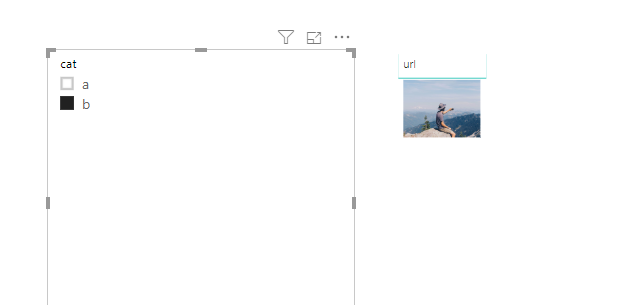
Hi @Anonymous ,
Does that meet your requirement?
Thanks @v-frfei-msft for the response. I noticed in the URL report that the table has a "url" column with base64 data. How did you get that? I'm trying to convert my jpegs to base64 so that I can create a similar table by using this website: https://onlinejpgtools.com/convert-jpg-to-base64
However it produces a VERY large base64 encoding. I know that PowerBI has a limit to the number of characters in a cell. So is there another way to convert the images to url?
Thanks
Put the image url in the table as a column associated with the items. Create a measure that is something like MAX([ImageURL]). Tag it as Image URL data categorization. Put measure in a table visual or something.
The Power BI Data Visualization World Championships is back! Get ahead of the game and start preparing now!