I need to get a Table shown as Expense Summary after finishing data entry of Expenses.
Reason is the stock Summary Report:
- lack export capability
- lack Amount (in currency of receipt).
- lack Condensed Format such as Column Width to Fit Content..
- Column cannot be hidden for somebody who has only one Business Purpose.
It will be ideal to copy and paste Table from this WebPage in Edge Browser into Excel but I need help to do so.
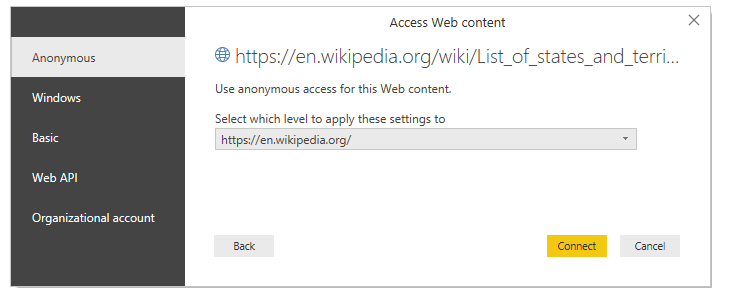
As alternative, I found methods to Import Table from Website but they do not work on said webpage.
I suspect user login is a problem for above methods that work for website that does not require login.
EXAMPLE of what I tried :
Smart Copy (from Edge Browser) into Excel but how to prevent pasted Headers from concatenated string "Sort column ascending"? else, I remove string "Sort column ascending" for Headers
- https://www.exceldemy.com/import-table-from-website-to-excel/ Error Message " This Web query returned no data. To change the query, click OK, click the arrow on the name box in the formula bar, click the name of the eRernaI data range for the Web query, right-click the selection, and thenclick Edit Query. "Webpage containing Table of Summary Report
URL containing Tabular data
https://eu2.concursolutions.com/nui/expense/report/FD2D8322FBD44B6CBA5C