This time we’re going bigger than ever. Fabric, Power BI, SQL, AI and more. We're covering it all. You won't want to miss it.
Learn moreLevel up your Power BI skills this month - build one visual each week and tell better stories with data! Get started
Hi,
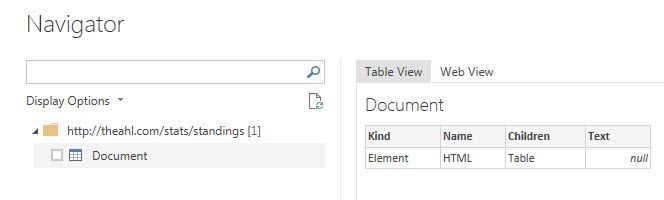
I'd like to get data from websites where data is already under the "table" form, but it happens quite frequently that Power BI couldn't convert them to table. Do you have any idea how to get around this issue ?
There's a website that just a day ago, I was able to extract perfectly a dozen tables. But this morning, I could no longer import data; I get the same issue as the screenshot above.
Hi @zzzzoooo,
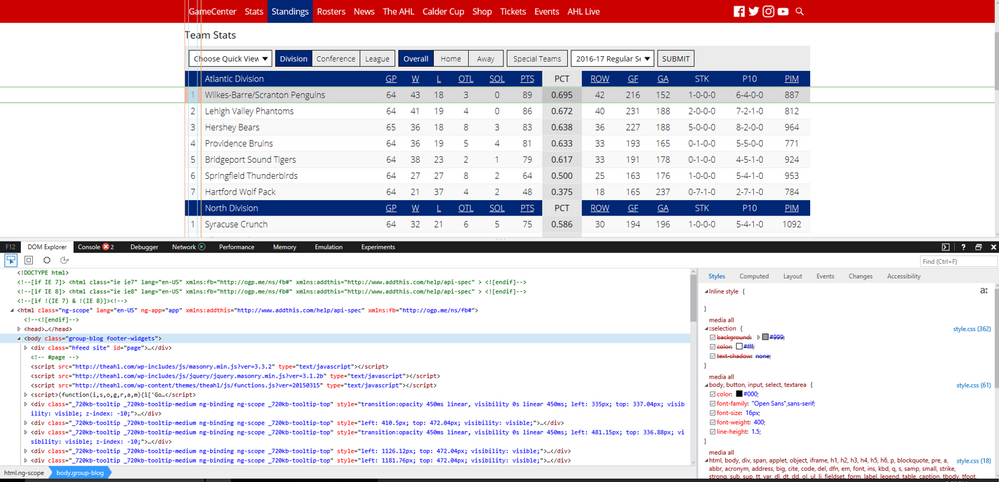
This is not a issue of Power BI Desktop, it is related to the design of your webpage.
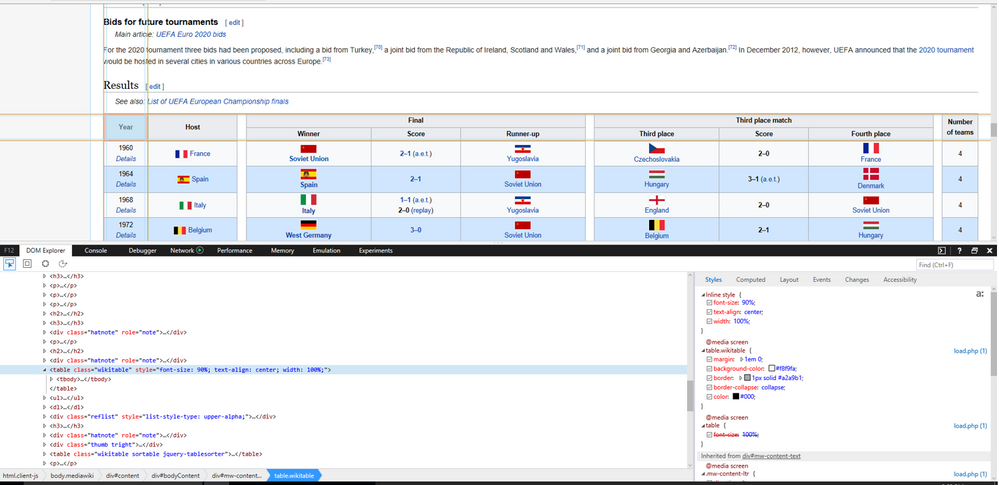
As per this official article, Power BI Desktop can import data from tables on a web page. However, in your scenario, the data in the web page is not stored in a table. You can compare the elements of web page(http://en.wikipedia.org/wiki/UEFA_European_Football_Championship) introduced in official article and your web page(http://theahl.com/stats/standings).
Thanks,
Lydia Zhang
Check out the April 2026 Power BI update to learn about new features.
Sign up to receive a private message when registration opens and key events begin.
If you have recently started exploring Fabric, we'd love to hear how it's going. Your feedback can help with product improvements.