Get certified for free when you join Fabric Data Days 2026 and dive into Fabric, Power BI, SQL, AI, and other essential data skills.
Join nowJuly 7 - July 17 | Round 2 of the Power BI Dataviz World Championships. Don't miss your chance! Learn more
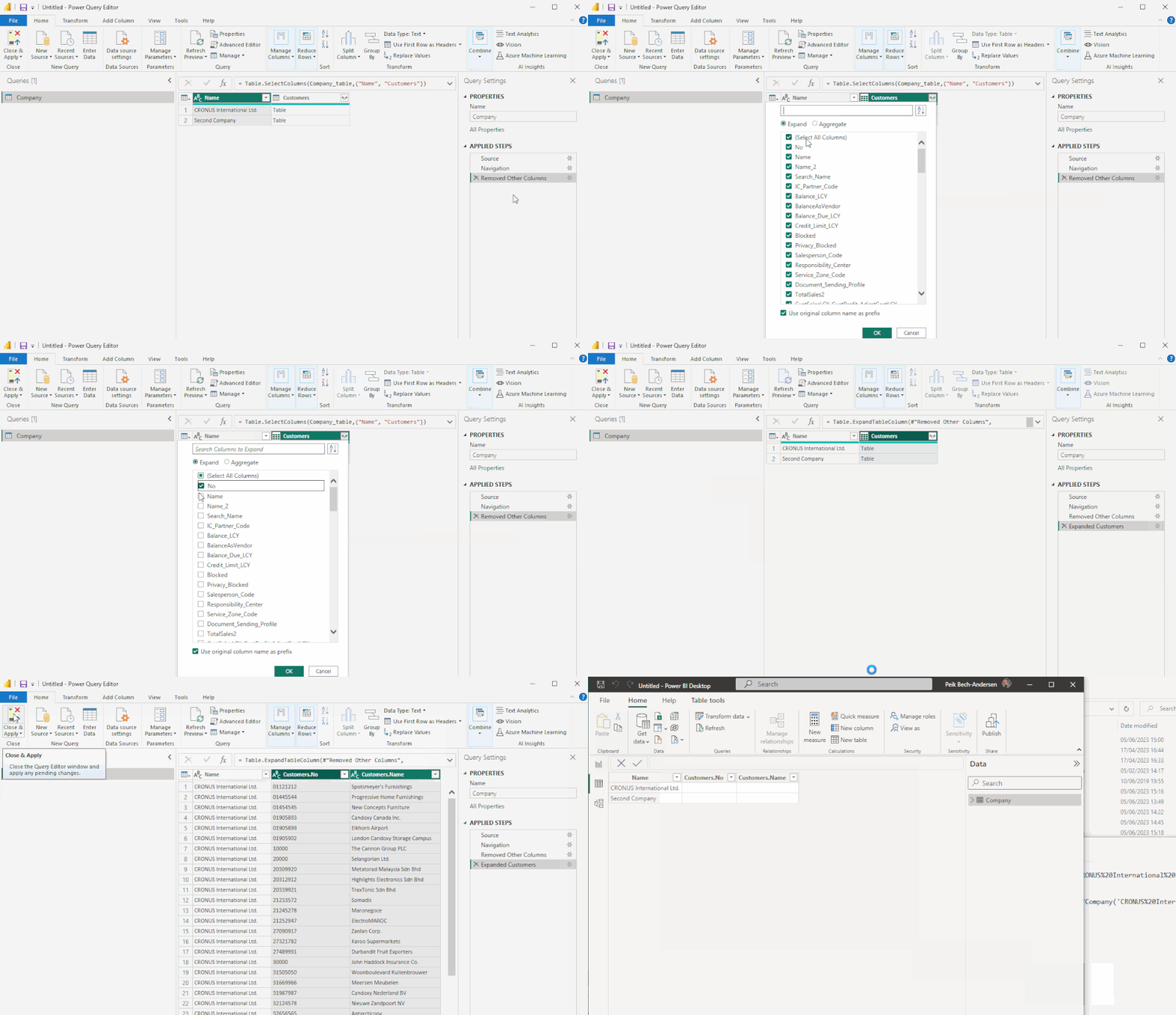
This used to work in previous versions in Power BI.
Any Idea how I can make it work?
Hi Gao,
Been there done that 😀
I'm running on the latest version .
I have been clicking the refresh button so much, it is all warn now.
I would like to know if there is anywhere I can see how it transports from Power Query to Model Data.
/Peik
Hi @peikba2 ,
What's the error message?
Try recreating a file and repeating the steps.
Best Regards,
Gao
Community Support Team
Hi Gao,
Thanks for replieng.
I have tried it many times, there are no error message, it just only shows the two records from the first table.
/Peik
Hi @peikba2 ,
What is the data source? Is it possible to provide all the steps? I will try to reproduce the behavior.🤔
It would be nice to have a simplified test file that does not contain private data.
How to provide sample data in the Power BI Forum
Best Regards,
Gao
Community Support Team
Hi Gao,
The data source is standard OData Feed from a Dynamics 365 Business Central
Hi @peikba2 ,
Generally, after clicking the Apply and Close buttons, a loading prompt will pop up on the desktop. But it doesn't seem to be in the photo above.
1. Try clicking the Refresh button.
2. Try updating PBI Desktop to the latest version.
Download Microsoft Power BI Desktop from Official Microsoft Download Center
Best Regards,
Gao
Community Support Team
If there is any post helps, then please consider Accept it as the solution to help the other members find it more quickly. If I misunderstand your needs or you still have problems on it, please feel free to let us know. Thanks a lot!
How to get your questions answered quickly -- How to provide sample data in the Power BI Forum
Join us in Barcelona for FabCon and SQLCon, the Fabric, Power BI, SQL, and AI community event. Save €200 with code FABCMTY200.
Join Data Days 2026: 60 days of free live/on-demand sessions, challenges, study groups, and certification opportunities.