cancel
Showing results for 
Search instead for 
Did you mean: 

Learn from the best! Meet the four finalists headed to the FINALS of the Power BI Dataviz World Championships! Register now

Reply
Arranafc19
Helper IV
Helper IV

Error connecting Azure Database for My SQL


I recently set up an Azure Database for My SQL 


and I am trying to connect it to Power BI but I am encountering the following error:


"Authentication failed because the remote party has closed the transport stream"


Anyone any suggestions on how to address this connection issue ?

1 REPLY 1
Anonymous
Not applicable

@Arranafc19,

I can successfully connect to Azure MySQL database in the latest version of Power BI Desktop(2.57.5068.721 ). In your scenario, please verify the following things.

1. Set up firewall rule as described in this article. Check if you can connect to Azure MySQL database from MySQL workbench, ensure that MySQL workbench is installed in the same machine with Power BI Desktop. 
2. Use latest version of Power BI Desktop.
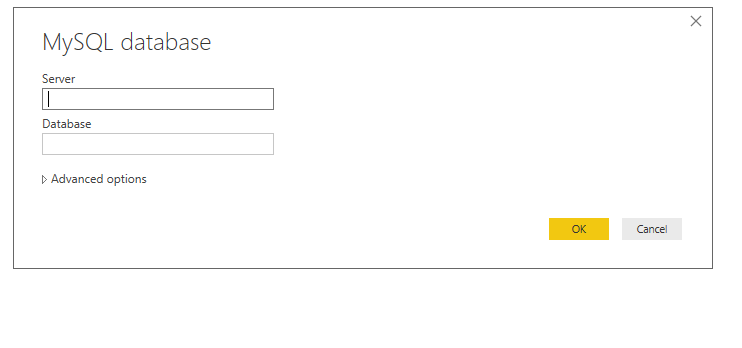
3. Input servername: port as Server, and use Database authentication.
1.PNG

Regards,
Lydia

Helpful resources

Announcements
Join our Fabric User Panel

Join our Fabric User Panel

Share feedback directly with Fabric product managers, participate in targeted research studies and influence the Fabric roadmap.

March Power BI Update Carousel

Power BI Community Update - March 2026

Check out the March 2026 Power BI update to learn about new features.