Join us at FabCon Atlanta from March 16 - 20, 2026, for the ultimate Fabric, Power BI, AI and SQL community-led event. Save $200 with code FABCOMM.
Register now!The Power BI Data Visualization World Championships is back! Get ahead of the game and start preparing now! Learn more
I recently set up an Azure Database for My SQL
and I am trying to connect it to Power BI but I am encountering the following error:
"Authentication failed because the remote party has closed the transport stream"
Anyone any suggestions on how to address this connection issue ?
@Arranafc19,
I can successfully connect to Azure MySQL database in the latest version of Power BI Desktop(2.57.5068.721 ). In your scenario, please verify the following things.
1. Set up firewall rule as described in this article. Check if you can connect to Azure MySQL database from MySQL workbench, ensure that MySQL workbench is installed in the same machine with Power BI Desktop.
2. Use latest version of Power BI Desktop.
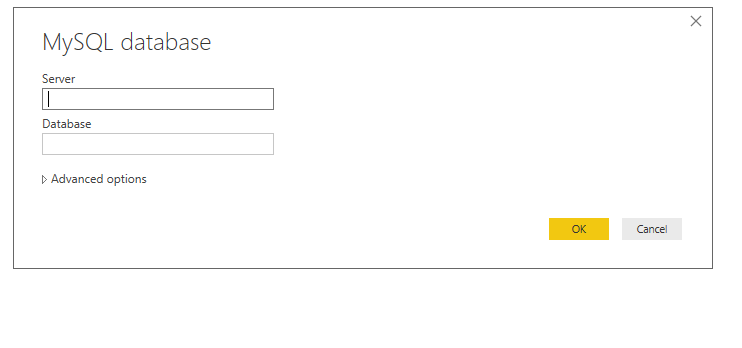
3. Input servername: port as Server, and use Database authentication.
Regards,
Lydia
The Power BI Data Visualization World Championships is back! Get ahead of the game and start preparing now!
Check out the November 2025 Power BI update to learn about new features.